12
Stuck Protection
1. When the propeller is stuck and isn't spinning, the LED light will ick to start protection. Meanwhile, the
motor stops running.
2. Pull the left stick to the lowest position and then return it to it's normal position, at this time the LED
lights will shine brightly, unlocking the protection function, then the drone can take o normally.
Under below situations, the out of control protection might
be activated.
* The remote control is o.
* The drone ies out of distance.
* There is an obstacle between the remote control and the aircraft.
* The transmitter signal is interrupted.
Download and install APP: Potensic-GPS
This software is suitable for both IOS and Android systems,check the mobile phone app store to
download and install it.
1. The user of ISO mobile phone can surf App Store to
search Potensic-GPS to download.
2. The user of Android can surf Google Play to search
Potensic-GPS to download.
3. You can scan the QR code on the right or the QR code
on the color box directly to download and install it.
4. For detailed operation, please check the system “HELP”of APP.
Know your APP
Out of Control Protection
Out of Control Protection means the drone will automatically y back to the return points (the takeo
place after receiving the GPS signals) when the drone fails to connect to the drone transmitter (out of
control). It will reduce the drone losing or crashing accident.
The drone is not equipped with the obstacles avoidance function when returning. Please set the Return
altitude to avoid obstacles on the way back.
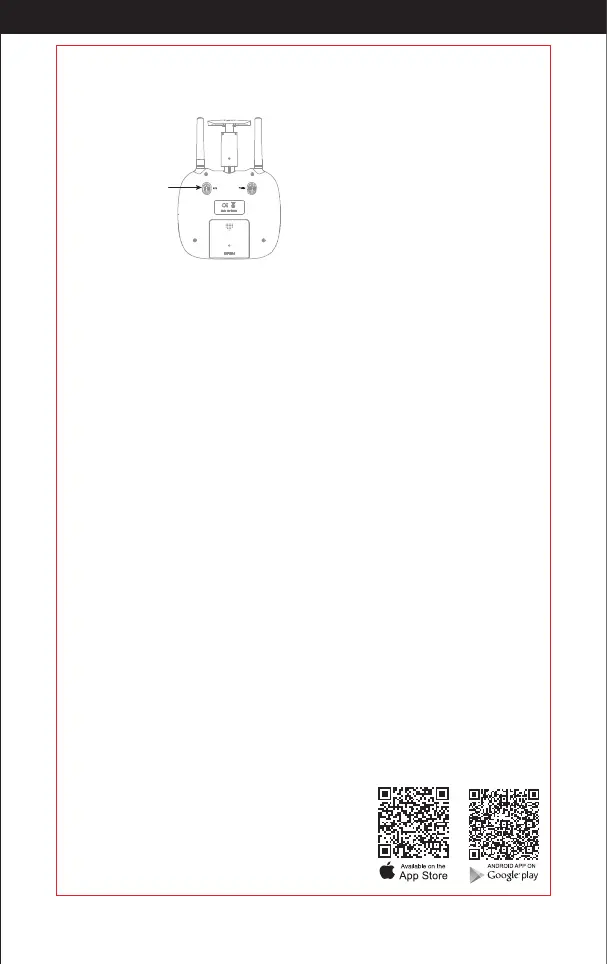
High / middle / low speed mode switch
Press down on the key, it will beep, this indicates the low speed mode ”L”; Press down again, it will beep
twice, for the middle speed mode “M”; Press down again ,it'll beep three times, for the high speed mode
“H”.
1. Low speed mode “Low”:
It’s suitable for the beginners to operate
in calm weather, with no breeze.
2. Middle speed mode “Middle”:
It’s suitable for those practicing (hobbyists)
to operate, with or without breeze.
3. High speed mode “High”:
It’s suitable for the professionals in most
outdoor wind conditions.
High / Middle /
Low speed key
Low Battery Alarm
When the battery of the remote is almost out of power, it will continually beep to alert you, that you
should land the drone as soon as possible, to replace the battery.
While ying, if the battery of the drone is exhausted, it will beep to alarm you, the drone's indicator
lights will ash. After alarming you, the drone automatically return to your take-o point.
Notice: After low-battery alarm, the drone will return home. Meanwhile, its controllable range will be reached
to the 20 meter radius.
Out of Range Alarm
While ying, when the drone goes out of distance, the transmitter will beep to alarm you to y back the
drone within range immediately.
http://www.ipotensic.com



 To Next Page