14
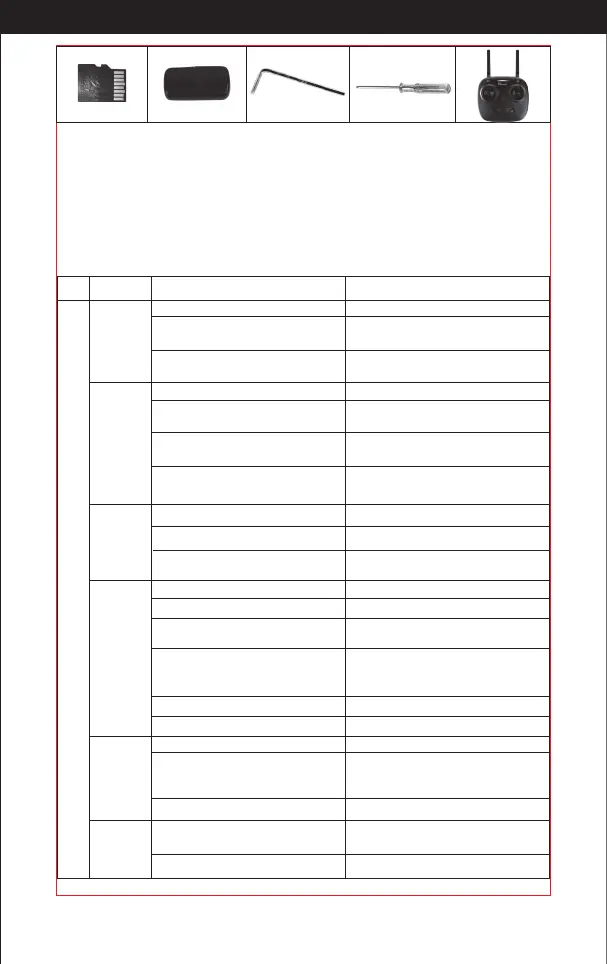
TF Card Card Reader Hex Wrench Screw Driver Transmitter
Our company's products are improving all the time, design and specications are subject to change
without notice.
All the information in this manual has been carefully checked to ensure accuracy, if any printing errors,
our company reserve the nal interpretation right.
http://www.ipotensic.com
Important Notice
Troubleshooting
The
controller
indicator
light is o.
The drone
is under-
powered
or can not
y.
The drone
could not
hover and
tilts to one
side.
1
3
4
Problem Problem Cause
Solution
No.
1. Low battery.
1. Replace the controller battery.
2. The batteries are incorrectly
positioned.
2. Install the batteries following the
polarity indicators.
3. Poor Contact.
3. Clean the dirt between the
battery and the battery contacts.
1. Indicator light is o.
1. The same as above.
2. There is an interfering
signal nearby.
2. Restart the drone and power on
the controller.
3. Mis-operation.
3. Operate the drone step by step in
accordance with the user manual.
4. The electronic component
is damaged for ercely crash.
4. To buy spare parts from local
seller and replace damaged parts.
1. The propeller is seriously deformed.
1. Replace the propeller.
2. Low battery.
2. Charge the drone battery.
3. Incorrect installation of propeller.
3. Install the propeller in accordance
with the user manual.
2. The propeller is seriously deformed.
2. Replace the propeller.
3. The motor holder is deformed after
violent crash.
3. Replace the motor holder parts.
1. Improper Calibration.
1. Please refer to the Calibration Instruction.
4. The gyroscope did not reset after a
serious crash.
4. Put the drone on the at ground
for about 10 minutes or restart the
drone to calibrate again.
Failed to
pair the
drone with
the
controller.
2
5. Motor is damaged.
5. Replace the motor.
6. No proofreading compass.
6. Re proofreading the compass.
The drone
indicator
light is o.
Could not
see the
picture.
5
6
1. Low battery. 1. Recharge the drone battery.
2. The battery is expired or over
discharge protection.
2. Buy a new battery from local seller to
replace the battery or charge the battery
in accordance with the use manual.
3. Poor contact. 3. Connect and disconnect the battery.
1. There is an interfering signal
nearby.
1. Practice and read the cellphonecon-
trolling instruction carefully.
2. Camera is damaged. 2. Replace Camera.



 To Next Page