EasyManua.ls Logo

Powelectrics Metron 2 - Page 16

Powelectrics Metron 2
45 pages
Print Icon
To Next Page IconTo Next Page
To Previous Page IconTo Previous Page
Loading...
16
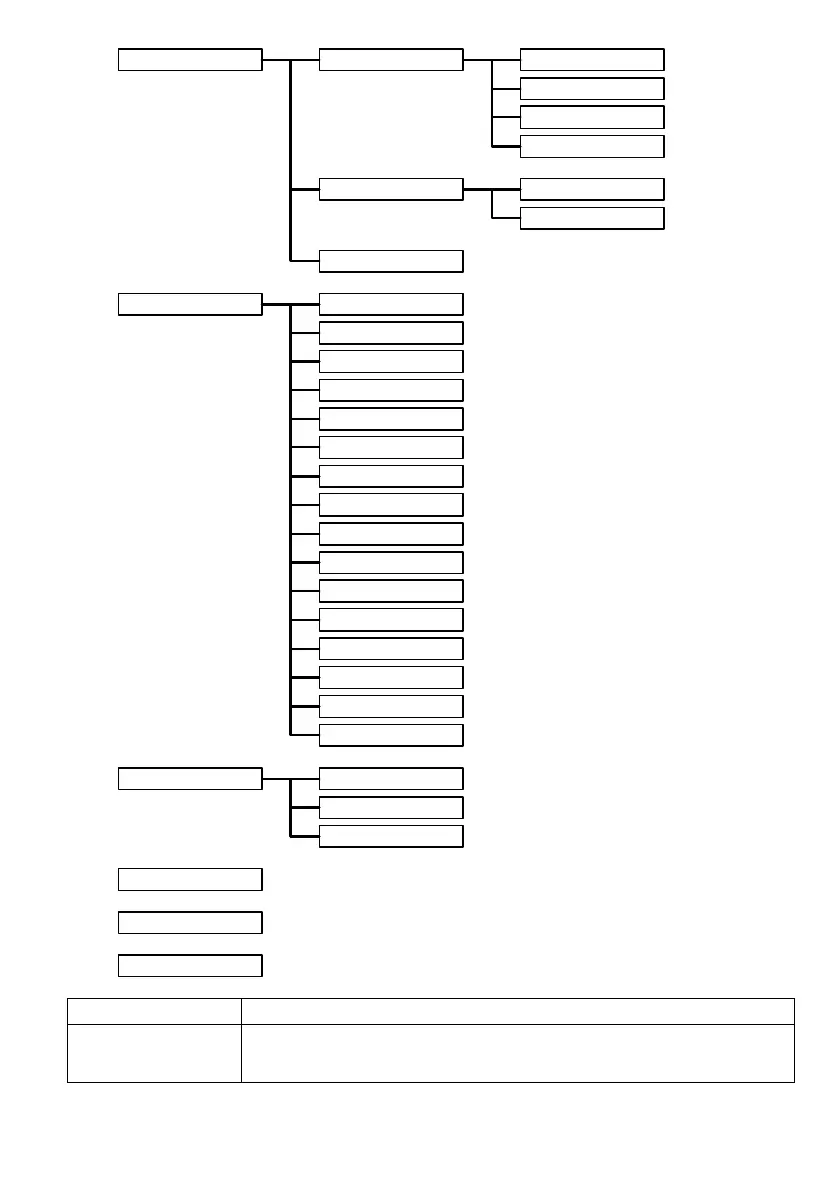
Channels Read Now
Info
Thresholds
Notes
System
Temperature
Get Config / Signal
Phone Book
Unit Info
Output 1 - 2 State
Info
Intervals
GPRS Settings
Antenna
Carrier Selection
SMS Acknowledge
SIM Activation
GSM Information
ENS State
Autoconfig
Display Errors
LCD Orientation
Last Transmission
Statistics
Firmware Version
Calibration Values
Update
Force Transmit
Safe Shutdown
About
Read Now
Option
What it does
Read Now
This allows the sensor to be powered up and read. A number of other real time
measurements will be read out which will help setting up the sensor (Vo = Voltage Out,
Vin = Voltage on input, Iin = Current on input, A/D = raw analogue to digital value)

Table of Contents