44
6.3 Other errors
When trying to diagnose problems, you may find it useful to enable ‘Display Errors’. You can enable this in the
menu by going to System -> ‘Display Errors’ and choosing enable. When this is enabled, any problems that are
encountered by the modem will be displayed on the screen too. The format of the message will be
‘X – please refer to manual’
When this message appears, it is coming directly from the modem. It should be self-explanatory, but if you
would like more information, please contact us. The following errors can be found.
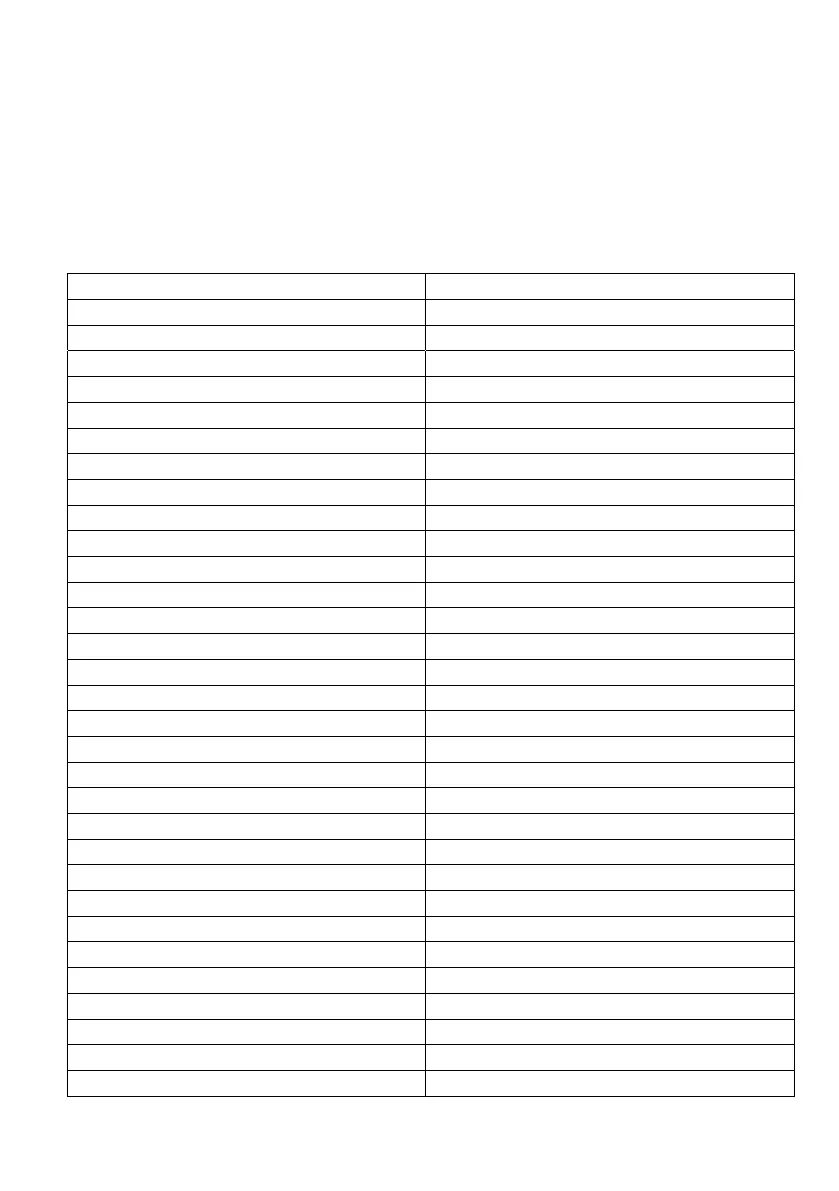
generic undocumented error
phone-adaptor link reserved
context already activated
time-out in opening socket
remote disconnected or time-out
invalid characters in text string
invalid characters in dial string
can not allocate control socket
network not allowed - emergency calls only
can not connect control socket
network personalization PIN required
bad or no response from server
network personalization PUK required
network subset personalization PIN required
network subset personalization PUK required


 To Next Page