9
NOTE: After the low oil level alarm system shuts down the engine, if you start the engine again, the low
oil alarm indicator (yellow) lights up and the engine cannot run. If this happens, please fill in the oil and
then restart the generator.
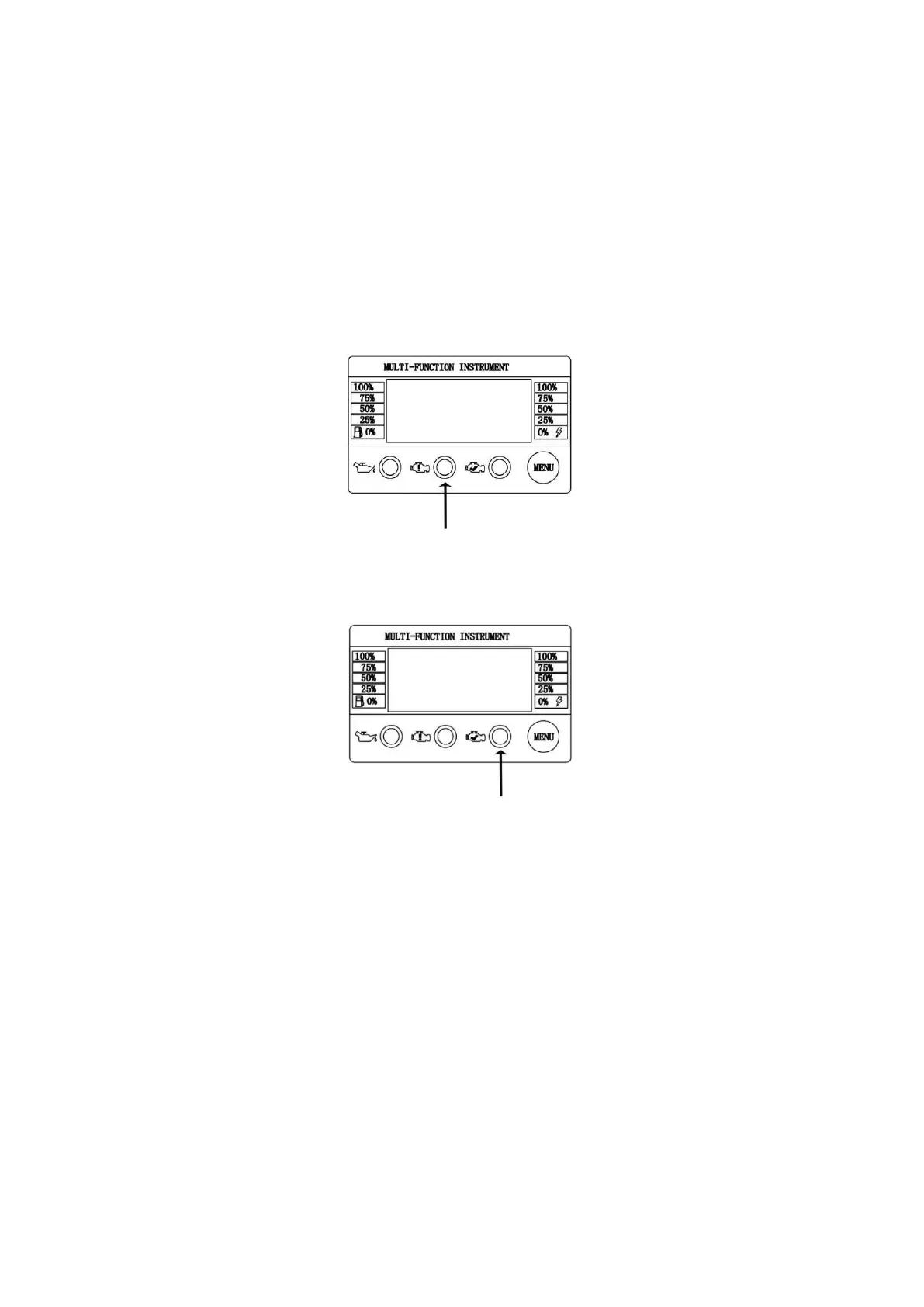
Overload Indicator (Red)
During engine starting, it is normal for the overload indicator(Red) to illuminate for a few seconds.
If overload indicator(Red) stays illuminated and the running indicator(Green) turns off, the engine will
continue to run without output power. In this condition, remove all applied loads and determine if attached
devices exceed recommended output power. Check for faulty or shorted connections. To restore electrical
output, press the MENU button about 3 seconds to reset.
Start engine. If condition was corrected, the overload indicator (Red) will not illuminate and electrical output
will be restored. Loads can be applied once the running indicator (Green) illuminates.
After above operating, if the Overload Indicator (Orange) returns, contact our customer service.
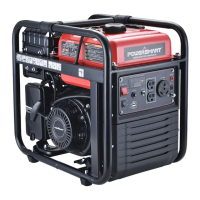
Running Indicator (Green)
The output indicator lights up when generating set starts and has normal output.
DC Breaker Button
The DC breaker button is used to protect the 12V 8A DC output receptacle. When this outlet receptacle are
overloaded, the breaker will pop out. In this condition, reduce the loads and then press the DC breaker
button.
AC Breaker Button
The AC breaker button is used to protect the 120V 20A AC output receptacle. When these outlet receptacle
are overloaded, the breaker will pop out. In this condition, reduce the loads and then press the AC breaker
button.
Grounding Terminal
The grounding terminal is designed to prevent electric shock by connecting it to the grounding wire. The
generating set must be properly grounded before operation.


 To Next Page