Copyright © 2022-2023 PowerFlex Systems, Inc. All Rights Reserved. 15
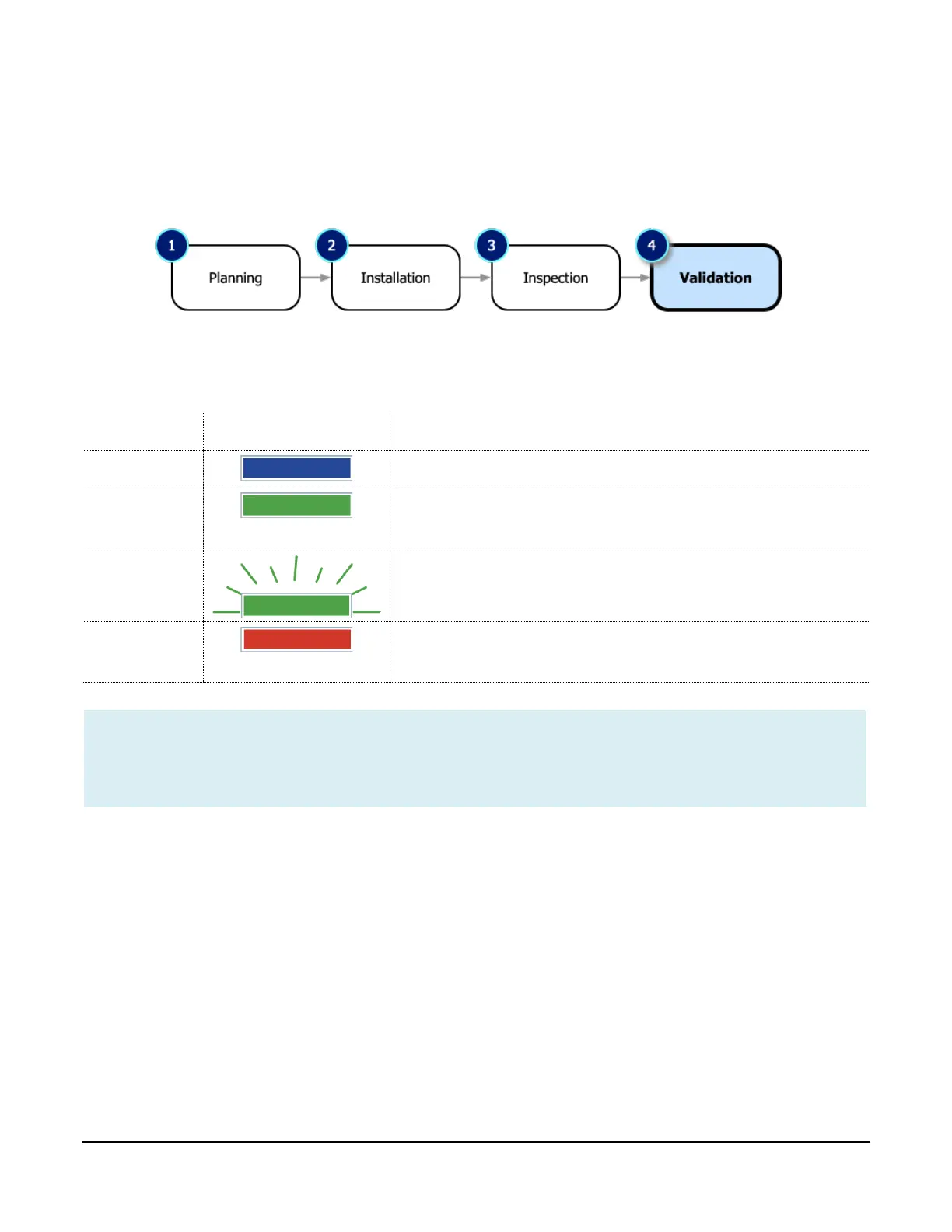
Step 4: Validation
Once the PF-JT48 charger information is entered and the rest of the PowerFlex stations are recorded in
the app, the installer submits the forms to PowerFlex for review and commissioning. After the go-ahead
from PowerFlex, the final validation step is performed.
To perform an end-to-end validation, you’ll energize with power and confirm each PF-JT48 works as
expected. There are three LED light indicators on the front of the charger that indicate its status:
If solid green, the vehicle connector is inserted in the
vehicle’s charging inlet and is waiting to charge.



 To Next Page