Copyright © 2022-2023 PowerFlex Systems, Inc. All Rights Reserved. 3
Setting up the PF-JT48
Step 1: Planning
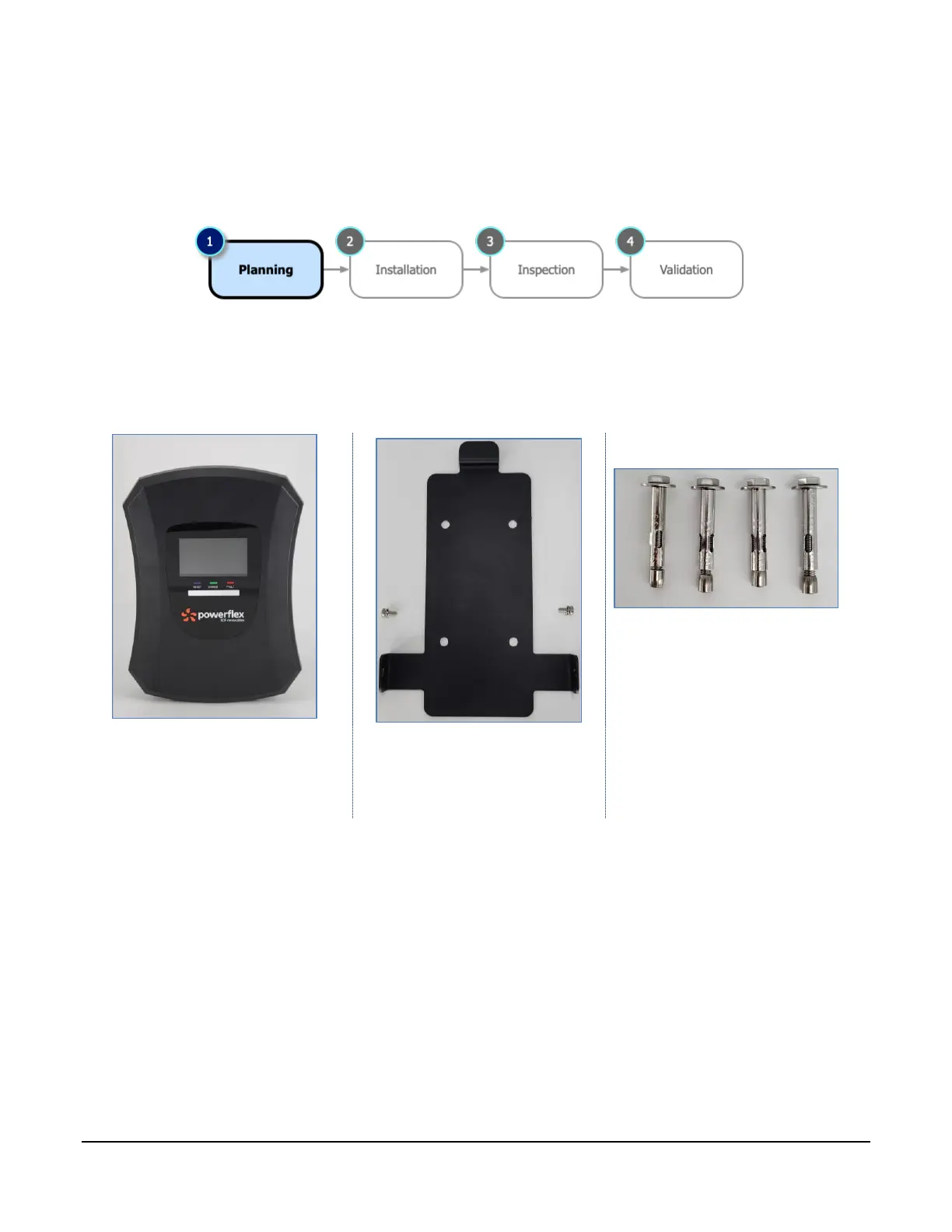
What’s in the box
PF-JT48 chargers are shipped with the following components. Carefully remove from the shipping box.
What you’ll need
You can install the PF-JT48 charger to a wall or pedestal. Check your site plan and before installing the
wall-mounted charger, gather the following tools and equipment:
▪ Phillips screwdriver
▪ Drill and drill-bit (¼") for expansion anchor screws for wall installation
▪ Drill and 1 1/8" (29 mm) drill-bit for pedestal installation
▪ Drill and 3/8" drill bit for cable retractor
▪ Voltmeter or digital multimeter for measuring AC voltage at the installation site
▪ AWG #6 wire nuts for connecting wiring in the junction box



 To Next Page