EasyManua.ls Logo

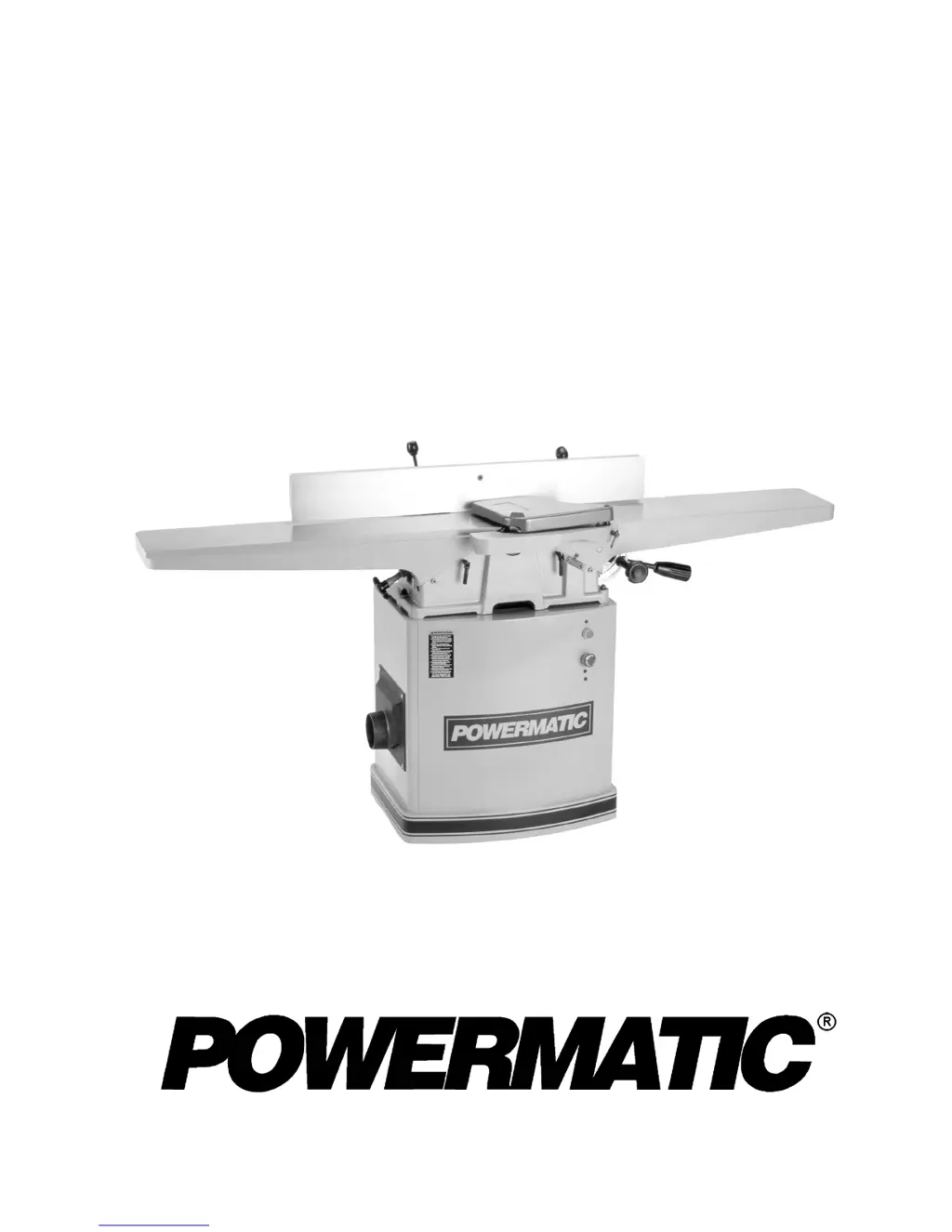
Powermatic 60B - User Manual

Powermatic 60B
44 pages
Print Icon
To Next Page IconTo Next Page
Loading...
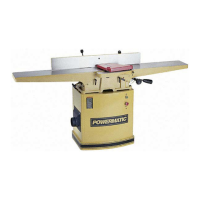
8" JOINTER
Model 60B
Instruction Manual & Parts List
M-0460282
(800) 274-6848
www.powermatic.com

Other manuals for Powermatic 60B

Questions and Answers

  • U
    umartinAug 14, 2025
    What causes uneven knife marks on workpiece with Powermatic 60B Power Tool?
    • G
      Garrett RichardsonAug 14, 2025
      Uneven knife marks on your workpiece when using a Powermatic Power Tool can be caused by nicked or misaligned knives. Replace any nicked knives and align the knives properly using the knife-setting gauge.
  • M
    Michelle YangAug 18, 2025
    How to fix stock with slight bevel after edge jointing with Powermatic Power Tool?
    • N
      Nicholas BartonAug 18, 2025
      If your stock has a slight bevel after edge jointing with your Powermatic Power Tool, the fence may not be perpendicular to the table. Square up the fence with the table.
  • C
    Cathy YoderAug 21, 2025
    What to do if my Powermatic Power Tool is causing chip out?
    • D
      Dennis AdamsAug 21, 2025
      If your Powermatic Power Tool is causing chip out, several factors could be at play. First, ensure you're cutting with the grain whenever possible. Dull knives can also be a culprit, so sharpen or replace them. Avoid feeding the workpiece too fast and make shallower cuts. Lastly, inspect the wood closely for imperfections, and use different stock if necessary.
  • S
    Steven OwensAug 25, 2025
    Why does my Powermatic 60B Power Tool cutterhead slow down while operating?
    • J
      Jimmy ThomasAug 25, 2025
      If the cutterhead on your Powermatic Power Tool slows down during operation, it could be due to a few reasons. You might be feeding the workpiece too quickly or applying too much pressure, so try feeding more slowly and applying less pressure. An excessive depth of cut can also cause this issue, so reduce the depth of cut. Lastly, check your knives; dull knives can cause the cutterhead to slow down, so sharpen or replace them.
  • J
    Jenny WernerAug 27, 2025
    How to fix fuzzy, rough, or torn grain when using my Powermatic 60B?
    • R
      Robert GallagherAug 27, 2025
      If you're experiencing fuzzy, rough, or torn grain with your Powermatic Power Tool, consider these possibilities. The wood may have a high moisture content, so allow it to dry or use different stock. Dull knives could also be the cause, so sharpen or replace them. Additionally, ensure that the knives are cutting with the grain.
  • S
    sthomasAug 31, 2025
    How to get rid of 'chatter' marks on workpiece with my Powermatic Power Tool?
    • B
      Brandy MatthewsAug 31, 2025
      To eliminate 'chatter' marks on your workpiece when using your Powermatic Power Tool, consider the following: Ensure knives are set properly using the provided knife setting gauge and check that knife slots are clean and free of dust or debris. Also, feed the workpiece slowly and consistently.
  • D
    dannymossSep 3, 2025
    Why does board thickness not match depth of cut scale on my Powermatic 60B?
    • J
      jessicamckenzieSep 3, 2025
      If the board thickness does not match the depth of cut scale on your Powermatic Power Tool, the depth of cut scale is likely incorrect. Adjust the scale correctly.
  • N
    Nathan SmithSep 6, 2025
    What to do if finished stock is concave on back end with Powermatic 60B Power Tool?
    • K
      Kelsey GloverSep 6, 2025
      If the finished stock from your Powermatic Power Tool is concave on the back end, it indicates that the knife is higher than the outfeed table. Raise the outfeed table until it aligns with the tip of the knife.
  • U
    ugarciaSep 12, 2025
    What to do if finished stock is concave on front end with Powermatic 60B Power Tool?
    • K
      Kristin SingletonSep 12, 2025
      If the finished stock from your Powermatic Power Tool is concave on the front end, it means that the outfeed table is higher than the knife. Lower the outfeed table until it aligns with the tip of the knife.

Summary

Product Introduction and Warranty Information

Warranty & Service Details

Information on obtaining service, repair, and warranty assistance for Powermatic products.

Comprehensive Safety Guidelines

General Operating Safety Rules

Essential safety practices for operating the jointer, including personal protection and work area safety.

Health Hazards and Protective Measures

Information on potential health risks from dust and chemical exposure, and necessary protective measures.

Safety Decals and Warnings

Explanation of safety decals and warning labels on the machine for safe operation.

Machine Adjustments and Settings

Installing and Setting Jointer Knives

Detailed steps for installing, positioning, and tightening jointer knives for safe and effective cutting.

Leveling Jointer Tables

Procedures for ensuring the infeed and outfeed tables are parallel and properly aligned.

Maintenance and Repairs

Troubleshooting and Electrical Systems

Troubleshooting Common Jointer Issues

Diagnosing and resolving problems like starting issues, overheating, and poor finished stock quality.

Electrical Schematics by Voltage;Phase

Wiring diagrams for 230V 1-Phase, 230V 3-Phase, and 460V 3-Phase configurations.

Powermatic 60B Specifications

General IconGeneral
Phase1
TypeBenchtop Jointer
Motor Power1.5 HP
Voltage230V
Cutterhead Speed4, 000 RPM
Cutterhead TypeHelical
Maximum Depth of Cut1/8 inch
Maximum Width of Cut6 inches
Minimum Length of Stock12 inches
Dust Port4 inches
Speed4300 RPM

Related product manuals