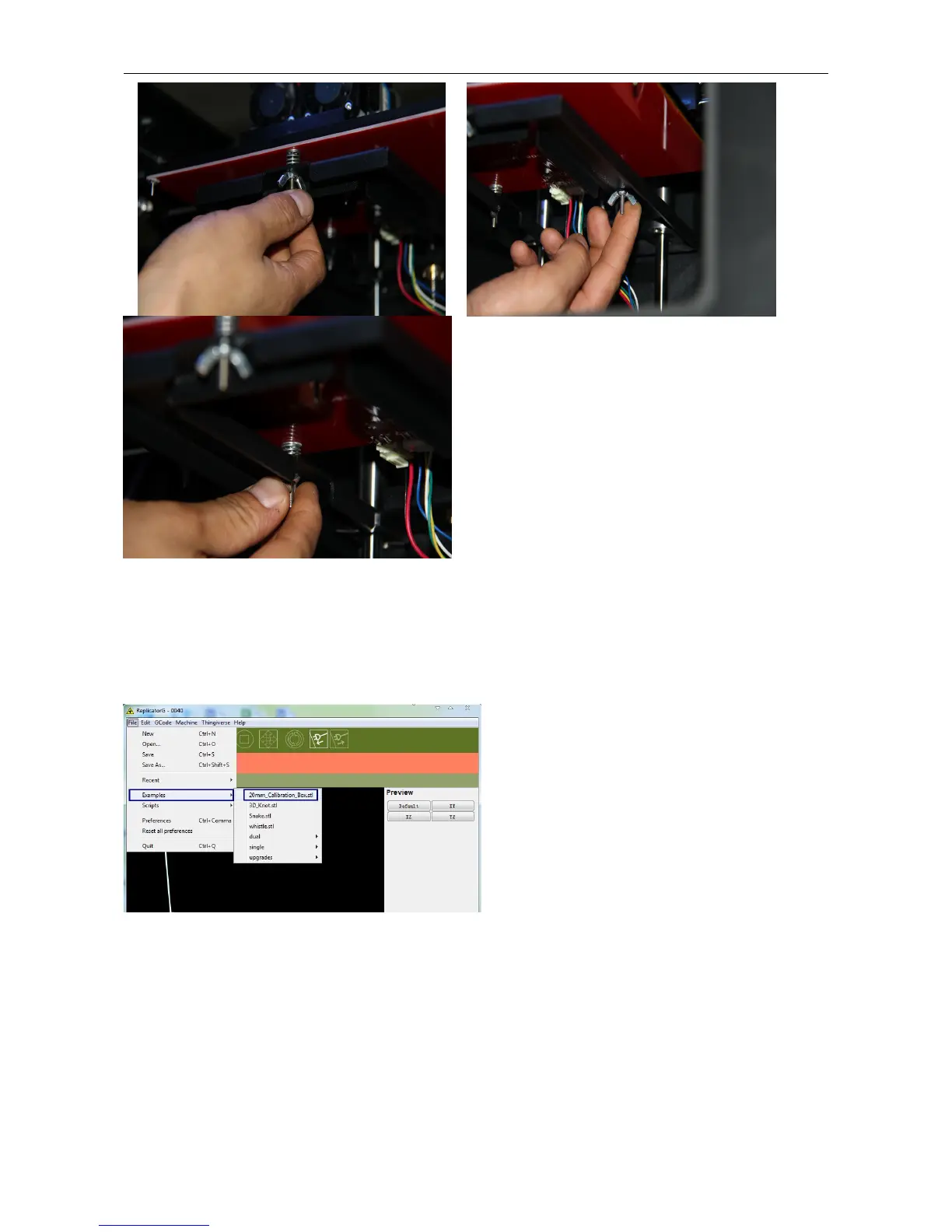
If your platform is too low, your prints might not stick to the surface, and if it's too high, the nozzles could tear the
Kapton tape on the platform surface. If you're having trouble, or if you just need to level your platform again, you can
always get back to the leveling script in the menu by going to Utilities > Level Build Plate.
Now, let’s start the initial print. Click File > Examples and then select the 20mm_Calibration_Box.stl. The preview
interface will then appear along with a virtual impression of the 20mm cube on the virtual printer bed. On the preview
interface click Move > Center and Put on platform so that the sample will be printed on the center of the build plate.


 To Next Page