14.
15.
www.powertec.net.nz
www.powertec.net.nz
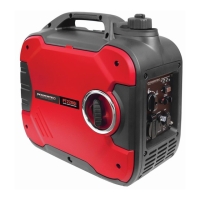
PT2000i DIGITAL INVERTER GENERATOR
Getting Started
Unpacking the Generator
Remove the generator from its packaging.
WARNING!
Packaging is ammable!
Do not attempt to add fuel to this unit
before removing it from packaging.
Inspect the generator to ensure that no dam-
age has occurred in shipping or handling. If
the unit appears to be damaged, DO NOT
add fuel or attempt to start the generator.
Please call Powertec Customer Service on
0800 387 678 (NZ) or 1800 040 947 (AUS).
Check to ensure that package contains the
following items:
• PT2200i 2000W Generator
• NZ/AU Plug
• DC Cable
• Screwdriver
If any items are missing please contact Pow-
ertec Customer Service on 0800 387 678
(NZ) or 1800 040 947 (AUS).
Please recycle packaging responsibly.
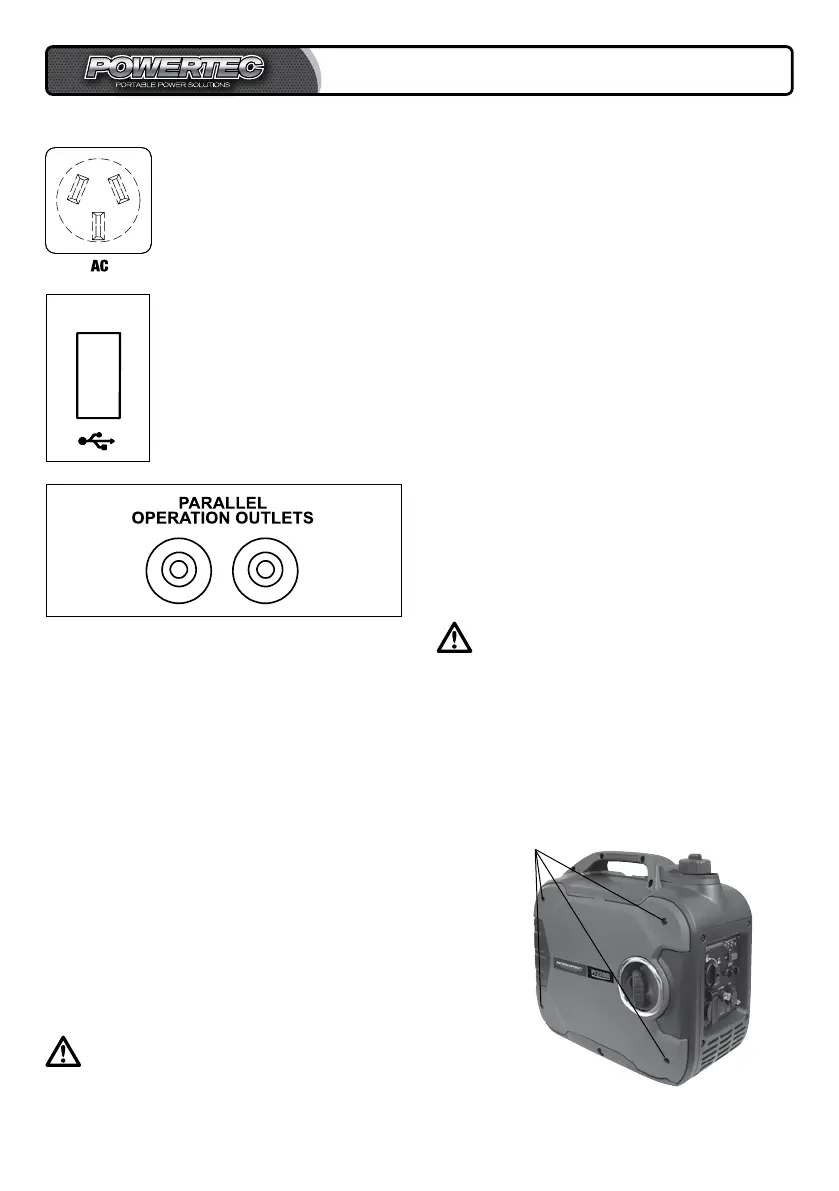
230V AC Outlet
The Outlet is used to power
230V Single Phase 50Hz
loads requiring up to 1800W
continuous power.
Adding Engine Oil
CAUTION!
The generator has been shipped
without engine oil. DO NOT start the
engine before adding engine oil.
Place generator on a level surface. DO NOT
tilt the generator while adding oil. It can cause
you to overll the oil and/or cause the oil to
leak into areas in which it is not intended.
A.
USB Outlet
The USB outlet is used to
power and charge anything
with a USB plug, such as
phones, media players and
other 5V DC devices.
5V USB
Parallel Connection
The parallel connection is a feature that al-
lows two PT2200i machines to be connected
together almost doubling the output of one
unit. Check your wattage reference guide
and be sure the device you are connecting is
less than the rated use of this generator in
parallel use (see specications). Follow in-
structions in the owner’s manual for the par-
allel connection procedure.
Remove
screws


 To Next Page