16.
17.
www.powertec.net.nz
www.powertec.net.nz
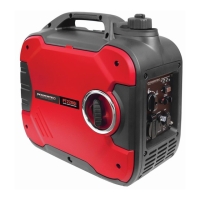
PT2000i DIGITAL INVERTER GENERATOR
Standard Atmospheric Conditions
The generator can be used with the rated out-
put load at standard atmospheric conditions.
Ambient Temperature: 25º
Barometric Pressure: 100kPa
Relative Humidity: 30%
The output of the generator varies due to
change in temperature, altitude (lower air
pressure at higher altitude) and humidity.
The output of the generator is reduced when
the temperature, the humidity and the altitude
are higher than standard atmospheric condi-
tions. Additionally, the load must be reduced
when using in conned areas, as generator
cooling is affected.
Operation
WARNING!
Never operate the engine in a closed
area or it may cause unconsciousness
and death within a short time. Operate
the engine in a well ventilated area.
CAUTION!
The generator has been shipped
without engine oil. DO NOT start the
engine without lling oil to the required
level. Do not tilt the generator when
adding engine oil. This could result
in overlling and may damage the
engine.
DO NOT connect any electric devices
before starting the engine.
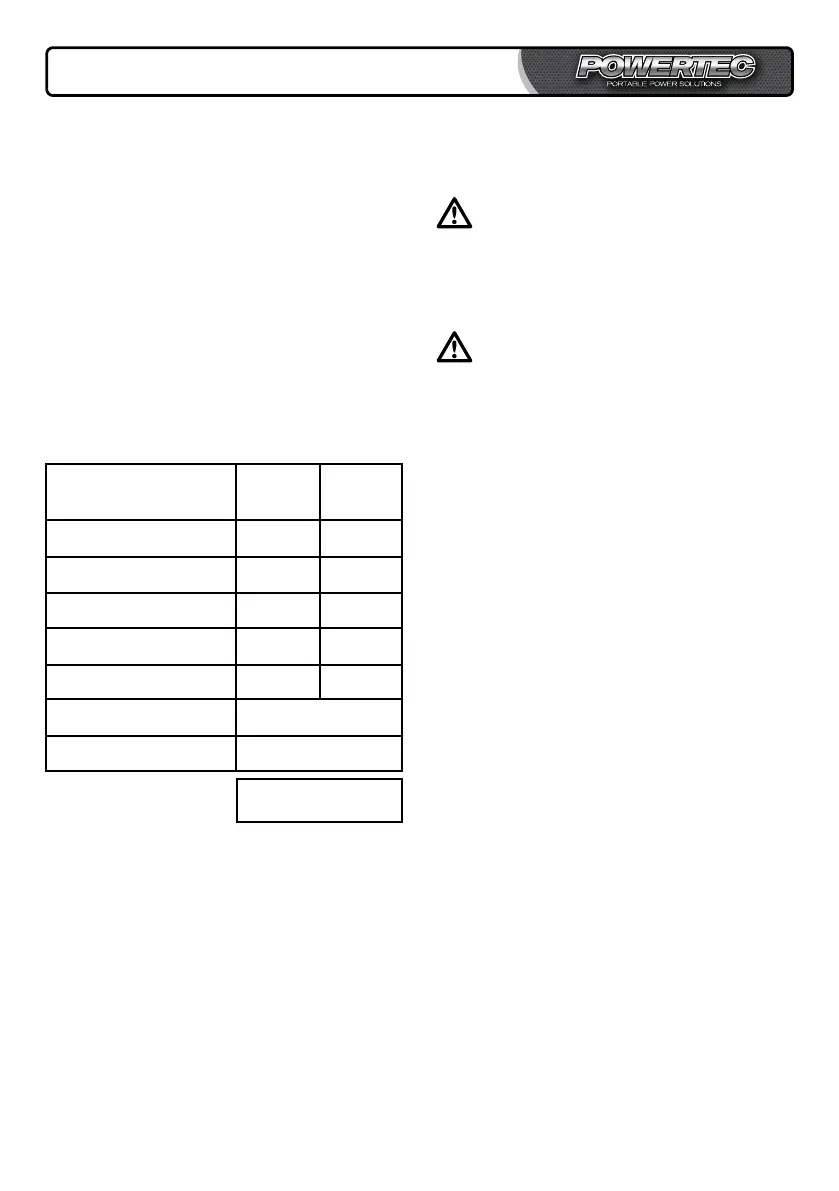
Calculating Your Power
Needs
1. Firstly list all items requiring power simul-
taneously.
2. Then add up all the “running wattage”
requirements for all items.
3. Add to that total the highest of the “start-
ing wattages” you listed down. Now you
know approximately how much power you
need to start and run your appliances and
equipment.
Tool or Running Starting
Appliance Watts Watts
1.
2.
3.
4.
5.
Total Running Watts
Highest Starting Watts
= Generator Power
Needs


 To Next Page