22 INSTRUCTIONS PW220/PW230
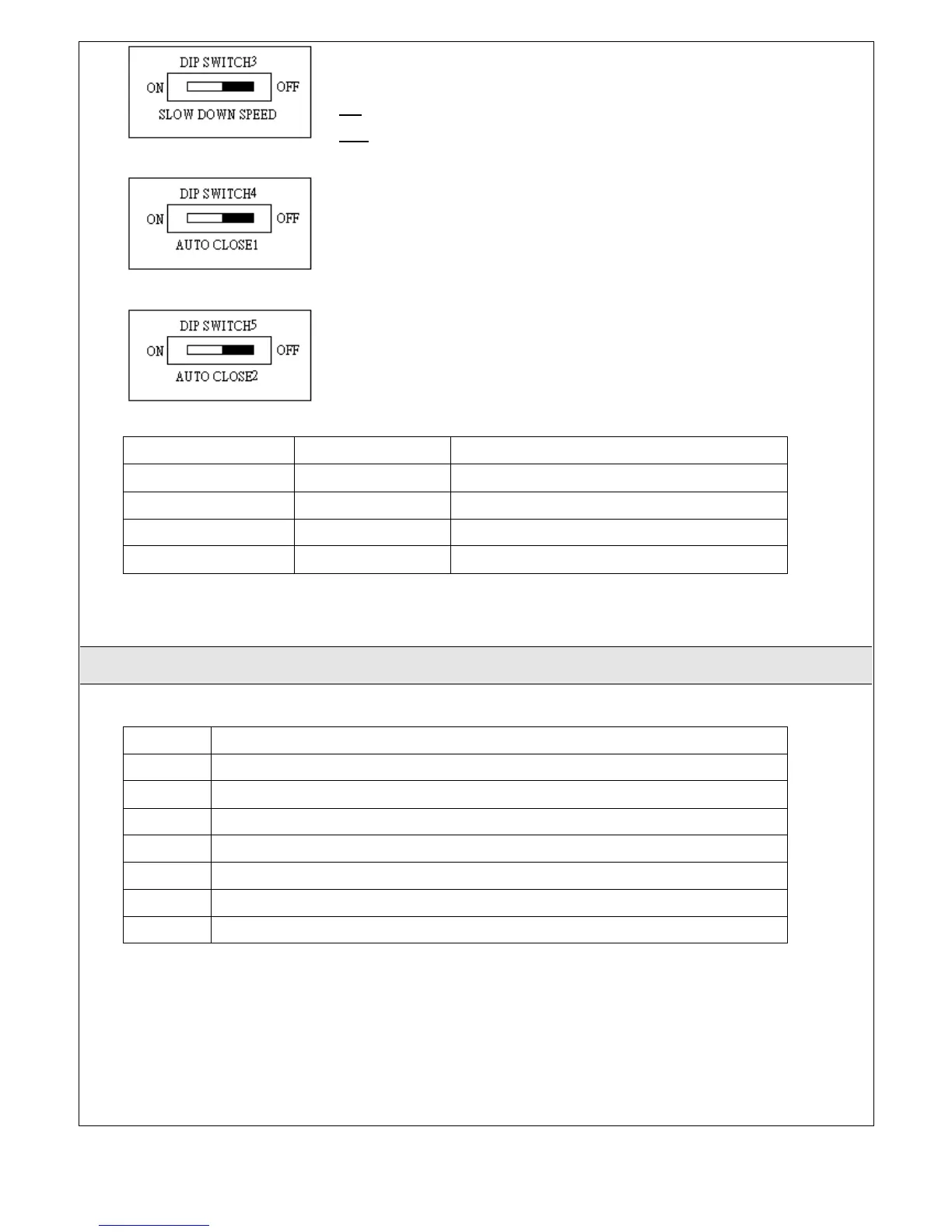
SLOW DOWN SPEED:
The final speed can be set when the gate is moving at slow-down speed
ON: The final speed = 55% normal speed.
OFF: The final speed = 70% normal speed.
AUTO CLOSE1:
The function of auto close or without auto close can be selected
AUTO CLOSE2:
The function of auto close or without auto close can be selected
DIP4 (Auto close1) DIP5 (Auto close2) Function
OFF OFF Without auto close function
OFF ON Auto close On, waiting time 50 seconds
ON OFF Auto close On, waiting time 25 seconds
ON ON Auto close On, waiting time 12 seconds
3.1 Functional Switch and LED lights Introduction
SW2
The button of transmitter memorizing and erasing.
VR1
Over-current limit can be adjusted from min 0.8Amp to Max 4.2 Amp.
VR2
The over-current sensitivity of Master Gate (M1) could be adjusted from 1.8 second to 3.8 second.



 To Next Page