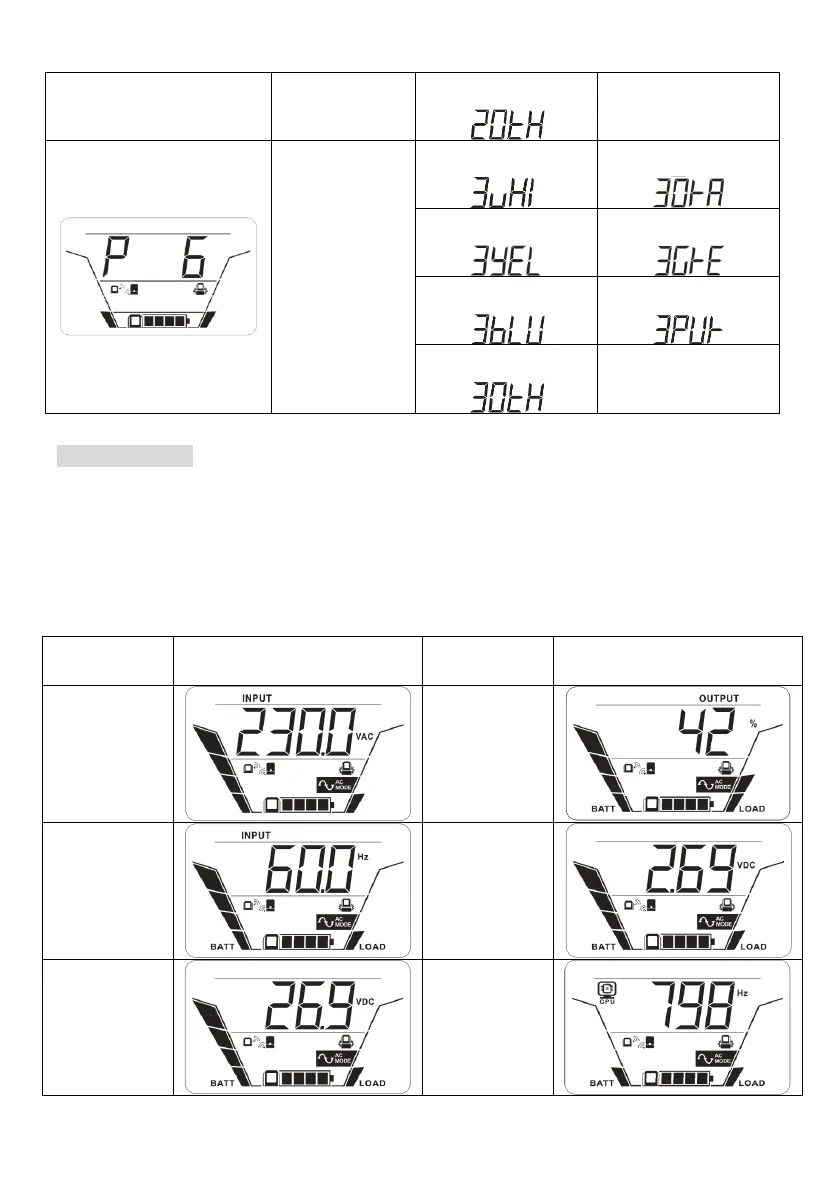
Display Setting
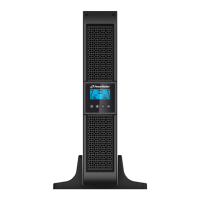
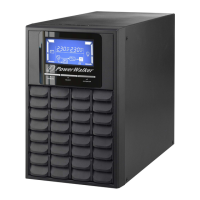
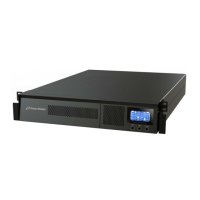
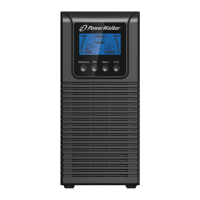
The LCD display information will be switched in turns by pressing “UP/DOWN” button.
The selectable information is switched as below order: input voltage, input frequency,
battery voltage, battery capacity, estimated backup time, output voltage, output
frequency, output in kW, output load percentage, NiMH battery voltage, PC CPU
frequency, PC CPU temperature, CPU utilization, panel board firmware version, Base
board firmware version and UPS control board firmware version.



 To Next Page