EasyManua.ls Logo

PowerWalker VFI 10000 CG PF1 - User Manual

PowerWalker VFI 10000 CG PF1
31 pages
Print Icon
To Next Page IconTo Next Page
Loading...
EN
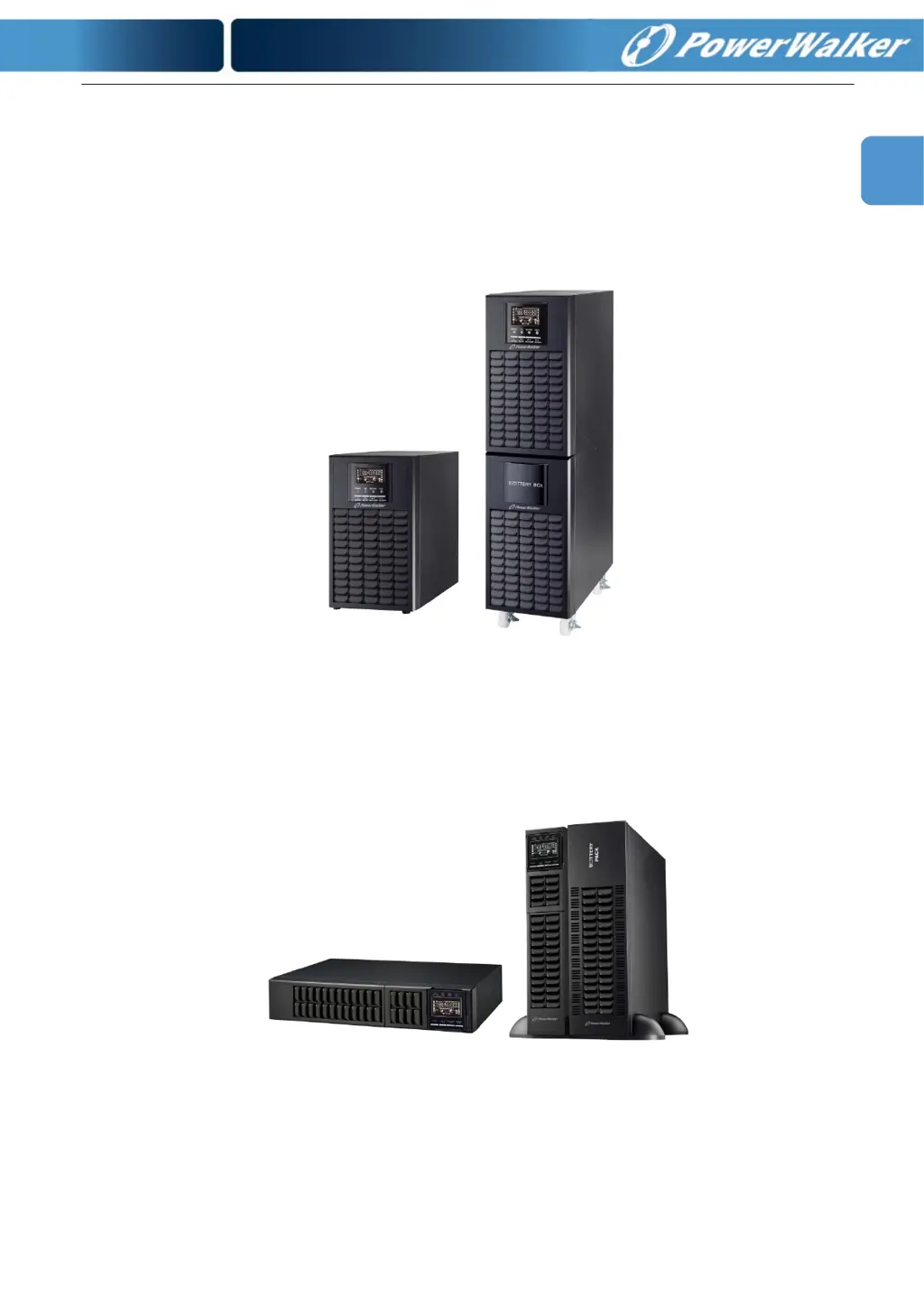
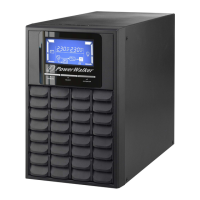
PowerWalker VFI 6000 CG PF1
PowerWalker VFI 10000 CG PF1
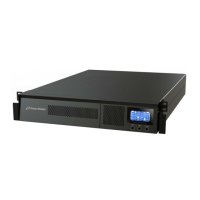
PowerWalker VFI 6000 RMG(S) PF1
PowerWalker VFI 10000 RMG(S) PF1
Manual
Uninterruptible Power Supply System
Version: 1.0

Questions and Answers

  • A
    April BanksAug 7, 2025
    What to do if PowerWalker UPS is overloaded and beeping?
    • C
      Cynthia KnightAug 7, 2025
      If your PowerWalker UPS is overloaded, it means that the devices connected to it are drawing too much power. You should remove some of the connected devices from the UPS output to reduce the load. In some cases, after repetitive overloads, the UPS may be locked in Bypass mode, feeding connected devices directly from the mains. In this case, remove excess loads first, then shut down the UPS and restart it.
  • M
    Mr. Todd CarterAug 11, 2025
    What to do if PowerWalker VFI 10000 CG PF1 shows fault code 43 and beeps continuously?
    • O
      orodriguezAug 11, 2025
      If your PowerWalker UPS displays fault code 43, it indicates that the UPS has been overloaded for too long and has shut down automatically. To resolve this, remove some of the connected devices from the UPS output to reduce the load, and then restart the UPS.
  • M
    Marie HartAug 15, 2025
    Why is my PowerWalker VFI 10000 CG PF1 UPS battery backup time so short?
    • W
      William McintoshAug 15, 2025
      There are a couple of reasons why your PowerWalker UPS might have a shorter battery backup time than expected. One possibility is that the batteries are not fully charged. Try charging them for at least 7 hours and then check the capacity again. Another reason might be a batteries defect.
  • D
    Donald FosterAug 19, 2025
    What to do if PowerWalker VFI 10000 CG PF1 shows fault code 14 and alarm beeps continuously?
    • E
      emullenAug 19, 2025
      If your PowerWalker UPS displays fault code 14 and the alarm beeps continuously, it means a short circuit has occurred on the UPS output, causing the UPS to shut down automatically. You should check the output wiring and the connected devices to see if any of them are causing a short circuit.
  • J
    Jordan RandallAug 25, 2025
    What does it mean when the icon flashes on the PowerWalker VFI 10000 CG PF1 UPS LCD display and the alarm beeps every second?
    • J
      Joel NovakAug 25, 2025
      When the icon flashes on the LCD display of your PowerWalker UPS and the alarm beeps every second, it could indicate a few different issues. One possibility is that the external or internal battery is incorrectly connected. Check to ensure all batteries are well connected. It also could mean that fan is locked or not working; or the UPS temperature is too high. Check fans.
  • A
    Andrea HansenAug 28, 2025
    Why does my PowerWalker UPS have no display even when the power is on?
    • P
      parkerdavidAug 28, 2025
      If your PowerWalker UPS has no display and alarm, even when the mains is normal, it might be due to the AC input power not being properly connected. Check if the input cable is firmly connected to the mains.
  • G
    Gregory HendrixSep 1, 2025
    What does it mean when the icon and the warning code flash on the PowerWalker UPS LCD display?
    • M
      Melissa JordanSep 1, 2025
      If the icon and a warning code are flashing on your PowerWalker UPS LCD display, and the alarm is beeping every second, it indicates that the EPO (Emergency Power Off) function is enabled. To disable the EPO function, set the circuit in a closed position.

PowerWalker VFI 10000 CG PF1 Specifications

General IconGeneral
Power Rating10000 VA
Output Power10000 W
Output Frequency50/60 Hz
Battery Type12V/9Ah
Battery Voltage192 VDC
WaveformPure Sine Wave
Transfer Time0 ms
Output Power Factor1.0
Operating Temperature0-40°C
Product ColourBlack
Rack MountingNo
Form FactorTower
Input Frequency50/60 Hz
Battery Capacity9 Ah
Number of Batteries Supported16
Typical backup time at half loadDepends on battery configuration
Battery recharge time4 hours to 90%
Communication InterfaceRS-232, USB, SNMP (optional)
Humidity0-95% (non-condensing)

Related product manuals