EasyManua.ls Logo

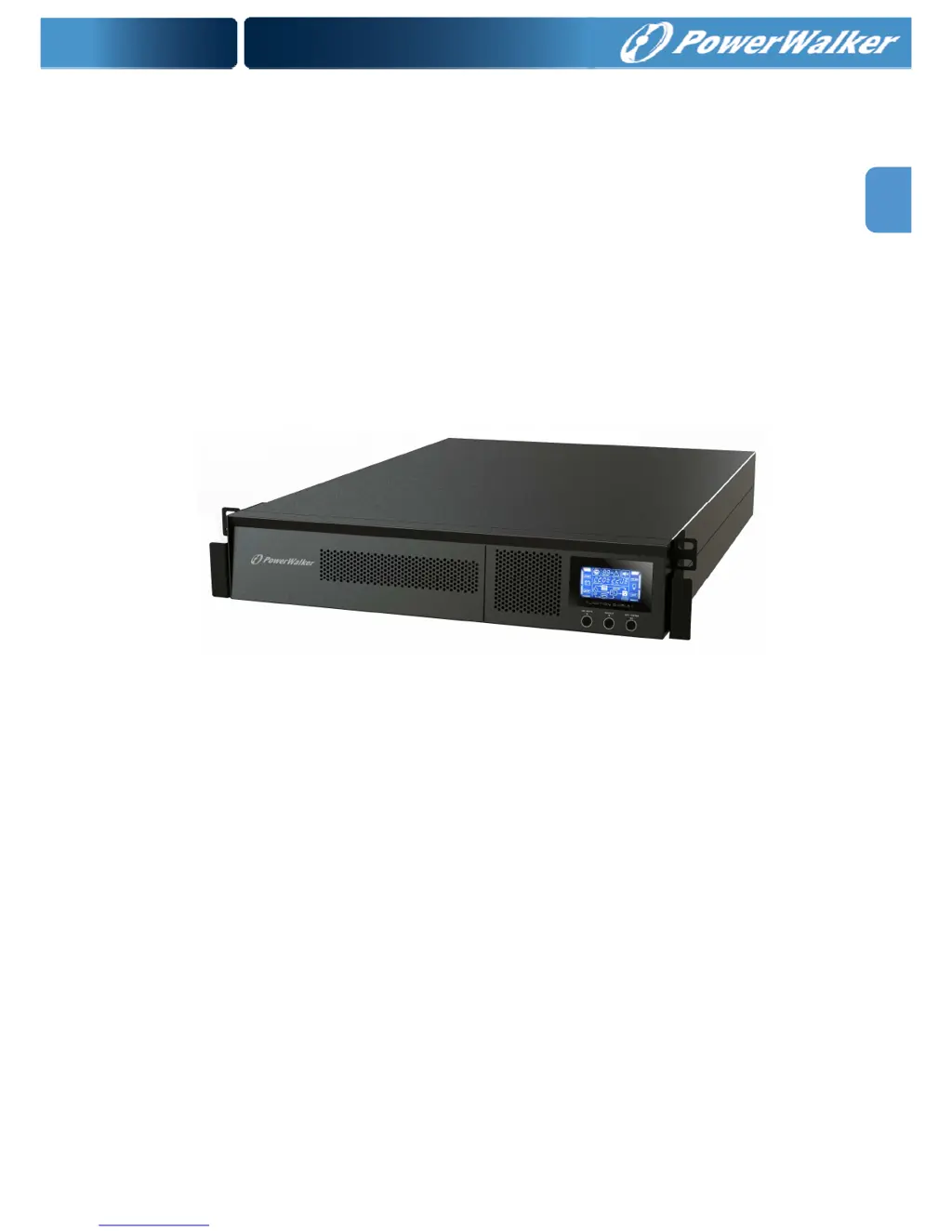
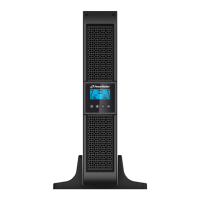
PowerWalker VFI 1000RM LCD - User Manual

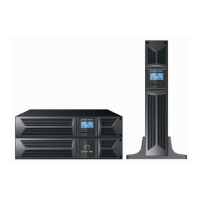
PowerWalker VFI 1000RM LCD
159 pages
Print Icon
To Next Page IconTo Next Page
Loading...
EN
Online UPS
PowerWalker VFI 1000RM LCD
PowerWalker VFI 1500RM LCD
PowerWalker VFI 2000RM LCD
PowerWalker VFI 3000RM LCD
User Manual (EN, ES, DE, FR, IT, PT, RU, PL)
Uninterruptible Power Supply System

Table of Contents

Questions and Answers

  • M
    morrisdeborahAug 2, 2025
    What to do if my PowerWalker UPS is overloaded?
    • K
      Kyle FoleyAug 2, 2025
      If the icon is flashing on the LCD display and the alarm is sounding twice every second, it indicates the PowerWalker UPS is overloaded. Remove excess loads from the UPS output. If the UPS is locked in Bypass mode due to repetitive overloads, first remove excess loads, then shut down the UPS and restart it.
  • H
    Heather AlvarezAug 8, 2025
    Why is my PowerWalker VFI 1000RM LCD showing fault code 43?
    • C
      Christian WhitakerAug 8, 2025
      Fault code 43 on the PowerWalker UPS indicates that the UPS shut down automatically due to an overload at the output. To resolve this, remove excess loads from the UPS output and then restart the UPS.
  • N
    Nicole MorrisAug 13, 2025
    How to fix PowerWalker VFI 1000RM LCD fault code 28?
    • N
      Nicholas HigginsAug 14, 2025
      Fault code 28 on the PowerWalker UPS indicates that the battery voltage is too low or the charger is faulty. Suggested solution: Contact your dealer.
  • J
    Jennifer MorganAug 19, 2025
    How to fix PowerWalker VFI 1000RM LCD UPS fault code 27?
    • M
      Michael RossAug 19, 2025
      Fault code 27 on the PowerWalker UPS indicates that the battery voltage is too high or the charger is faulty. Suggested solution: Contact your dealer.
  • J
    Jaime FlemingAug 26, 2025
    How to troubleshoot a PowerWalker VFI 1000RM LCD UPS with no indication?
    • N
      nathan61Aug 27, 2025
      If your PowerWalker UPS has no indication and alarm even though the mains is normal: * Check if the input power cord is firmly connected to the mains. * Ensure the AC input power cord is correctly plugged into the AC input, not the output.

Summary

Important Safety Warning

1.5. Maintenance, service and faults

Safety warnings related to UPS maintenance, service, and potential faults.

1.3. Installation

Precautions and requirements for installing the UPS system and connected devices safely.

1.4. Operation

Safety guidelines for operating the UPS system, including power connection and disconnection.

Installation and Setup

2.3. Setup the UPS

Detailed steps for connecting battery wires, AC input, and output connections for the UPS.

2.4 Battery replacement

Procedures for safely replacing the internal UPS batteries without shutting down the unit.

Operations

3.7. Faults Reference Code

A reference table for fault codes, icons, and corresponding events.

Troubleshooting

Specifications

PowerWalker VFI 1000RM LCD Specifications

General IconGeneral
BrandPowerWalker
ModelVFI 1000RM LCD
CategoryUPS
LanguageEnglish

Related product manuals