2. Installation and setup
NOTE: Before installation, please inspect the unit. Be sure that nothing inside the package is
damaged. Please keep the original package in a safe place for future use.
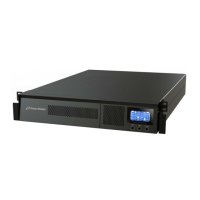
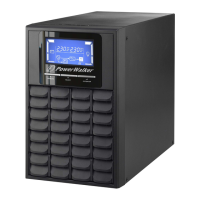
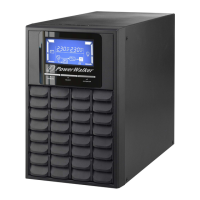
NOTE: There are two different types of online UPS: standard and long-run models. Please
refer to the following model table.
Model Type Model Type
1K
Standard
1K-L
Long-run 2K 2K-L
3K 3K-L
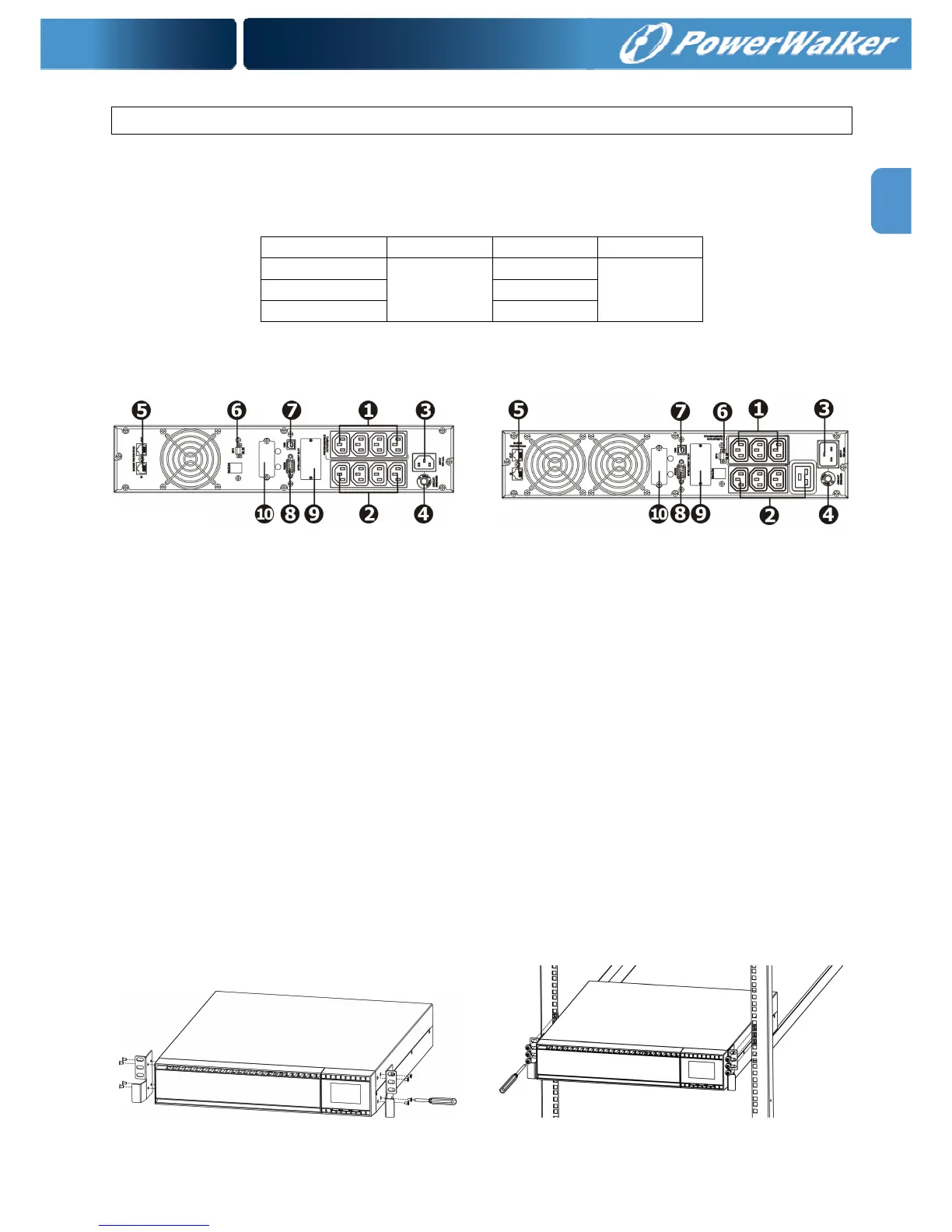
2.1. Rear panel view
1K(L)/1.5K(L) IEC & 2K(L) 3K(L)
1. Programmable outlets: connect to non-critical loads.
2. Output receptacles: connect to mission-critical loads.
3. AC input
4. Input circuit breaker
5. Network/Fax/Modem surge protection
6. Emergency power off function connector (EPO)
7. USB communication port
8. RS-232 communication port
9. SNMP intelligent slot
10. External battery connection (only available for L model)
2.2. Rack-Mounted the UPS
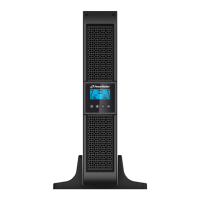
This UPS can be mounted in the 19” rack chassis. Please follow below steps to position this
UPS.
Step 1 Step 2



 To Next Page