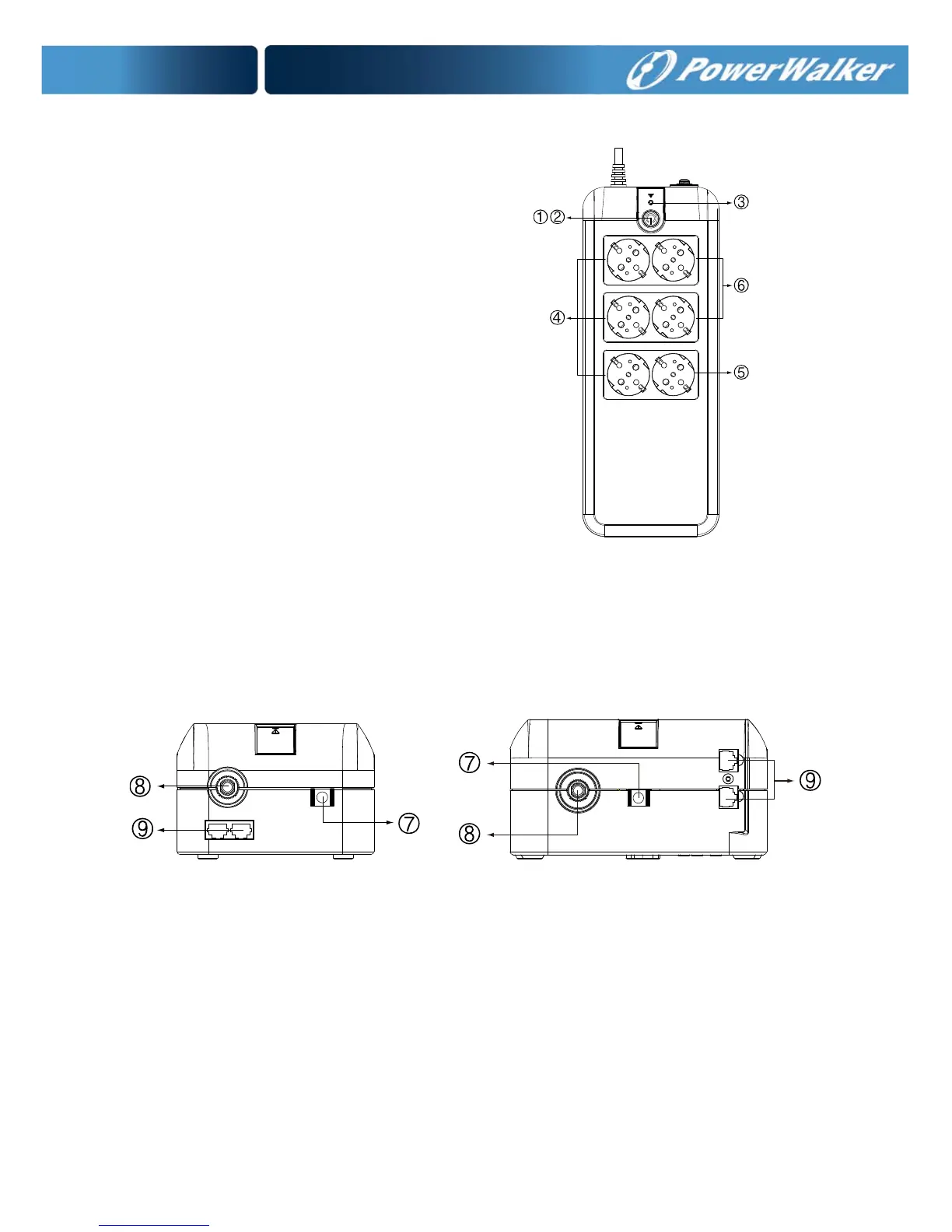
Top --
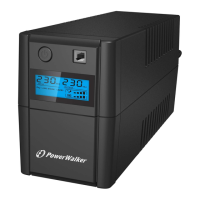
1. Power On/Off Switch
2. Green LED : AC Mode/Battery mode
3. Red LED: Fault LED
4. All receptacles are surge protected
5. Surge protection receptacles
6. Battery power supplied receptacles
Side --
7. AC Input
8. Breaker
9. Modem/Phone Line Surge Protection
VFD 600 APFC VFD 800 APFC
Installation & Operation
Installing the PowerWalker VFD 600/800 APFC UPS is as easy as the



 To Next Page