4510V101-UK 7
Display layout
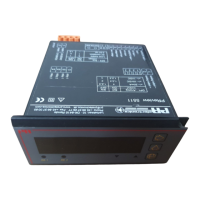
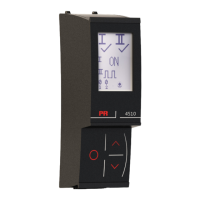
By default, the PR 4510 enters monitor mode for process surveillance. With the front keys, the 4510 can enter programming
or simulation mode.
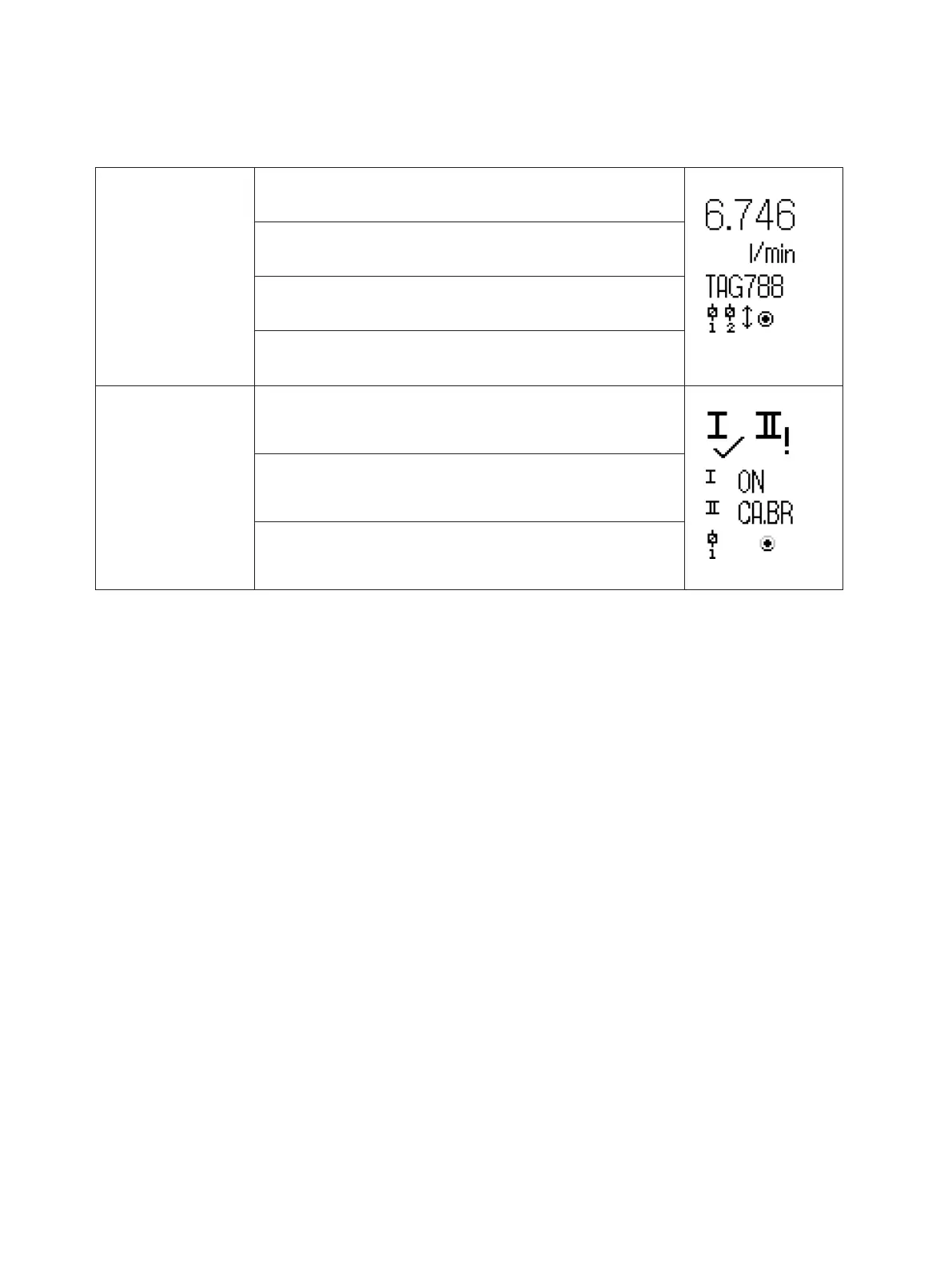
Layout for 3000/4000 and 9000 series products (in monitor mode)
PR 3000 / 4000
Line 1 shows the scaled process value.
Line 2 shows the selected engineering unit.
Line 3 shows analog output value or TAG no.
Line 4 shows status for relay, communication and e.g. signal
trending.
PR 9000
Line 1 shows status for input channel/-s.
Line 2 and 3 show analog output value / digital output status /
analog input value / TAG no. where appliable or alternating
values.
Line 4 shows status for relay, communication and e.g. signal
trending.


 To Next Page