EASYKA – EASYBKA
________________________________________________________________________________________________________________________________________________________________________________________________
17
Auxiliary
Auxiliary Input
Auxiliary Ouput
Aux.
Time Settings
(All times and delay are in seconds)
0 REX-2
-2 N.O.
01 to 99 Aux. Relay Release Time
00 Aux. Relay Toggles
1 Normal / Secure
N.O.
01 to 99 Aux. Relay Release Time
00 Aux. Relay Toggles
2 Normal / Secure
Bell Button (*)
N.O.
01 to 99 Aux. Relay Release Time
00 Aux. Relay Toggles
3 Normal / Secure Tamper Event N.C.
01 to 99 Aux. Relay Release Time
00 Aux. Relay activated by Tamper
4 Normal / Secure Direct Shunt N.O. 00 to 99 Shunt time
5 Door Monitor Shunt N.C. 00 to 99 Maximum Shunt Time
6 Door Monitor Forced Door N.C. 00 to 99 Forced Delay
7 Door Monitor Door Ajar N.C. 00 to 99 Ajar Delay
8 LED Ctrl – Red
N.O.
01 to 99 Aux relay release time
00 Aux relay toggle
9 LED Ctrl – Green
N.O.
01 to 99 Aux relay release time
00 Aux relay toggle
15. SETTING FAIL SAFE/SECURE OPERATION AND LOCK STRIKE RELEASE TIME
1. Enter Programming Mode
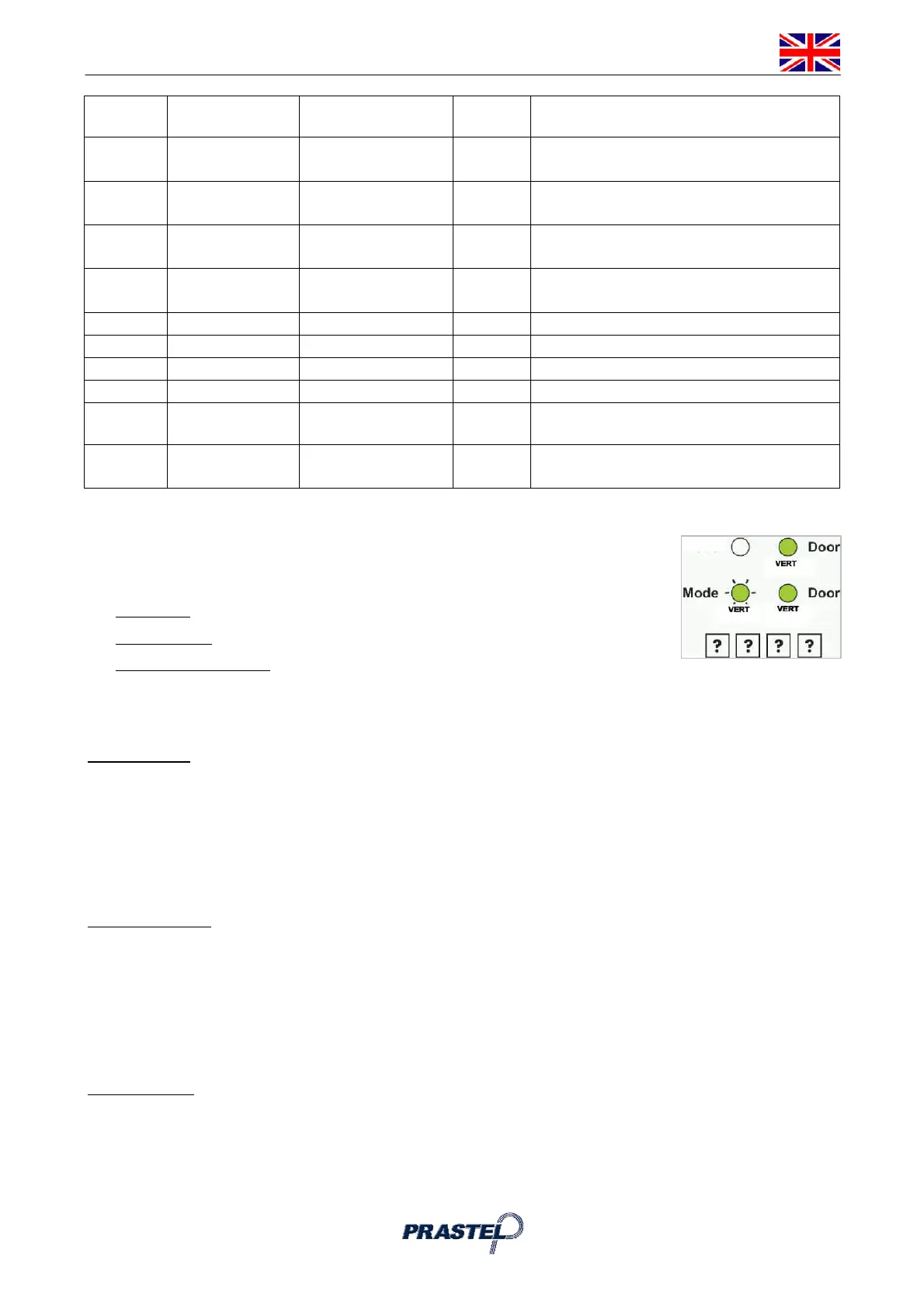
2. Press "6" to enter Menu 6: the Mode LED will flash green.
3. Construct the 4-digit code using the instructions below:
First Digit: 0 for Fail Secure, 1 for Fail Safe
Second Digit: 0.
Third and Fourth Digit: Lock Strike Time, enter 1 to 99 seconds
For example: 0 0 1 2 means: Fail Secure Operation, with a 12 second Lock Strike release time.
16. ENROLLING PRIMARY & SECONDARY CODES
Primary Codes
Primary Codes can only be enrolled to an empty User Slot, i.e. a slot where there is no existing
Primary Code.
Primary Codes must be unique, i.e. one user Primary Code may not be the same as another user
Primary Code.
Primary Codes cannot be the same as any system codes, such as the Normal / Secure Code or
Open Code.
Users who hold a Primary Code can gain entry only during Normal Mode.
Secondary Codes
Secondary Codes can only be enrolled to User Slot that already has a Primary Code enrolled but no
Secondary Code.
Secondary Codes do not have to be unique, i.e. multiple users can all hold the same Secondary
Code.
Secondary Codes cannot be the same as any system codes, such as the Normal / Secure Code or
Open Code.
Users who hold Secondary Codes can gain entry in any Mode of Operation.
Enrolling codes
There are two methods to enroll Primary and Secondary codes, the Standard Method and the Code Search
Method.
A. The Standard Method is mainly used when the User Slot number for the user you wish to
program is known. You can program both Primary and Secondary Codes using the Standard
method.



 To Next Page