■ 9 Service
74
Temperature calibration report printout
- - - - - - -
«B»
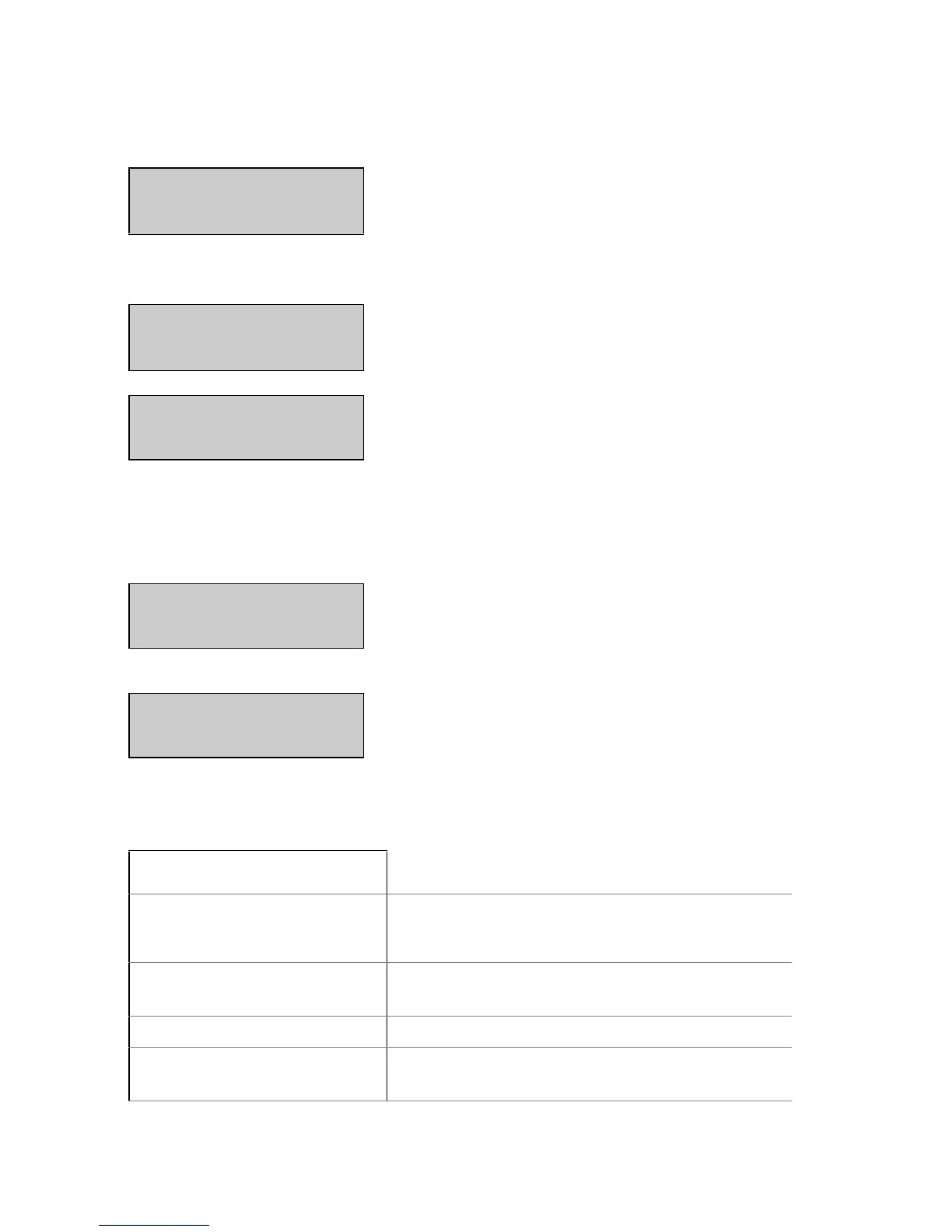
Set the higher calibration value.
T100 t160 start
Note: The difference between the two temperature-values must be
bigger than 40°C.
- - - - - - -
«START»
Once the temperature adjust-
ment set is connected to the in-
strument.
T100 t160 start
disC 25 °C
The temperature calibration is
started.
The moisture analyser heats up
to the first temperature.
TEMP. 25C 20.00min
The temperature and the time remaining for the temperature calibra-
tion are displayed in the info line. The measurement display shows
the current temperature of the temperature adjustment set.
disC 102 °C
After 35min., the temperature
value is transmitted to the in-
strument from the temperature
adjustment set.
TEMP. 100°C 20.00min.
disC 112 °C
The moisture analyser heats up
to the seconde temperature.
TEMP. 110°C 40.00min.
Once the temperature calibration has ended, the report is printed.
Temperature Calibration
-----------------------
Temperature calibration report
Date 16.10.2016 Time 12:51:36
Name : XM 60
Software : C01-0000 P06
Serialno : 5600500
Time of the calibration and instrument
data
Temp. Reference ID : 0.02
Identifier of the temperature adjustment
set
Temperature 100 C : 100 C
Temperature 160 C : 160 C
Status of the temperature calibration
Temperature Calibration o.k.
Instrument has been correctly
temperature-calibrated
Display Key Step


 To Next Page