9 Service ■
73
Calibration report printout
9.3.2 Temperature adjustment
In order to enable a temperature adjustment to take place, "TEMP.
ADJMT." must be switched on in the configuration menu (see chapter
5.3.7 "Temperature adjustment").
Procedure to follow:
• Install the temperature calibrationset (see chapter 10.2 "Accesso-
ries").
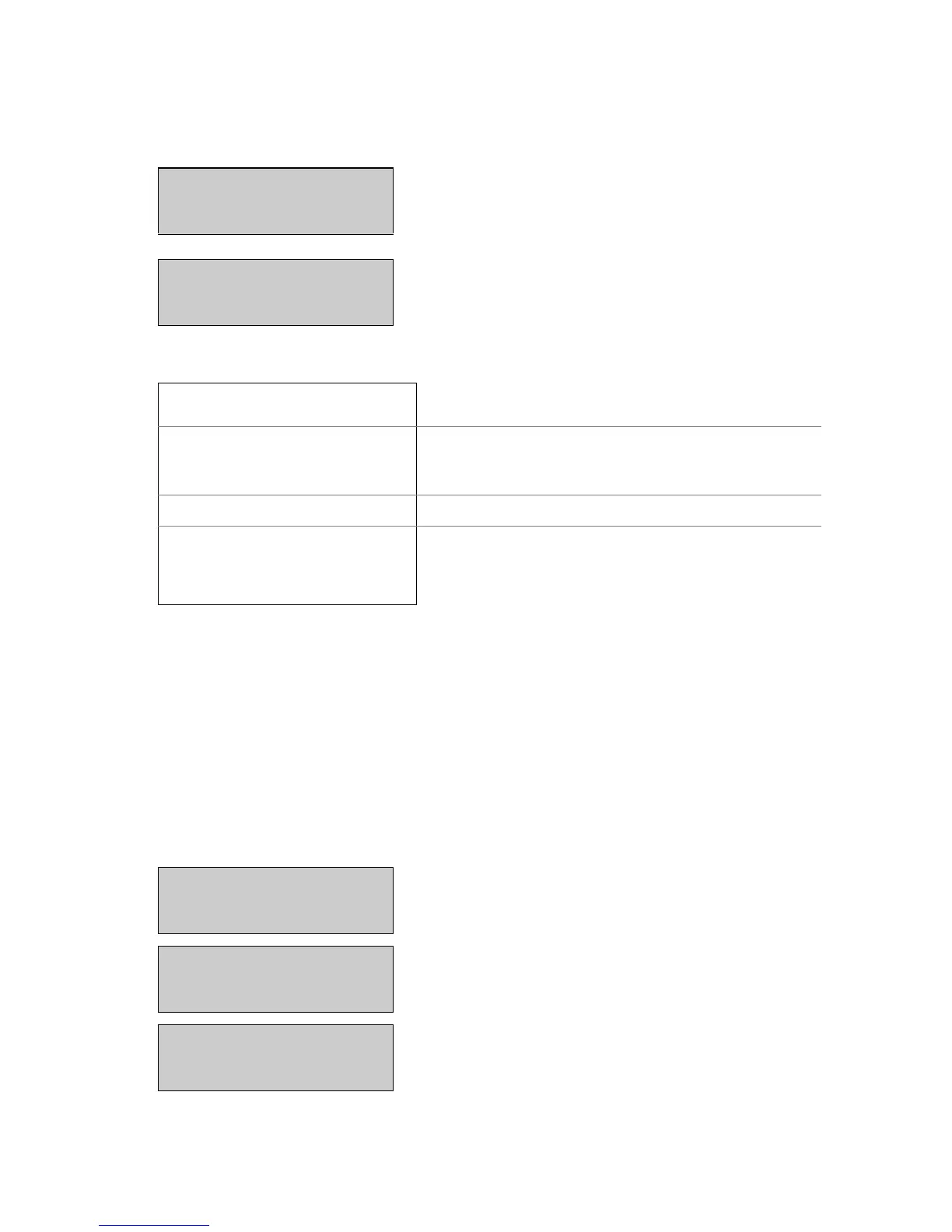
- - 22 9
Place the calibration weight on the
weighing pan.
The display continous to flash.
+22,125 9
Calibration is complete when the
display stops flashing
Calibration
------------
Balance calibration report
Date 16.10.2002 Time 12:51:36
Name : XM 60
Software : N50-0000 P00
Serialno : 3300-1
Time of the calibration and instrument
data
Calibration o.k.
Status of the calibration
Operator :
Operator ID, if activated under Set Print
Format (see chapter 5.3.3 "Configuring
the report printout").
Display Key Step
+0,000 9
The balance is in Weighing
mode.
+0,000 9
«T»
Press until "TEMP. CALIBRA-
TION" apears.
TEMP. CALIBRATION
- - - - - - -
«A»
Set the lower calibration value.
T100 t160 start
Display Key Step


 To Next Page