PredatorSense - 59
Adjusting the Advanced Settings
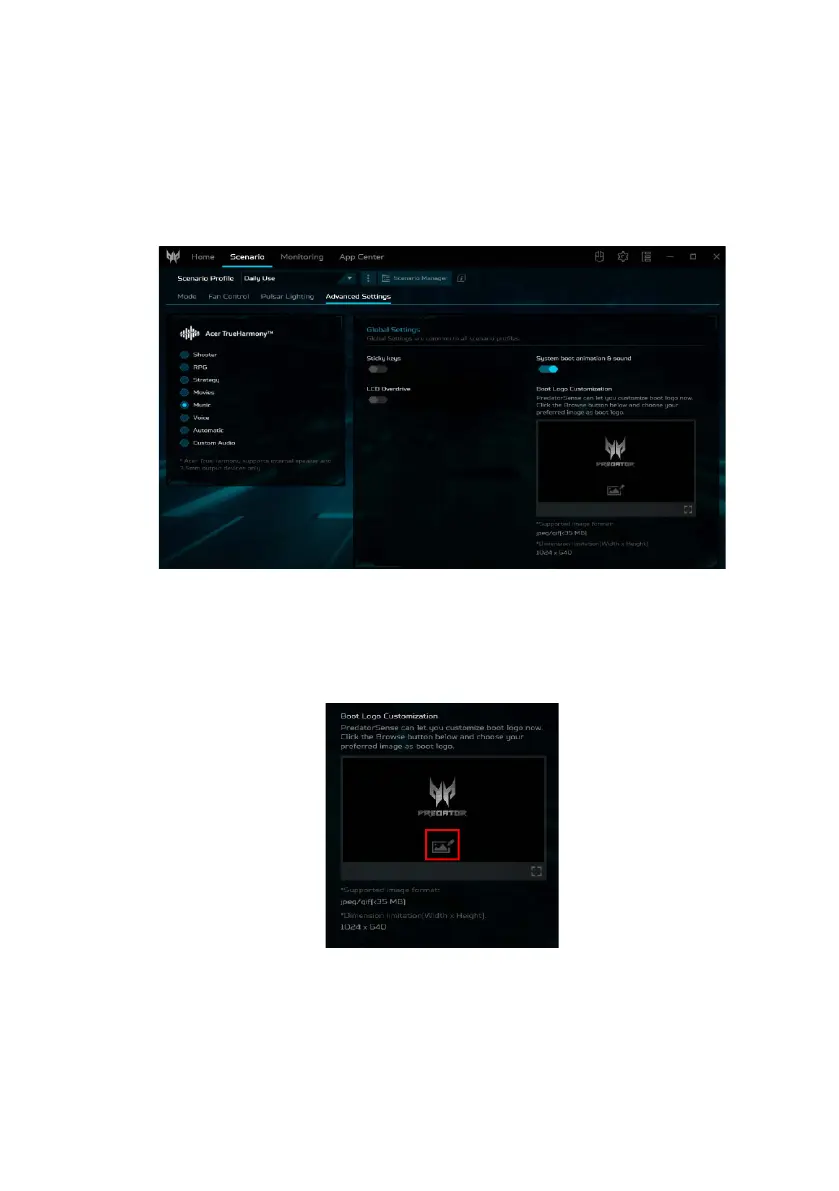
Select Advanced Settings to adjust the audio mode under
the Acer TrueHarmony
TM
tab. Under the Global Settings
tab you can disable/enable sticky keys, LCD Overdrive, and
system boot animation & sound.
Boot Logo Customization
Under the Boot Logo Customization tab, click the Image
icon then browse to select your preferred image to
customize the boot logo.



 To Next Page