Fingerprint Reader - 71
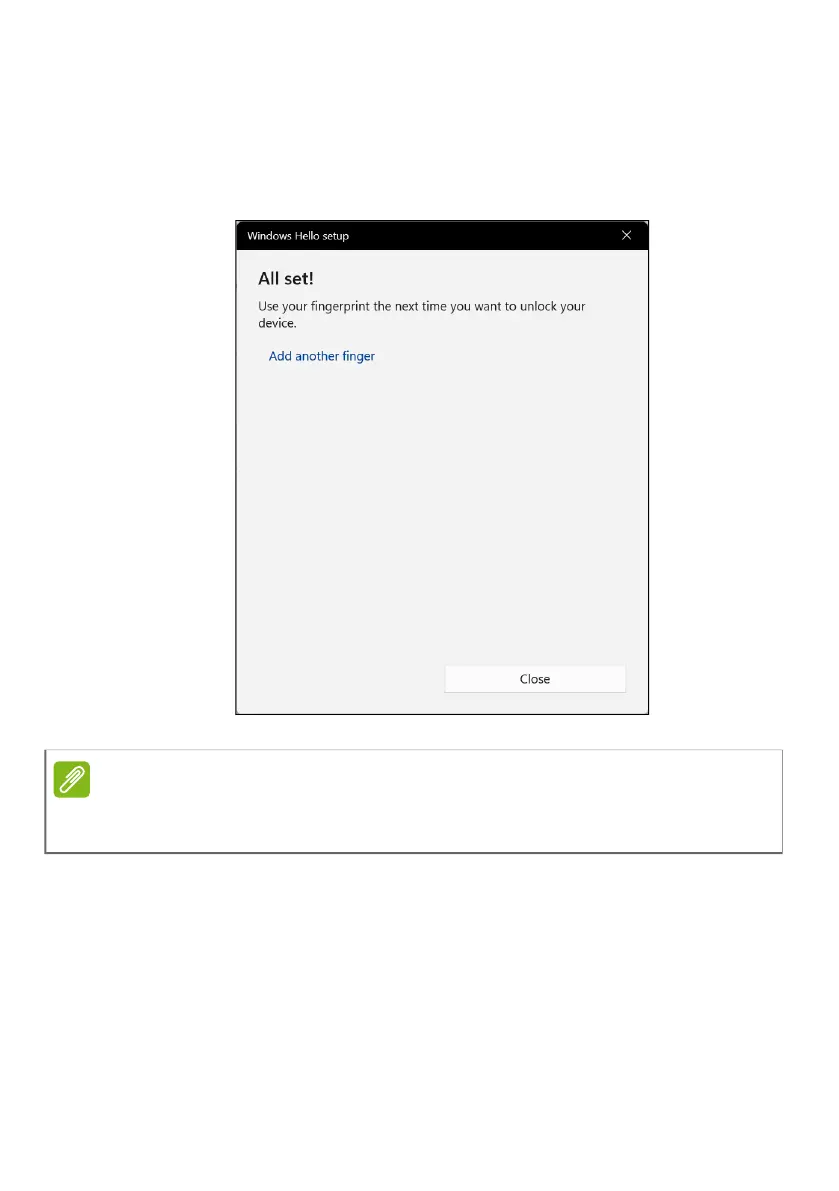
7. Once the fingerprint configuration is complete, you will be
able to sign in or unlock your computer by placing your
fingerprint on the fingerprint reader. You may select Add
another finger to add another fingerprint to unlock the
computer.
Note
If the notebook has multiple accounts, you can set up access
separately and automatically switch between accounts.



 To Next Page