17
User Guide Predia Flex360
Waking up your computer
Do one of the following:
A: Pressing the power button briefly one time.
B: Pressing any key on the keyboard, tapping the touchpad, or opening the display panel.
Note: It is recommended that you put your computer to sleep before you move it. Moving
your computer while the hard disk is spinning can sometimes damage the hard disk, causing
loss of data.
Basic touchpad operations
The touchpad works like a traditional mouse. With it, you can move the cursor and perform
left-click, right-click, double-click actions. However, the actual available actions are
application dependent.
Action name Explanation
Left-clicking (or Clicking) Tap once on the touchpad surface or press once on the low-left
corner of the touchpad.
Right-clicking Press once on the low-right corner of the touchpad.
Dragging Press and continue to hold down the left corner and then move
(drag) your finger across the touchpad surface.
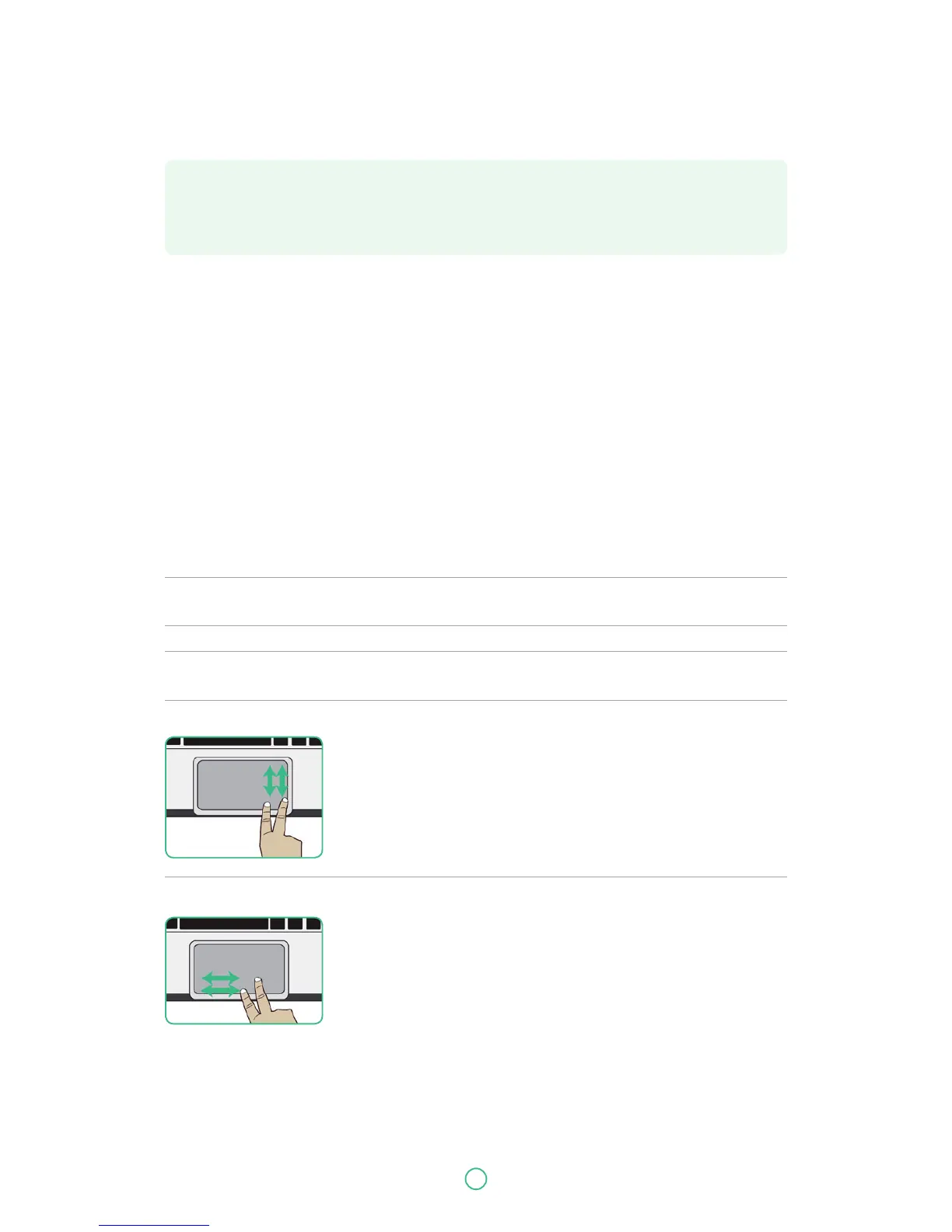
Vertical scrolling
Drag two fingers up or down on the touchpad.
Horizontal scrolling
Drag two fingers left or right on the touchpad.



 To Next Page