20
User Guide Predia Flex360
Taskbar
The black bar on the bottom of the desktop is called Taskbar. It provides
several key features and they are:
• Start menu
• Search box
• App shortcuts area
• Notification area
Start menu
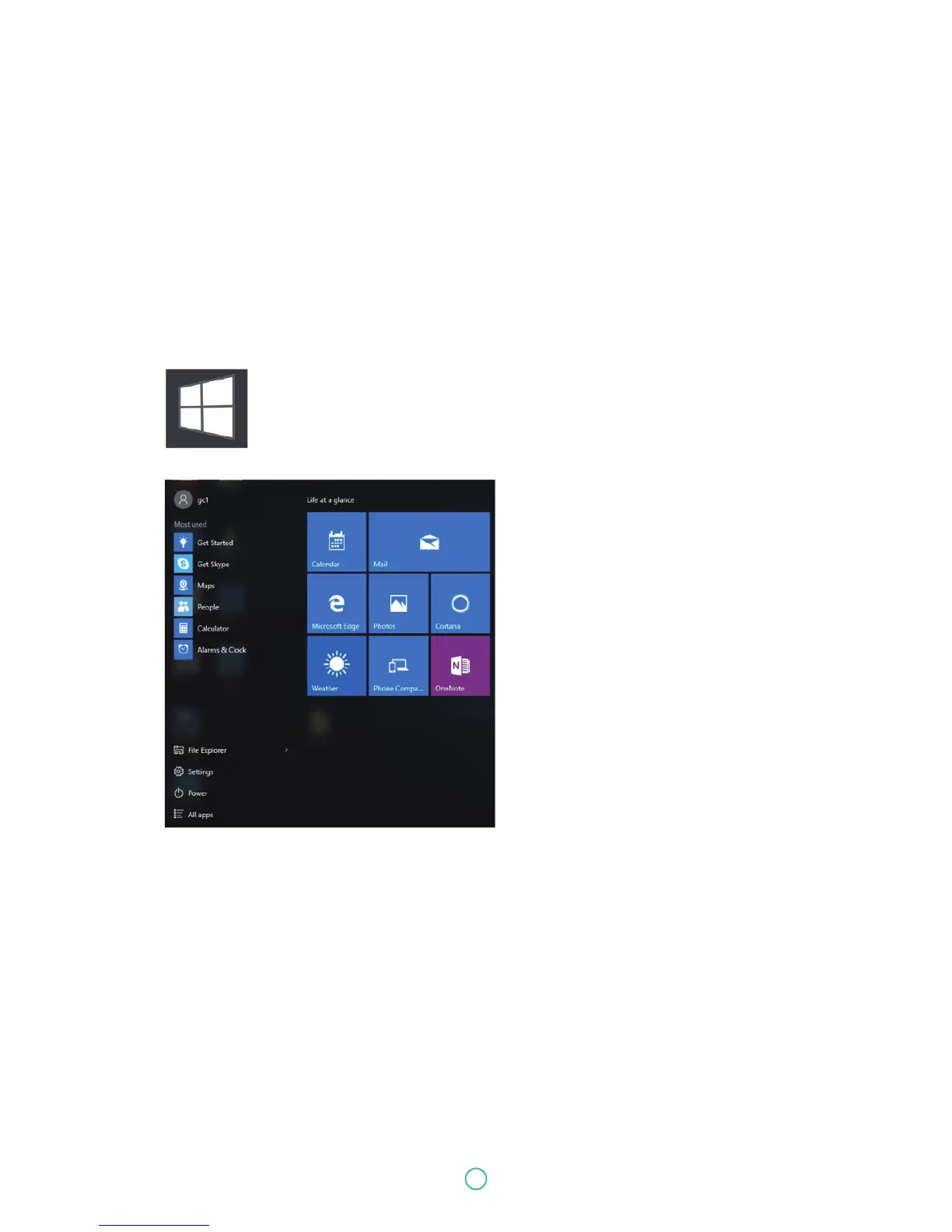
To open the Start menu, you can either click on the windows icon (which is also
known as Start button) located at the left end of the taskbar or press once on the
windows key of the keyboard. And the Start menu will appear, as shown below.
For how to setup this menu, please refer to page 8.


 To Next Page