2
UNIT FEATURES
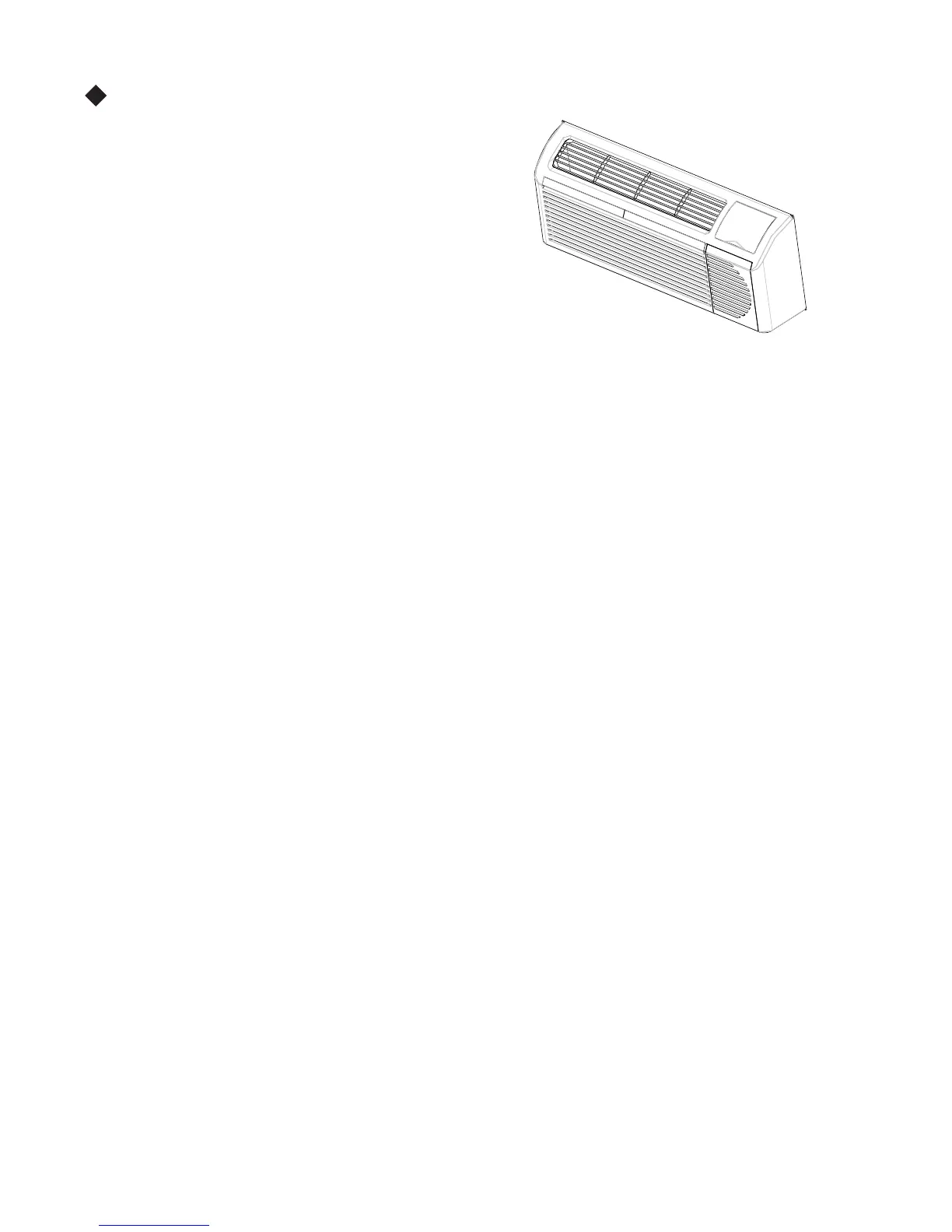
Fig. 2
This Premium Premaire unit has many exciting features which
are different than those found on standard PTAC
models. The owner must be familiar with these
features in order t o fully understand the operation and
capability of the unit.
•
Int
elligence – Your Premium Premaire unit has an on board
computer thatutilizes real timediagnostics toprolong
the life of your unit. There is an LED indicator on the
control board, behind the front panel, that will flash
an error code if the unit has detected some kind of
fault condition. In many cases, the unit will
automatically clear the fault condition and continue
operating with no interruption. In some cases, the
condition cannot be cleared and the unit will require
servi ce. In t h os e cas es, an “F x” fai l u re m od e wil l be
displayed on the digital display. For a detailed list of
all error codes and “Fx” conditions, see Table 6 --
Status LED Indicator Definitions for further details.
•
Memory – Your Premium Premaire unit also has memory. If power is lost, all of the control settings (setpoint,
mode, fan speed, on/off and configuration) are
remembered. S o when power is restored, the unit will
start back up in the mode (and configuration) it was
in, when power was lost.
• Premium Sound
–
The unit not only does it
have2
fan motors and a tangential blower wheel for
optimum sound, the indoor fan will always run a
minimum of 10 seconds before the compressor, to
help reduce any compressor starting noise.
• Random Compressor restart -- To help prevent
power su rges aft er a pow er o ut ag e (fro m many of
your PTACs starting at the same time), the
compressor is equipped with a 2:45 to 3:15 random
restart delay feature. Whenever the unit is plugged in,
or power has been restarted, a random compressor
rest art w i ll occur.
•
Compressor Protection -- To prevent s hort cycling
of the compressor and maximize it’s life, there is a
random start--up delay
of 3 minutes on the
compressor and a minimum compressor run time of 3
minutes.
• Auto mati c room freezeprotection – automatically
will keep the temperature in the room from getting
too cold, where water p ip es migh t freeze. If the u ni t
is confi g ur ed fo r t h e freeze pr ot ect i on feat ure t o be
active(which is the defaultcondition), then whenever
power is supplied to the unit, if the unit senses
tem perat u re b el ow 40°F, t h e fan mot or and elect ri c
heater are turned on and will warm the room to 50_F.
If Fr eeze pro t ect i on is not requ ired , chan ge the
configuration switch to turn the feature off (see
section on unit configuration).
•
Auto mati c defro st protection (for h eat p u mp
models only) – When the outdoor temperature gets
too cold (approx. 35°F ) and the unit can no longer
effectively heat with the compressor, the unit will
automatically switch to electric heating. The unit will
then heat wi t h el ect ri c heat unt i l t h e out s i d e
temperature rises enough (approx. 40°F), so the
com pres s or can be used again.
• Auto mati c Qu i ck Wa rm --up (fo r h ea t pu mp
models only) -- If the room temperature falls to 5°F
belo w th e s et po i n t tem perat u re, t h e rev ers e cy cl e
heat is shut off and the electric strip heat is turned on
for on e cycl e, unti l heati ng is sat i s fi ed.
•
LED Indicator’s and Buttons -- The touch pad has
buttons for MODE, FANSP EED, ON/OF F,
SETP OINT UP and S ETP OINT DOWN. It also has
LEDs that correspond to the mode, fan speed and
setpoint operation, to indicate t he unit’s status. The
LEDs below the m ode button, FAN, C OOL, and
HEAT, indicate what operating mode is active. The
LEDs below the Fan button, Low, Med and Hi,
in di cat e t h e fan sp eed t h at is s el ect ed . The LED
locat ed in t h e lo wer ri g ht corner i s the u ni t On/Off
status LED. If the unit is in ON mode, the LED will
be green. If the unit is OFF, the LED will be red.
• Configure Fan to Optimize Selected Application
-- Unit can be optimized to selected application by
configuring the fan to run in continuous mode or
cycl e on and off with the compressor and electri c
heater (can be d ifferent for b ot h heat i ng and coo l i ng
modes). In cycle mode, fan will continue to run aft er
comp res so r or elect ri c heater sto ps in ord er bl o w o ff
any residual heat or cool left on coil.



 To Next Page