11
The location that you choose must be within the range of
your existing WiFi router network.
4) Use the Status LED to help you choose a spot where
the extender-to-router connection is optimal.
5) If the Status LED lits amber , plug the extender into
an outlet closer to the router and try again.
Keep moving the extender to outlets closer to the router
until the Status LED lits blue.
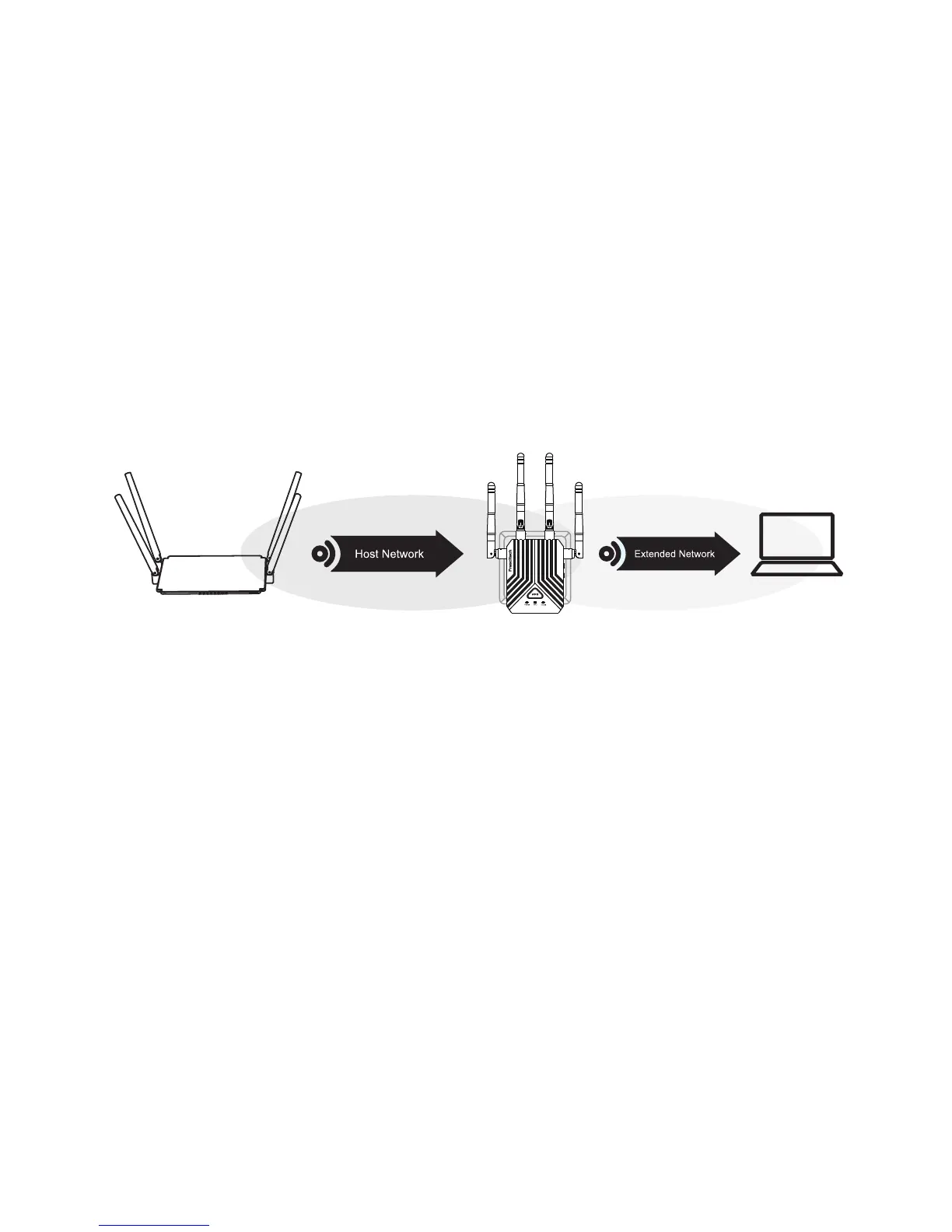
6) Find and connect to the new extended WiFi network
on your computer or WiFi device.
The extender creates a new extended WiFi network. The
extender’s new WiFi network name is “Prescitech
X12_2.4G_EXT or Prescitech X12_5G_EXT”, use the
same WiFi password that you use for your WiFi router.
Note: Place the extender in an elevated location and
minimizing the number walls and ceilings between the
router and your other devices.
Note: If the extender doesn’t connect to the router, the
Status LED keeps lits red and the extender’s new WiFi
network name doesn’t change to “Prescitech
X12_2.4G_EXT or Prescitech X12_5G_EXT”.
Host Wi-Fi



 To Next Page