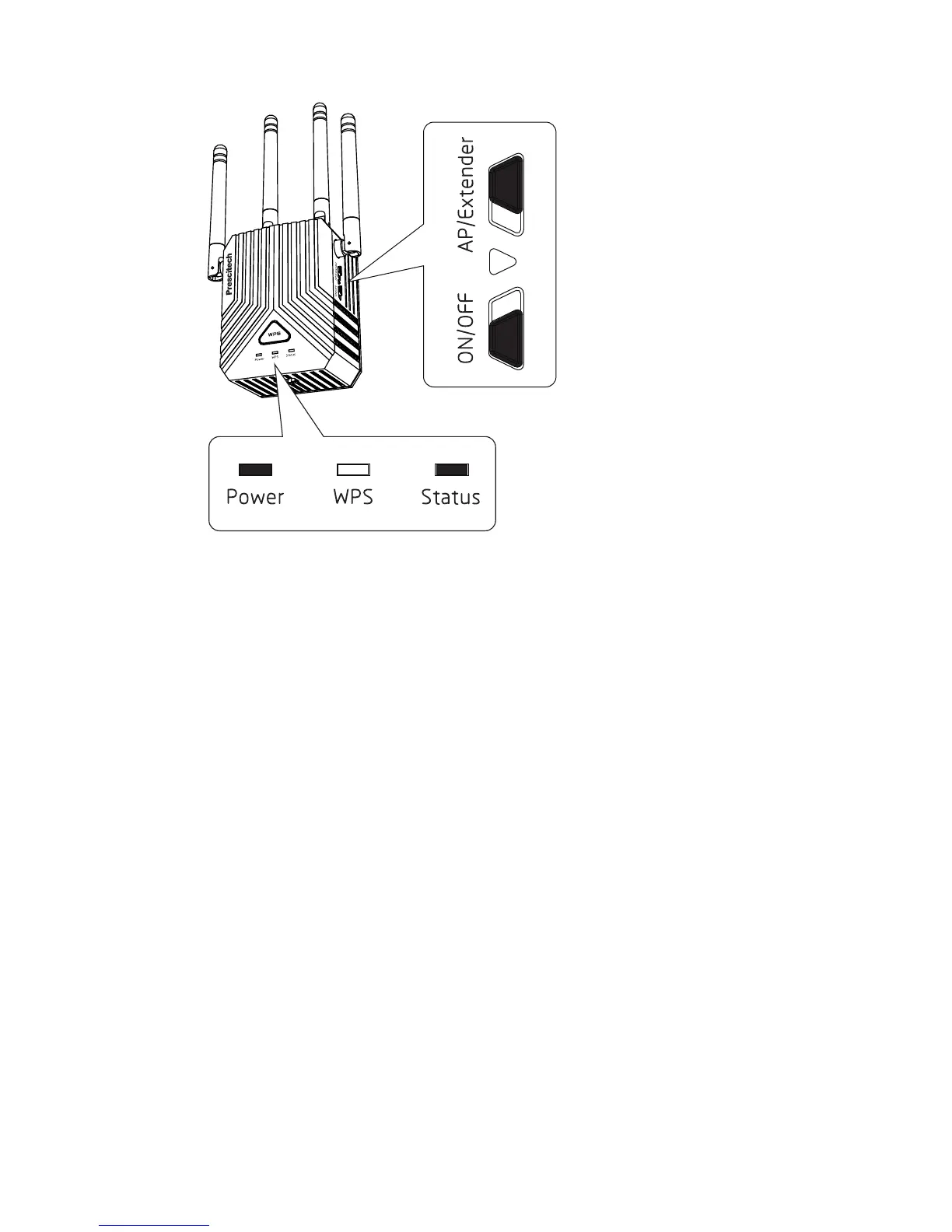
07
To extend the range of your WiFi network, you must con-
nect the extender to your existing WiFi network. You can
do this in one of two ways:
Method 1. Connect with a web browser.
Method 2. Connect with WPS. For more information,
see Method 2: Connect with WPS. For more page 11.
2 Connect to an Existing WiFi
Network
1) Use a WiFi network manager on a computer or mobile
device (recommended) to find and connect to the ex-
tender WiFi network “Prescitech X12_2.4G or Presci-
tech X12_5G”
Method 1: Connect with a web browser



 To Next Page