08
2) Launch a web browser, enter
http://extenderlogin.com or http://192.168.19.252/ in
the address field of the web browser, when prompted,
setup the password for admin page during the initial
setup process.
3) Click the “Start Extend” button.
4) Then choose a WiFi network to extend.
Note: Click the Refresh button if the wireless Network
list couldn't loads completely or successfully.
5) In the Key (Network password) field, type the existing
WiFi network password (also called the passphrase or
security key) and click the Apply button, wait 1 minute to
reboot the extender.
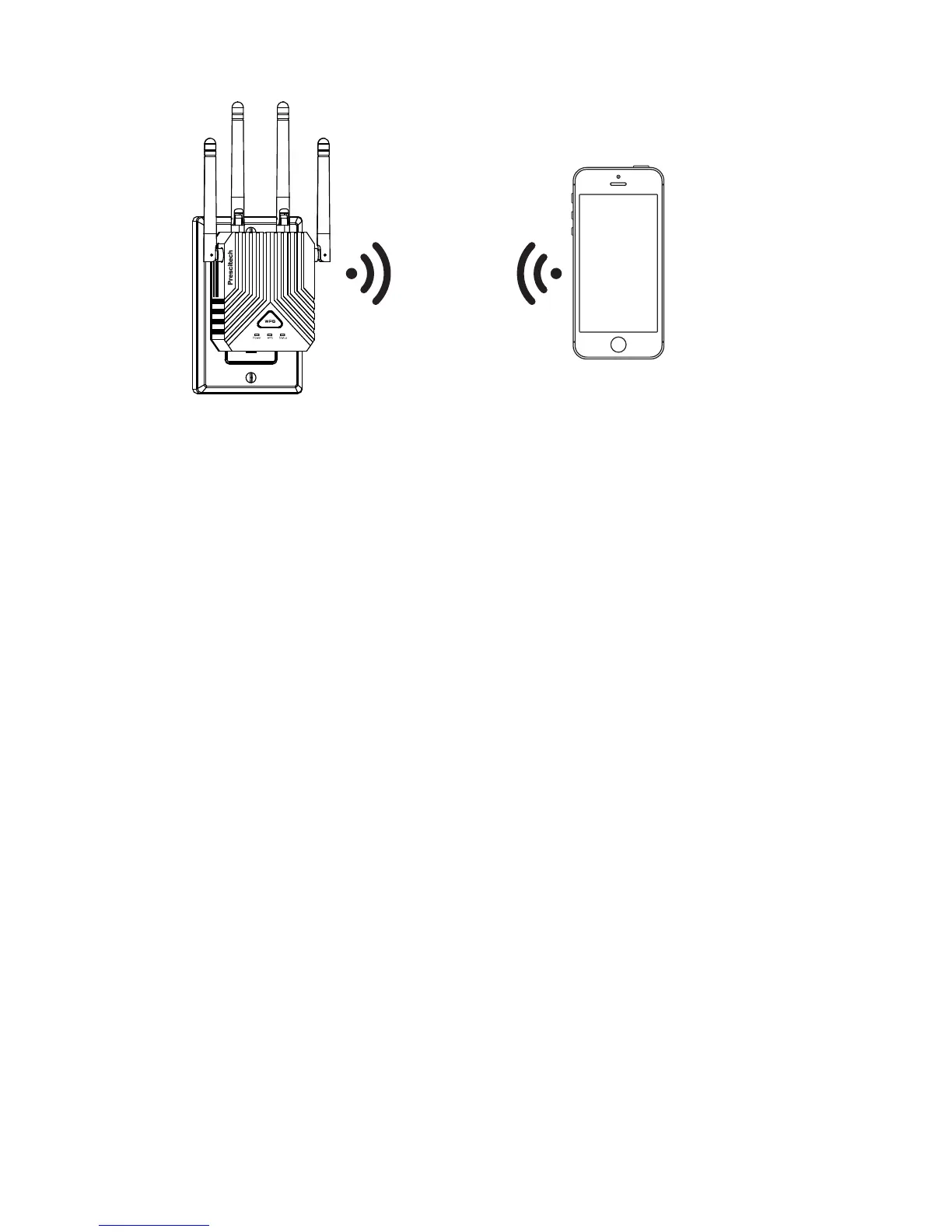
6) Find and connect to the new extended WiFi network
on your computer or WiFi device. The extender creates
a new extended WiFi network. The extender’s new WiFi
network name is “Prescitech X12_2.4G_EXT or
Prescitech X12_5G_EXT”, use the same WiFi pass-
word that you use for your WiFi router.



 To Next Page