14
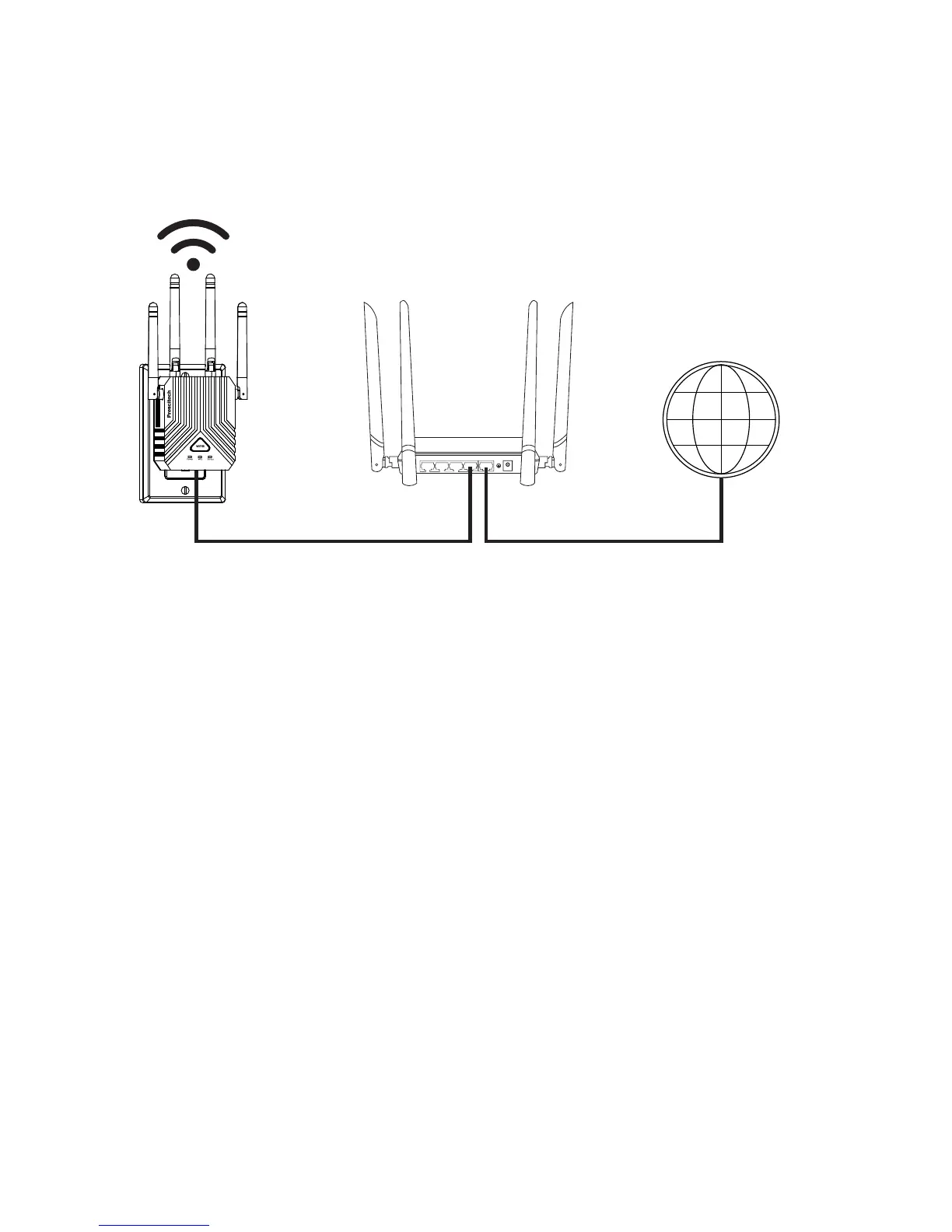
2) Connect the AP to your wired Ethernet port with the
Ethernet cable came with your AP.
1) Power on the AP, turn the Power On/Off button to
“On” and Mode Switch Button to “AP” on the side of the
AP, plug the AP into an electrical outlet.
3) Use a WiFi network manager on a computer or mobile
device (recommended) to find and connect to the AP
WiFi network “Prescitech X12_2.4G or Prescitech
X12_5G”.
Cable Your AP
The following image shows how to cable your AP:
LAN4 LAN3 LAN2 LAN1 WAN
WAN Port LAN Port WAN Port
Ethemet cable DSL or Cable
Internet



 To Next Page