04
Blinking. Press and hold the WPS 3 seconds on the
Rear Panel lets you use WPS to join the WiFi network
without typing the WiFi password. The WPS LED blinks
amber during this process.
LED Descriptions
Power LED
WPS LED
Lit Blue. Best Connection.
Lit Amber. Poor Connection.
Lit Red. Disconnected.
Status LED
Lit amber. The Prescitech X12 is starting.
Off. Power is not supplied to the router.
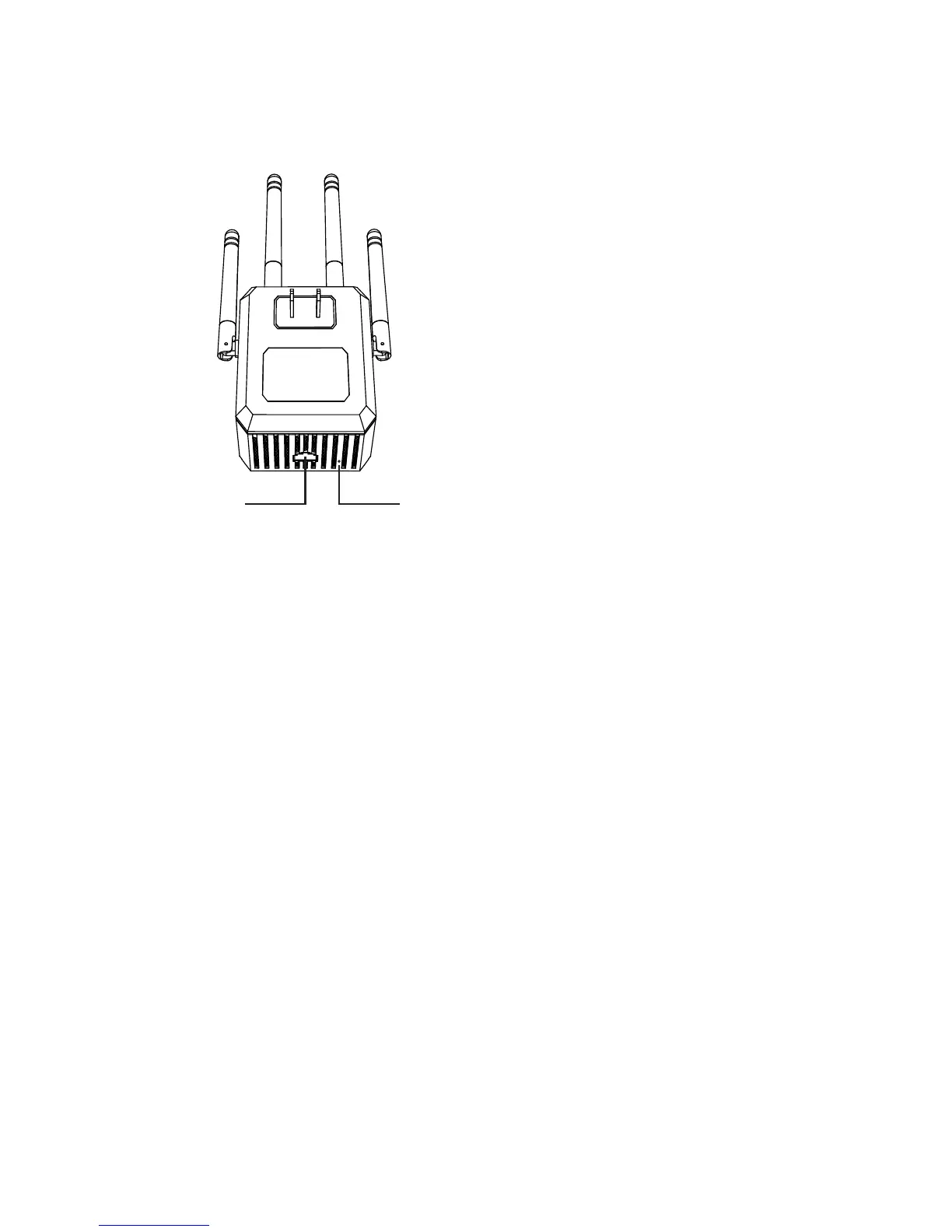
Rear Panel
ResetWan/Wlan



 To Next Page