15
4) Launch a web browser, enter
http://extenderlogin.com or http://192.168.19.252/ in
the address field of the web browser, when prompted,
Launch a web browser.
5) Setup the AP’s SSID and Password, click APPLY
button. the AP will take 1 minute to reboot.
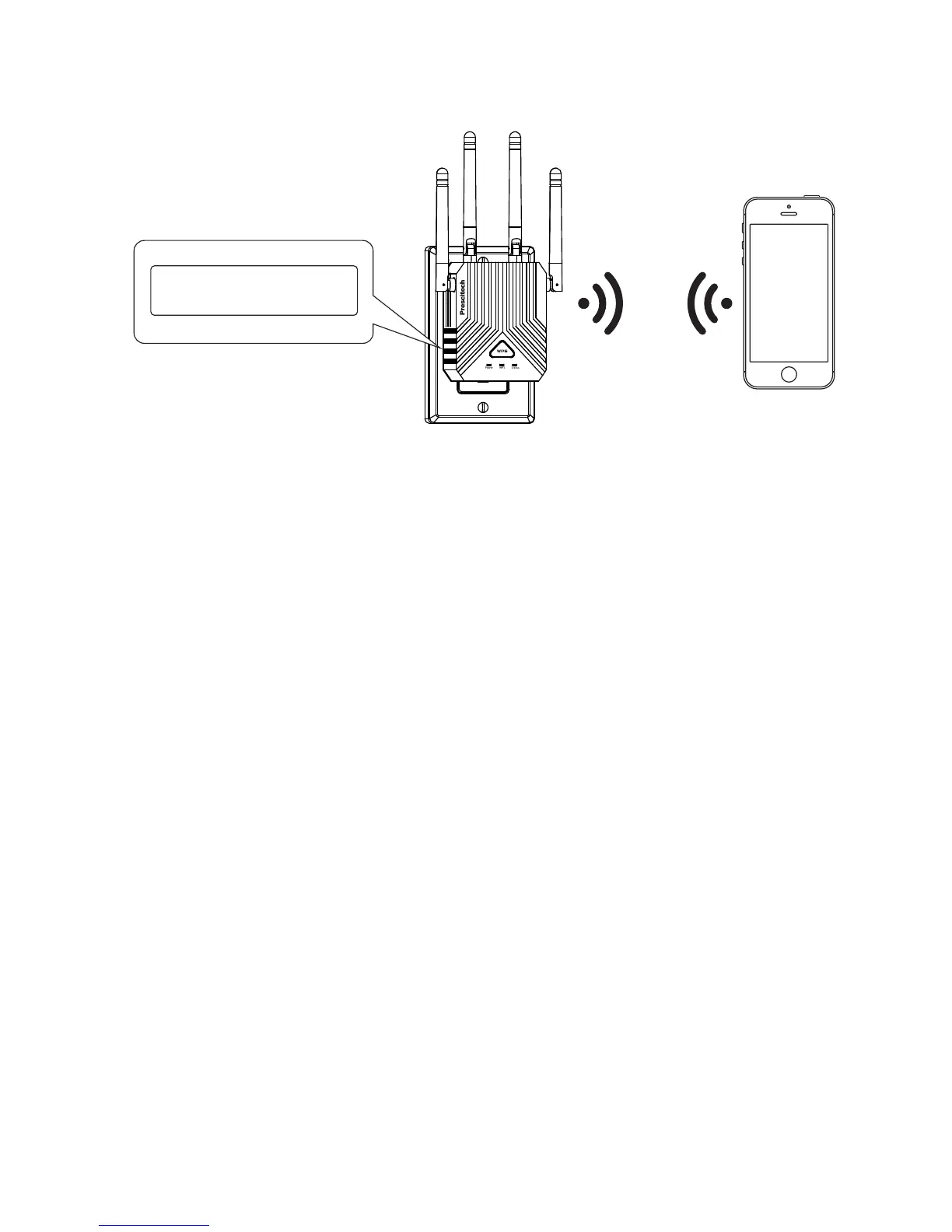
MAC:80:3F:5D:8A:7E:AA
PIN:XXXXXXXX



 To Next Page