21
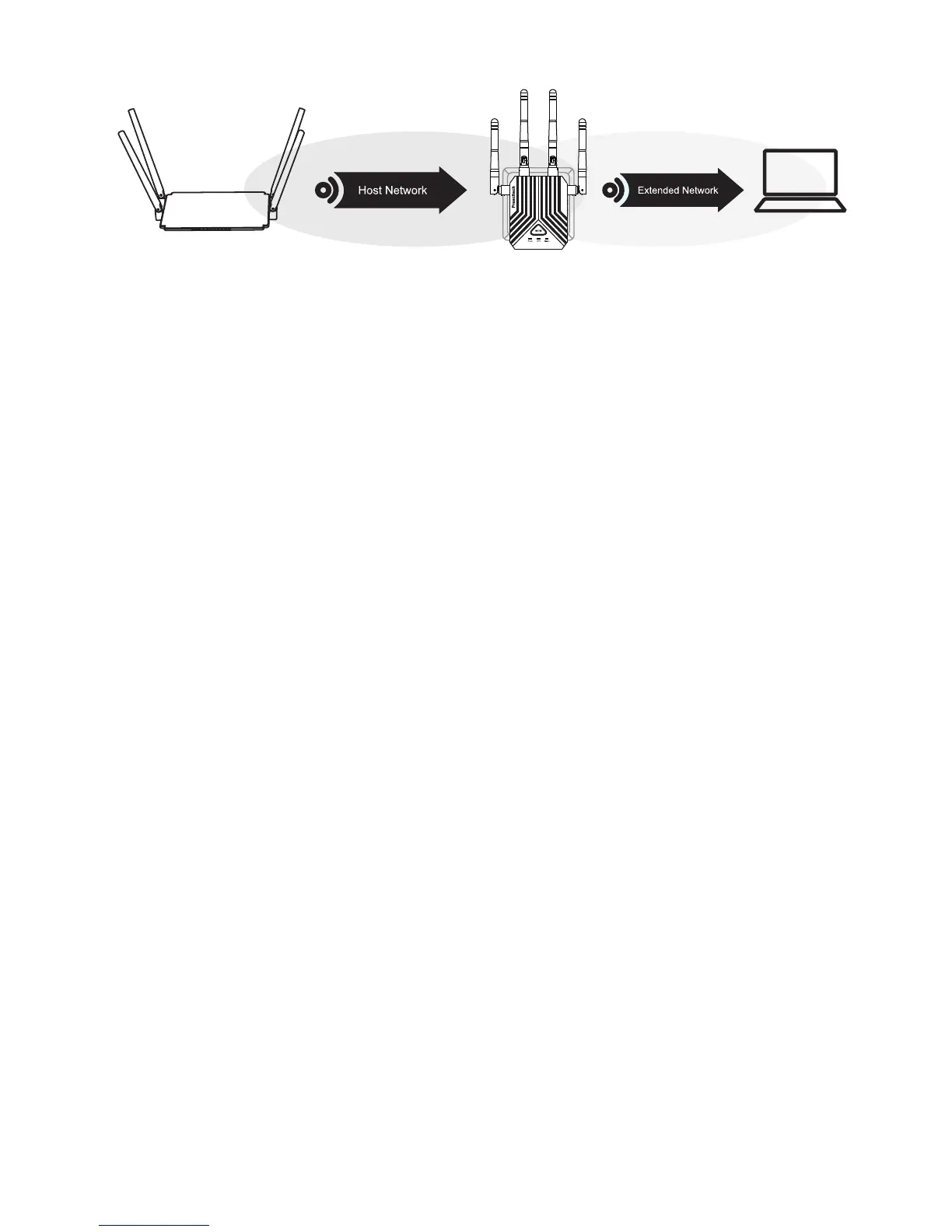
The location that you choose must be within the range of
your existing WiFi router network.
2) Using a smart phone to help you choose a spot where
the extender-to-router connection is optimal.
3) If there is not full WiFi signal on your smart phone ,
plug the extender into an outlet closer to the router and
try again.
Keep moving the extender to outlets closer to the router
until the full WiFi signal on smart phone.
4) Plug the extender into an electrical outlet in an elevat-
ed location and minimizing the number walls and ceil-
ings between the router and your other devices.
The extender is probably placed at the borderline of the
range covered by the router or access point. For more
information, see the solution on Q3.If you are using
WEP security, make sure that you are typing the network
password in the correct field.
The web browser setup guide keeps asking me for
my network password (passphrase) or security key,
and I am sure I have entered the correct password.
What can I do?
Host Wi-Fi



 To Next Page