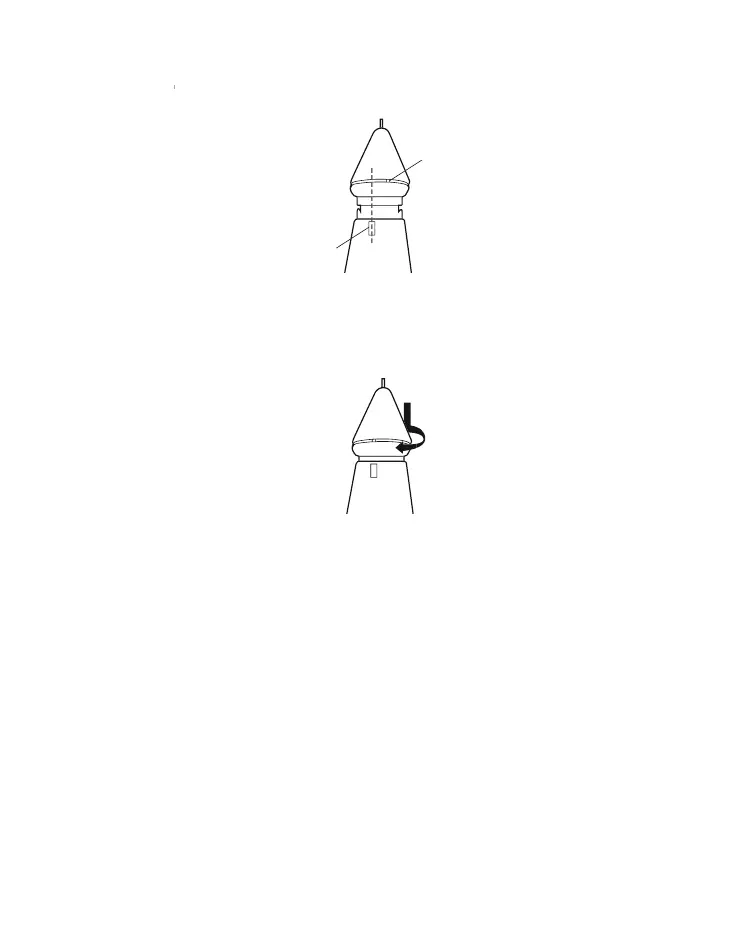
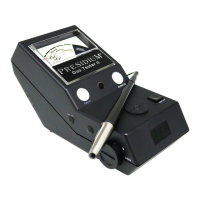
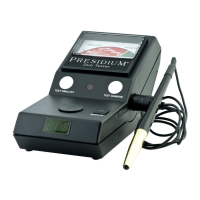
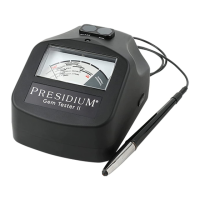
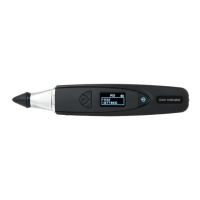
To insert new probe tip, align the tip guide 1 which is
found on the body of the tip with guide 2 which is found
on the metal grip of the tester (Fig. 5.1b).
Push in and turn clockwise to lock the probe tip
(Fig 5.1c).
Fig. 5.1b
Fig. 5.1c
Guide 1
Guide 2
Calibrating
Once the tip has been inserted, you may begin Calibration
by navigating to the third option in the main menu and
Select “Calibrate”.
Test
Settings
> Calibrate
Library
32


 To Next Page