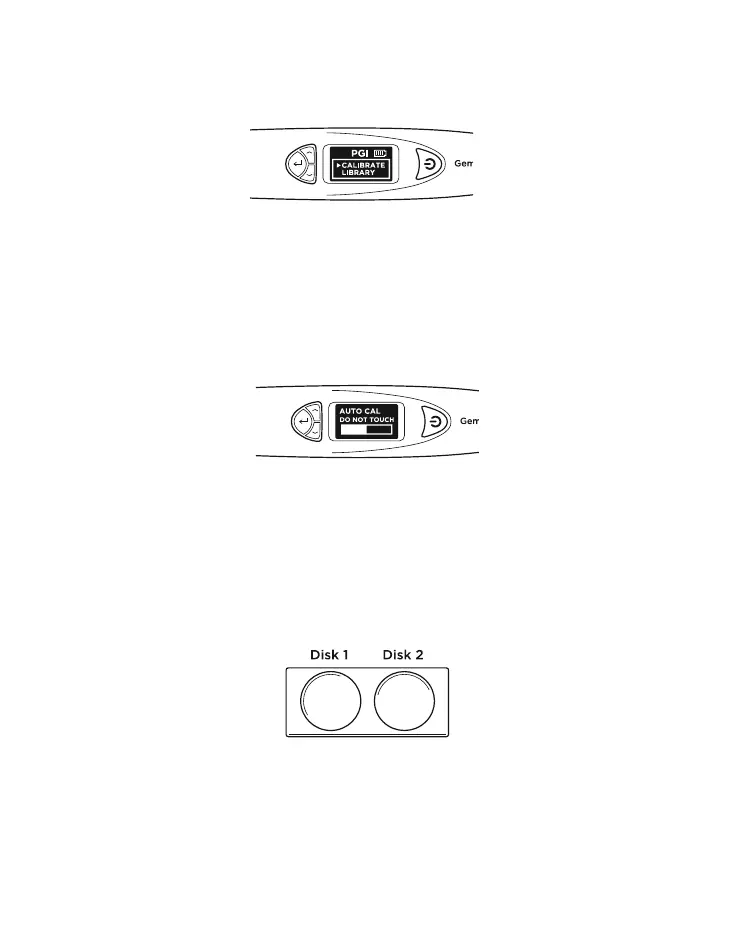
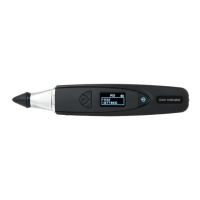
When Calibrate is selected, the tester will go into
calibration mode and you may follow the instructions as
they appear on the display screen. (Fig. 5.2)
Fig. 5.2
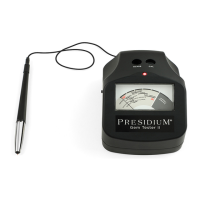
Fig. 5.3
After “Calibrate” is selected, the tester will do an automatic
pre-programmed calibration that will take about 6-8
seconds. Do not press or rest the probe tip of the tester
onto any material during this time (Fig 5.3).
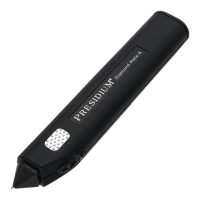
Fig. 5.4
When the auto-calibration is done, press the probe tip
against the provided Calibration Disks, starting with Disk
1 (gray disk), followed by Disk 2 (black disk) (Fig. 5.4).
Ensure the tip is fully depressed against the Calibration
Disk for calibration to be performed.
21
33


 To Next Page