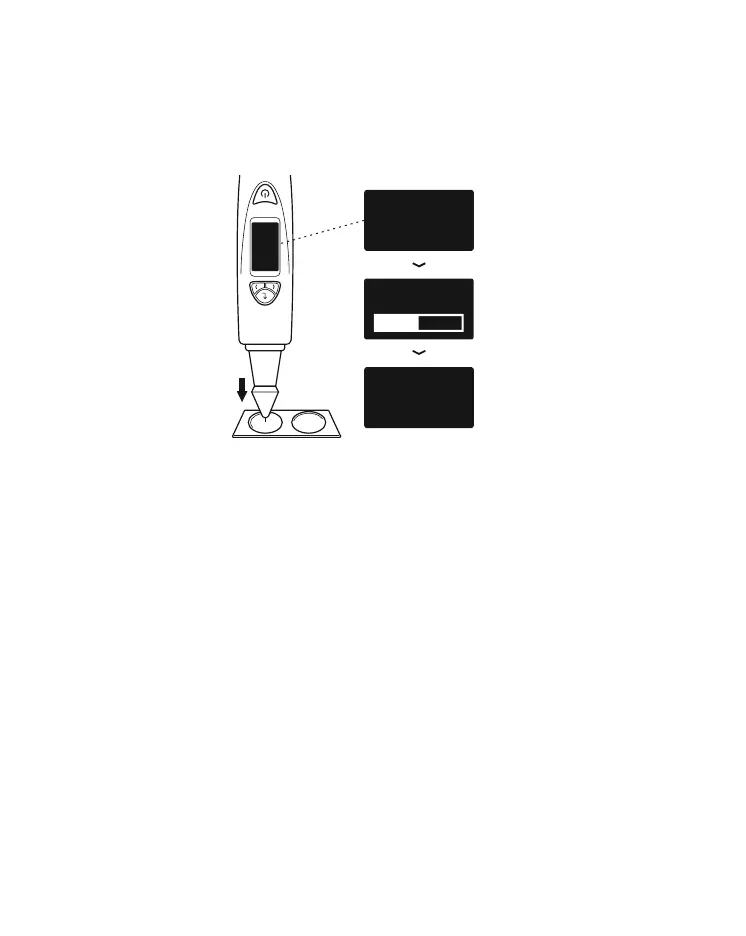
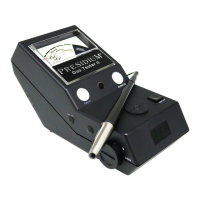
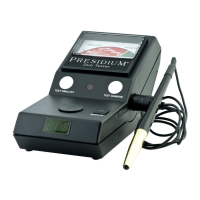
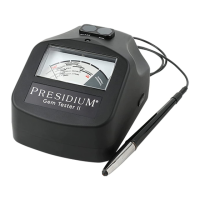
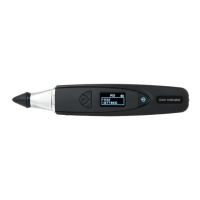
When the probe tip is pressed against the Calibration
Disk (Fig. 5.5a), the display screen will show the process
of calibration (Fig. 5.5b). Calibration is done for each
Calibration Disk when the display screen shows the
completed calibration meter and the word “Successful”
appears on the screen (Fig. 5.5c).
Fig 5.5 (a), (b) & (c) exhibit the steps of
calibration using Disk 1 (gray disk)
2
1
USE DISK ONE
DEPRESS TIP
USE DISK ONE
DEPRESS TIP
SUCCESSFUL
DEPRE
TIP
PLEASE WAIT
CALIBRATING
Fig. 1.10a
Fig. 5.5a
Fig. 5.5b
Fig. 5.5c
34


 To Next Page