INSTALLATION AND SETUP
13
2.5 TESTING YOUR FIR E POD WITH CUBASE LE
In order to test your FIREPOD, do the following:
Launch Cubase LE and make sure that you have selected the PreSonus FIREPOD ASIO driver as described
above in Section 2.4.
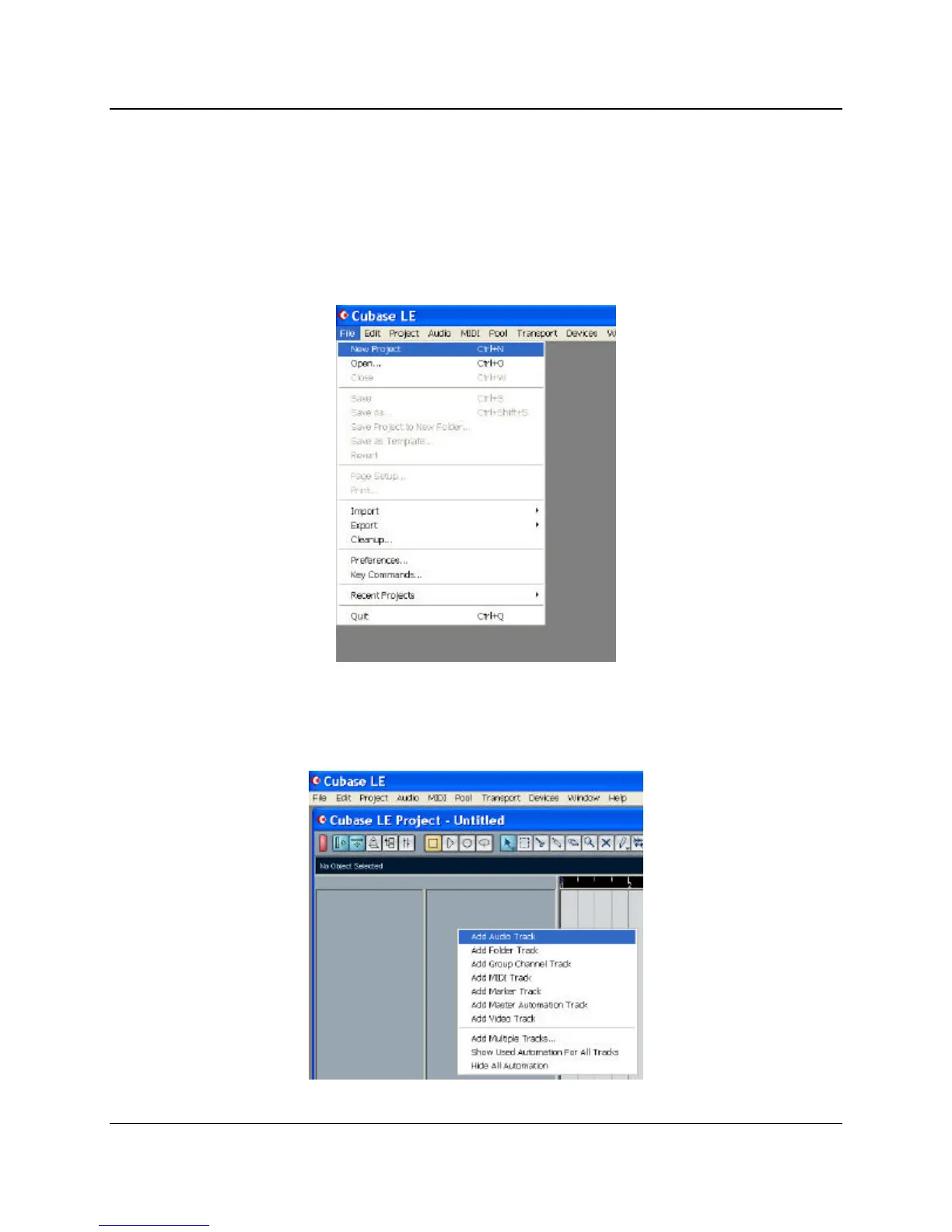
Create a new project::
Create one new audio track within your new project by clicking on Project ->Add Track-> Audio (or you can
right click (ctrl-click mac) in the track space within the project:















 To Next Page