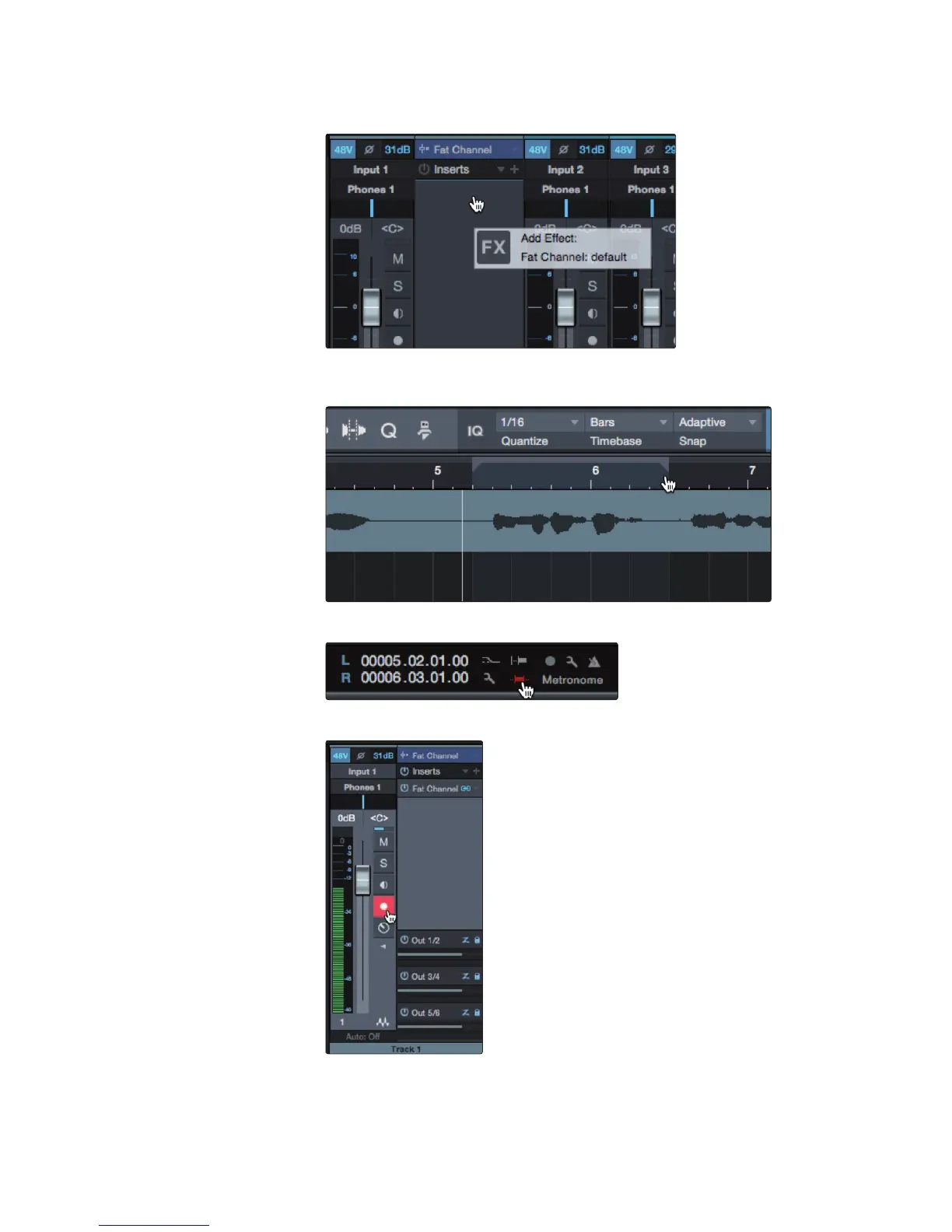
3. Dial in the Fat Channel sound you would like to use while monitoring,
simply drag your DSP plugin down to the insert on the same channel.
4. After you have recorded your audio, set the punch
in and out points in the timeline.
5. Enable the Autopunch button the left of the Metronome settings in the transport.
6. Record Arm your track, making sure to disable input monitoring.
You’re now ready to punch in. Simply rewind to the point in the song at which you’d
like to start and click record. Studio One will playback the recorded audio through
the Fat Channel plugin and switch over to the DSP plugin for monitoring while you
punch in your new audio and switch back with a sonically seamless transition.



 To Next Page