2.3
Connection Diagram
连接图
Owner’s Manual
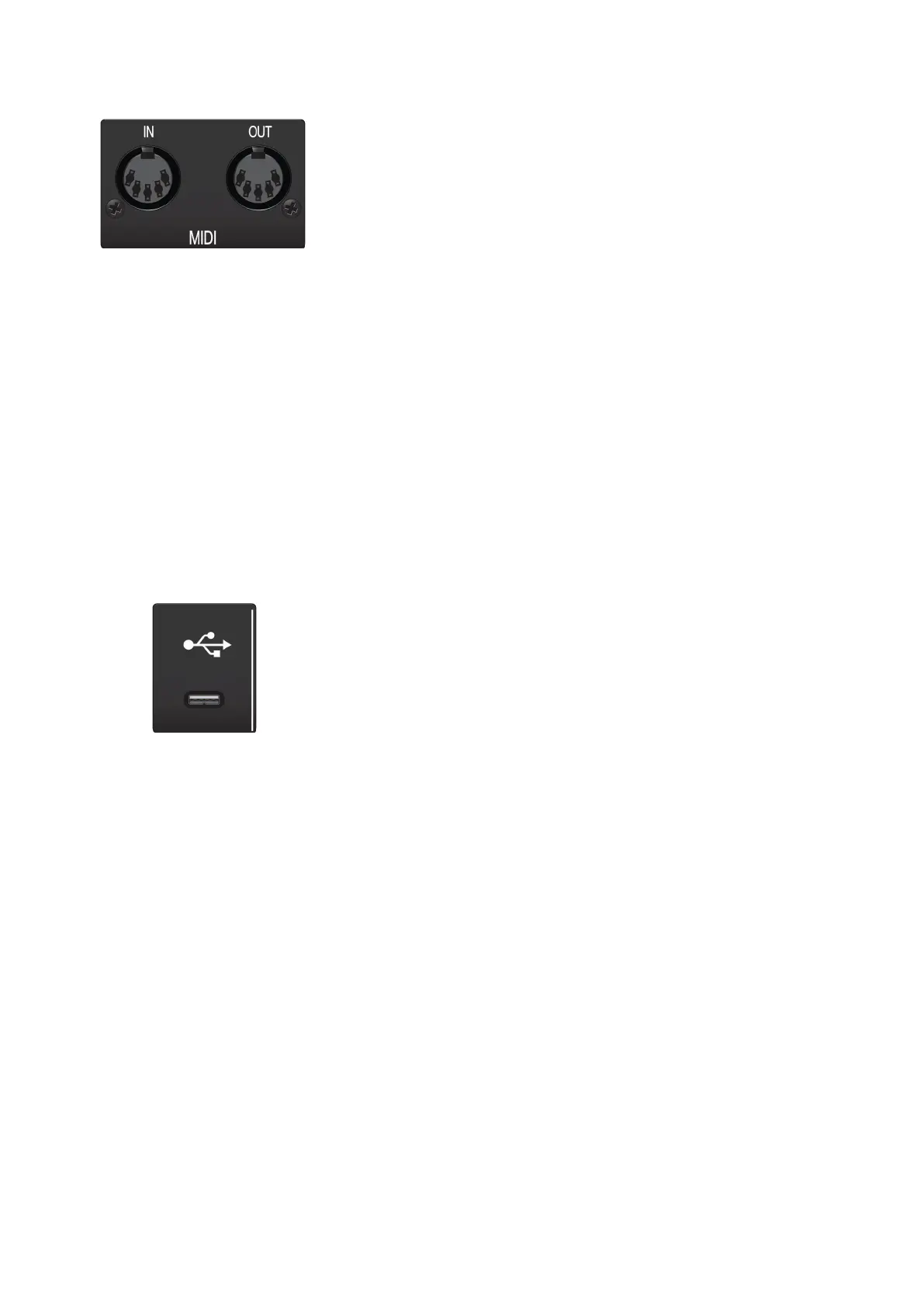
MIDI I/O. This is the MIDI input and output connections.
MIDI stands for“Musical Instrument Digital Interface.”However, MIDI
can
beusedformanythingsotherthaninstrumentsandsequencing. The
MIDIinputsandoutputsallow connection toa varietyofMIDI-
equippedhardware,suchaskeyboardcontrollers,andcanbeused to
send and receiveMIDI Machine Controland MIDITimeCode.
MIDI I / O。这是MIDI输入和输出连接。
MIDI代表“乐器数字接口”。然而,MIDI可以用于乐器和排序之外的许多事
情。MIDI输入和输出允许连接到各种MIDI设备硬件,如键盘控制器,并可
用于发送和接收MIDI机器控制和MIDI时间代码。
Note:
MIDI does not carry audio signals but is frequently used to trigger or control
an audio source,such as a virtual instrument or hardware synthesizer.Youshould
ensure that MIDI data is correctlysent and received by the appropriatehardwareor
software.Youmay also need to route hardware sound sources’audio to the inputs of
yourStudio-seriesinterface.PleaseconsulttheUser’sManual ofyourMIDIdevicesfor
help with MIDI setup and usage.
注意
: MIDI
不携带音频信号,但经常用于触发或控制音频源,如虚拟
仪器或硬件合成器。您应该确保
MIDI
数据被适当的硬件或软件正确地
发送和接收。您可能还需要将硬件声源的音频路由到您的
studio
系列界
面的输入。请查阅您的
MIDI
设备的用户手册,以获得有关
MIDI
设置和
使用的帮助。
USB-CPort.UsethisporttoconnectyourStudio24ctoyourcomputer.Whilethe
Studio 24cconnects using USB-C, it is fullycompatiblewith USB2.0 and3.0
connections.Usethe USB-C to Acable that came with your Studio 24c ifyour
computerhas a USB-A connection rather than a USB-C connection.
Please note:
The Studio 24c is backward compatible with USB 2.0 and USB 3.0 speed
connections.
USB 1.1 is not supported
.
USB-C端口。使用此端口将Studio 24c连接到计算机。虽然Studio 24c使
用USB-C连接,但它完全兼容USB 2.0和3.0连接。如果你的电脑是USB-A
连接而不是USB-C连接,使用Studio 24c附带的USB-C到A的电缆。
请注意
: Studio 24c
向后兼容
USB 2.0
和
USB 3.0
高速连接。
USB 1.1
不支持。















 To Next Page