StudioOneArtistQuickStart
Creating a New Song
Setting up an External MIDI Sound Module from the Start Page
从开始页设置一个外部MIDI声音模块
MIDI instrument controllers (keyboards, MIDI guitars, etc.) send musical information,
in the formof MIDI data, to tone modules and virtual instruments,which respond
by generating sound as instructed. Tone modules can be standalone sound devices
orcanbeintegratedintoaMIDIinstrument,suchasakeyboardsynthesizer.Studio
OneArtist referstoall tonegeneratorsasInstruments.Once youhavesetup your
MIDI keyboard controller,take a moment to configureyour sound module.
Make sure you have connected the MIDI In of your external
sound module to the MIDI Out of your MIDI interface.
MIDI乐器控制器(键盘、MIDI吉他等)将音乐信息以MIDI
数据的形式发送给音调模块和虚拟乐器,这些虚拟乐器
根据指令发出声音作为响应。音调模块可以是独立的声
音设备,也可以集成到MIDI乐器中,比如键盘合成器。
Studio One Artist将所有的音调发生器称为“仪器”。
设置完MIDI键盘控制器后,花点时间配置声音模块。
确保你已经将外部声音模块的MIDI In连接到MIDI接口的
MIDI Out。
1.
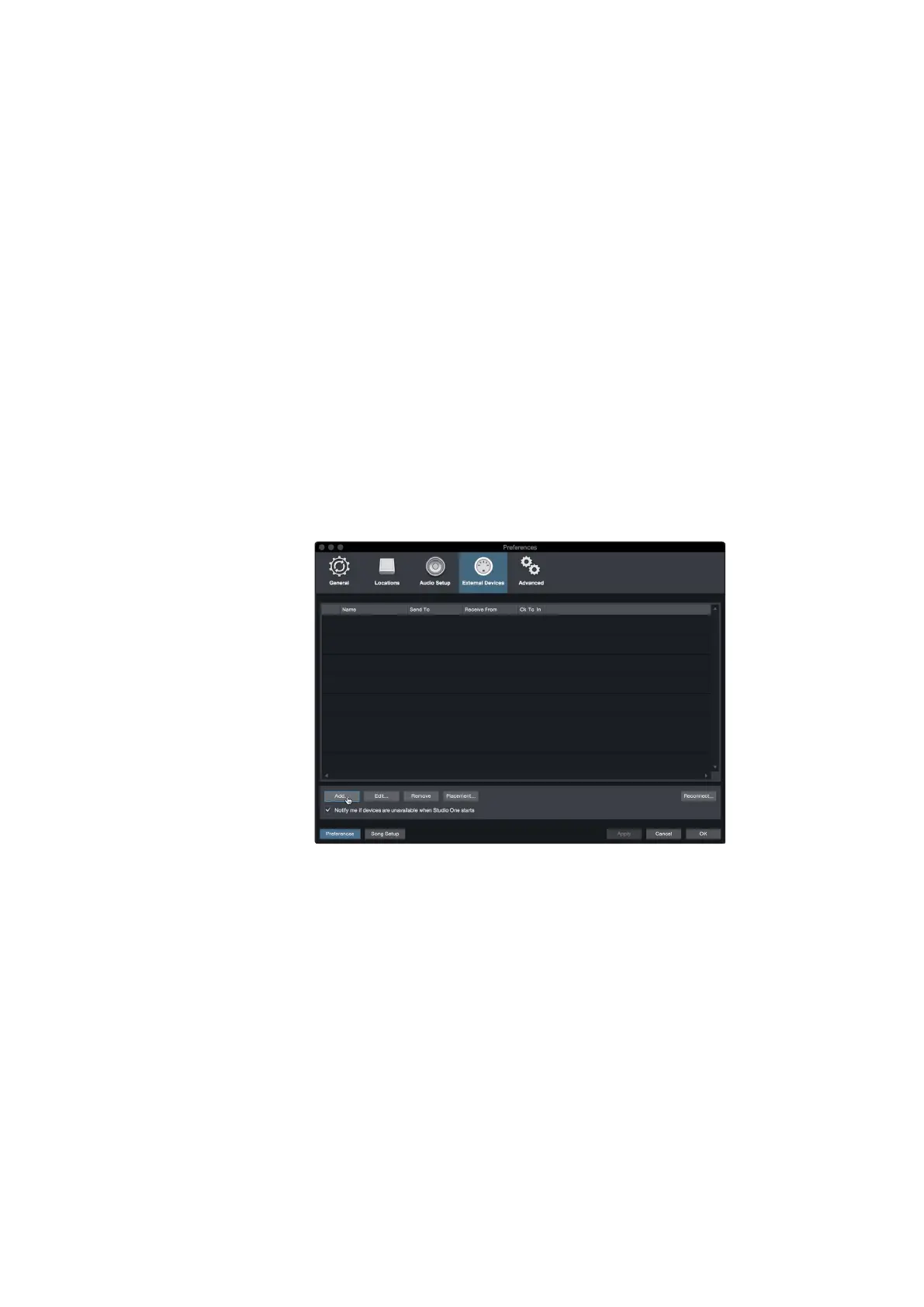
In the External Devices window, click the Add button.
在“外部设备”窗口中,单击“添加”按钮。















 To Next Page