StudioOneArtistQuickStart
Setting Up Studio One
Downloading and Running the Studio One Installer 下载并运行Studio One 安装程序
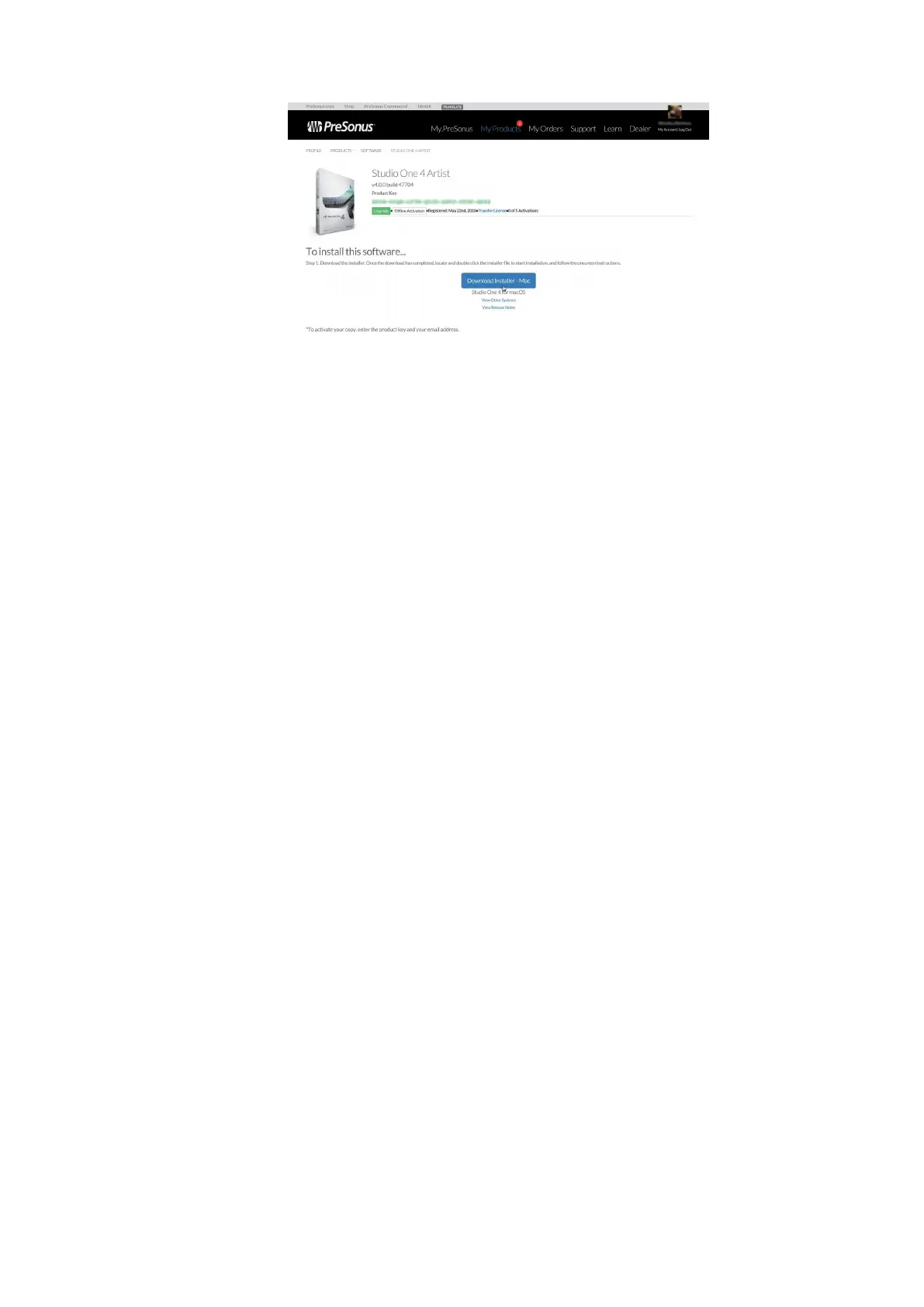
Toinstall Studio One Artist, download the Studio One Artist installer from
your My PreSonus accountto the computeron which you will use it.
Windows:
Launch the Studio One Artist installer
and follow the onscreen instructions.
Mac:DragtheStudioOneArtistapplicationintothe
Applications folder on your Mac hard drive.
要安装 Studio One Artist,请从您的My PreSonus 帐户下载 Studio One
Artist 安装程序到您将要使用它的计算机上。
Windows: 启动 Studio One Artist 安装程序,并遵循屏幕上的说明。
Mac: 将 Studio One Artist 应用拖到Mac硬盘上的 Applications 文件夹中。
授权
When Studio One is launched for the first time on your computer, it will
communicatewith yourMy PreSonusaccountand verifyyour registration.To
ensurea seamless authorization process,make sure to download your installer
to the computeron which youwill be using it, and be sure that your computeris
connected to the Internet when you launch the application forthe first time.
Power User Tip:
You may be prompted to enter your My PreSonus user account
information. Clicking “Remember Credentials”will allow youto have immediate accessto
any content you purchase from the PreSonus Marketplace.
当Studio One在你的电脑上首次启动时,它将与你的My PreSonus帐户进行
通信,并验证你的注册。要确保无缝授权过程,请确保将安装程序下载到您
将使用它的计算机上,并确保在首次启动应用程序时,您的计算机已连接到
Internet。
高级用户提示
: 系统可能会提示您输入My PreSonus用户帐户信息。点击“记
住凭据”将允许您立即访问您从PreSonus市场购买的任何内容。















 To Next Page