StudioOneArtistQuickStart
Creating a New Song
4.
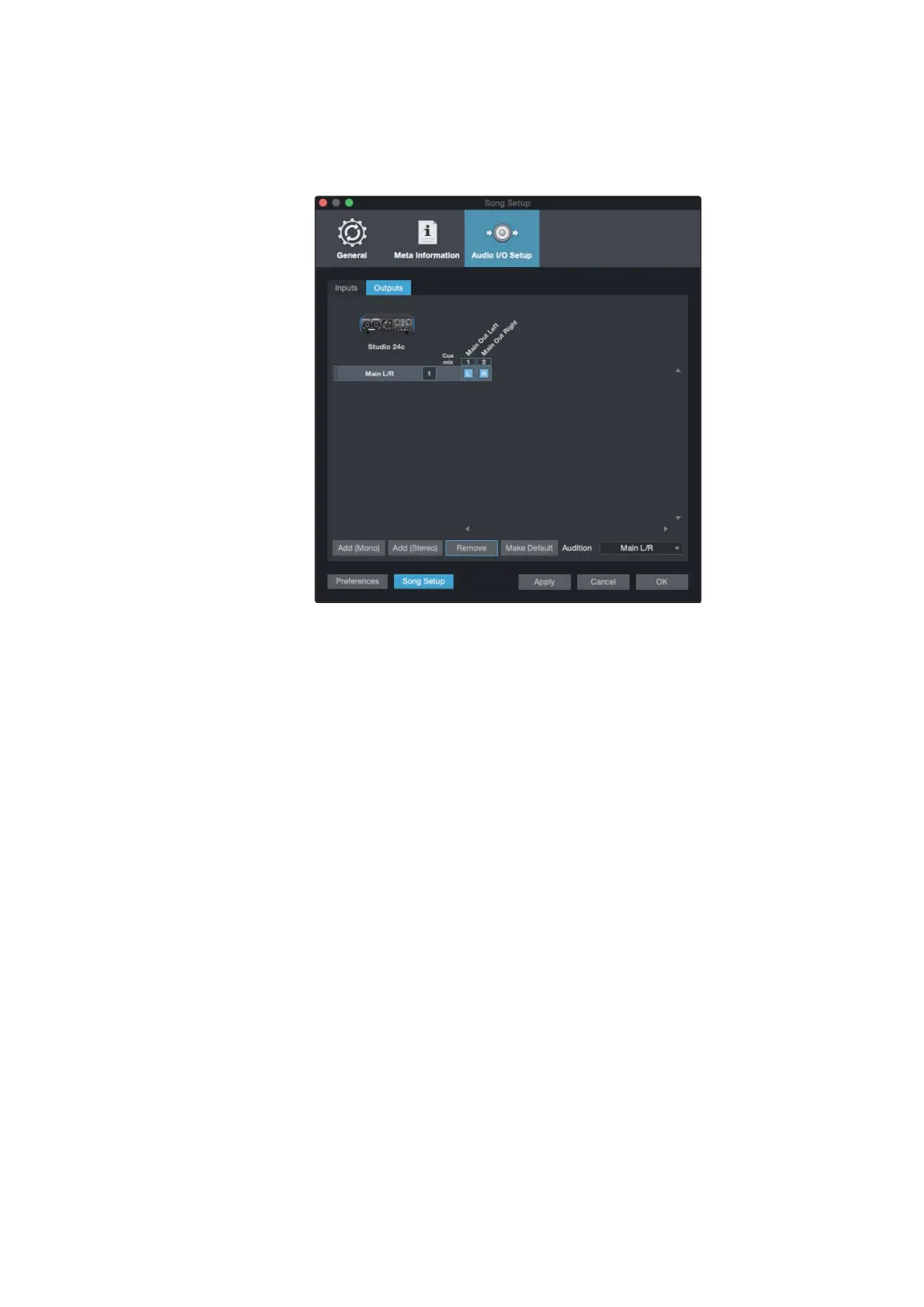
Click on the Outputs tabs to enable any or all of the outputs on your
Studio-seriesaudiointerface.Inthelowerrightcorner,youwillseethe
AuditionSelectmenu.Thisallowsyoutochoosetheoutputfromwhich
you will audition audio files prior to importing them intoStudio One
Artist. In general, you will want this to be the main output bus.
PowerUser Tip:
Ifyouwould likethis I/O configurationtobe the sameeverytime
you open Studio One, click the Make Default button.
1.点击Song | Song Setup来设置你的采样率和分辨率,并配置你的音频
I/O。
2.单击Audio I/O Setup选项卡。
3.从输入选项卡,你可以启用PreSonus Studio 24c上任何或所有你想要的
输入。我们建议您
为界面上的每个输入创建一个单声道输入。如果你打算用立体声录制,你
也应该创建一个立体声输入。
4.单击Outputs选项卡,在您的studio系列音频界面上启用任何或所有输
出。在右下角,你会看到“试镜选择”菜单。这允许您选择音频文件的输出,
然后将其导入Studio One Artist。通常,您希望这是主输出总线。
高级用户提示
:
如果您希望每次打开Studio One时I/O配置都相同,请单击
Make Default按钮。















 To Next Page