StudioOneArtistQuickStart
Creating a New Song
•
Audio. Use this track type to record and playback audio files.
•
Instrument.
Use this track to record and playback MIDI data to
controlexternalMIDI devicesor virtual instrument plug-ins.
•
Automation.
This track type lets you create automated
parameter controls for your session.
•
Folder.
This track helps you to manage your session as
well as to quickly edit multiple tracks at once.
PowerUser Tip:
If you would liketo add an audio trackfor each of the availableinputs,
go to Track| Add Tracksfor All Inputs.
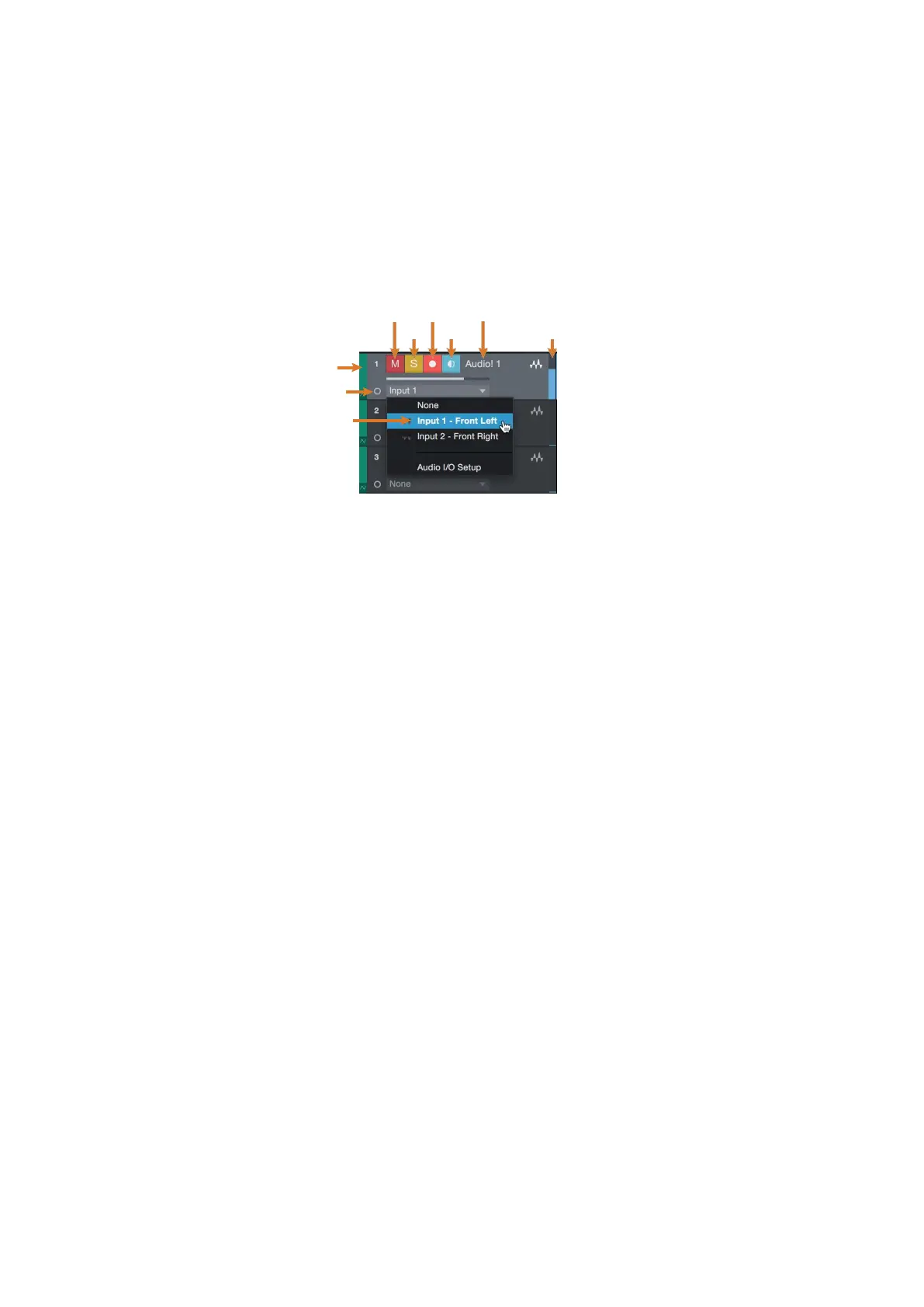
Custom
Track
Color
ST/Mono
Audio Input
Source Select
Note:
Instrument tracksare nearly identicalto audio tracks.The Input Sourcelist for
Instrument trackslists availableexternal MIDI devices as well asany virtual instruments
that have been added to the Song.
•音频。使用此音轨类型来录制和播放音频文件。
•乐器。使用此音轨记录和播放MIDI数据,以控制外部MIDI设备或虚拟仪器
插件。
•自动化。该音轨类型允许您为会话创建自动参数控制。
•文件夹。这个轨道帮助您管理您的会话,以及快速编辑多个轨道一次。
高级用户提示:如果您想为每个可用输入添加一个音轨,请转到track |为所
有输入添加音轨。
注意:乐器音轨几乎相同的音轨。仪器音轨的输入源列表列出了可用的外部
MIDI设备以及已添加到歌曲中的任何虚拟仪器。















 To Next Page