70
6 The Fat Channel
6.10 Input Controls
StudioLive™ Series III
Owner’s Manual
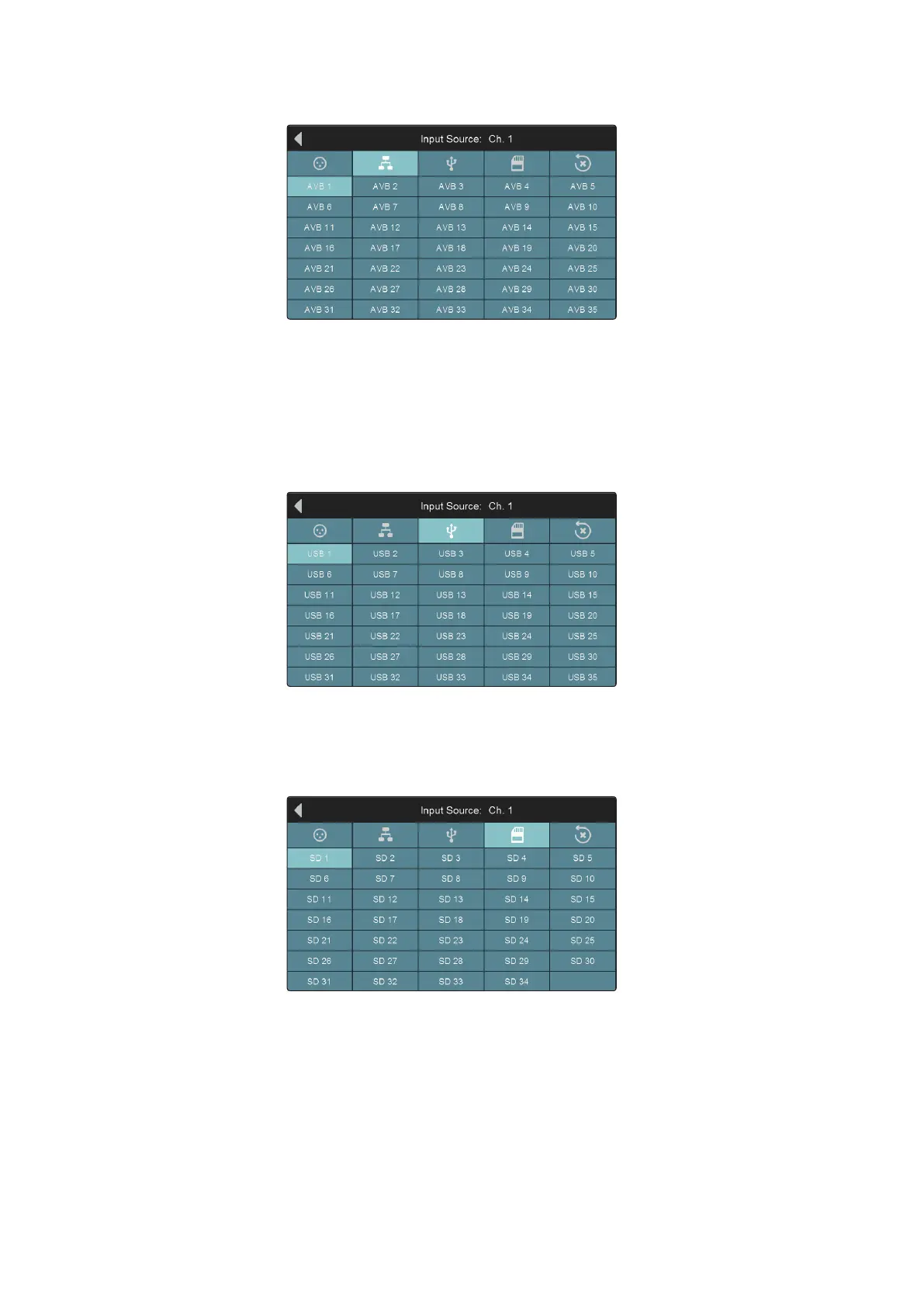
Network Input Source
Press the Network Input Source icon to select the Network Input that will be active
on the currently selected channel or bus when the source is set to Network in the Fat
channel. Tap on an AVB input to patch it to the current channel.
Power User Tip: It is important to understand that for output buses, this is the input to the
bus, not the output itself. In most instances, this will be sourced from the internal DSP. This
feature can be used to insert an external effect from the AVB network.
USB Input Source (Input Channels only)
Press the USB Input Source icon to select the USB playback stream that will be active
on the currently selected channel when the source is set to USB in the Fat channel.
Tap on a USB return to patch it to the current channel.
SD Input Source (Input Channels only)
Press the SD Input Source icon to select the SD Track that will be active on the
currently selected channel or bus when the source is set to SD in the Fat channel. Tap
on any SD playback stream to patch it to the current channel.









 To Next Page