71
6 The Fat Channel
6.10 Input Controls
StudioLive™ Series III
Owner’s Manual
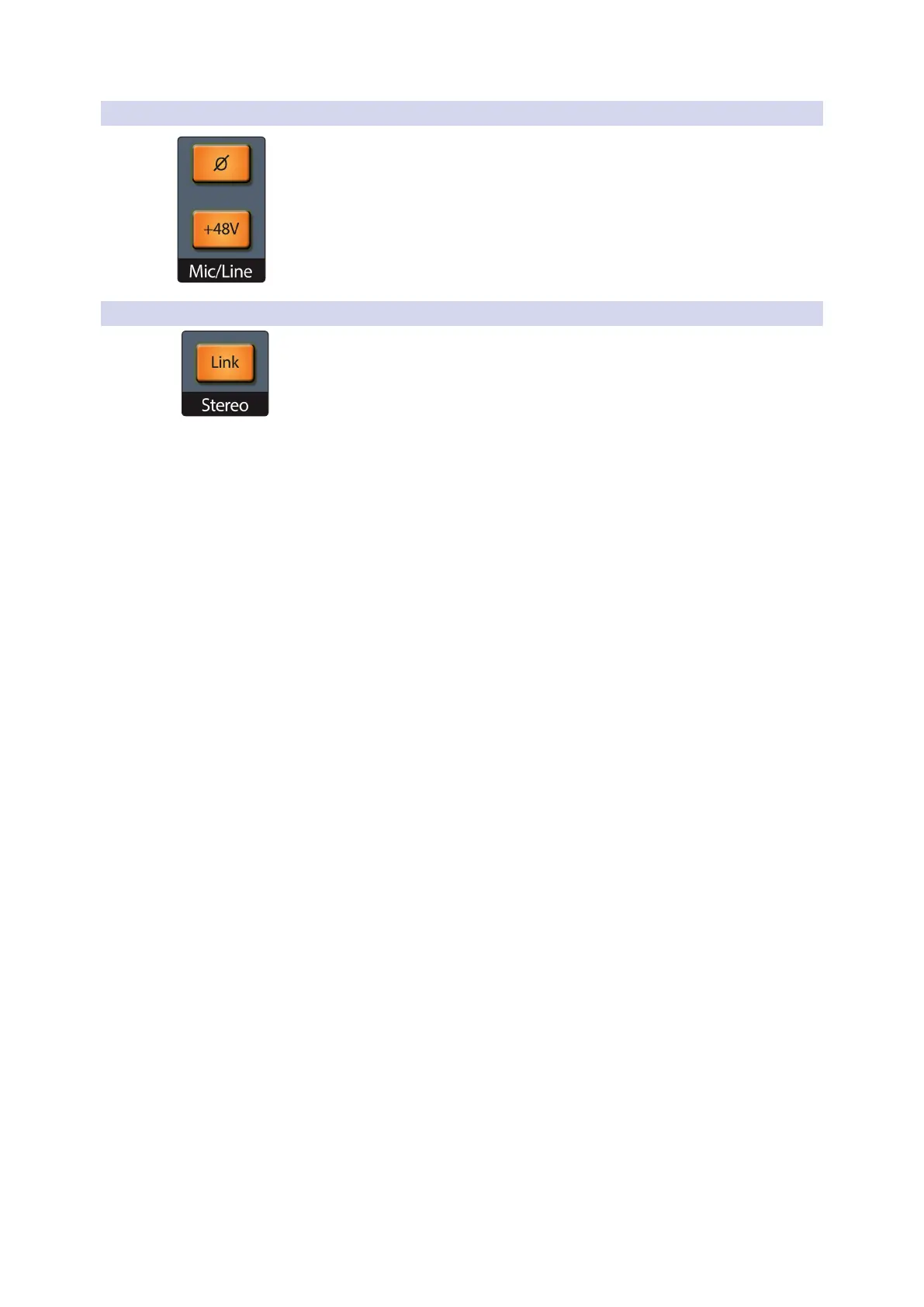
6.10.4 Polarity and Phantom Power
When an analog input channel is selected, these buttons let you toggle channel
polarity flipping (Ø) and phantom power (+48V) on or off.
Power User Tip: When recording with more than one open microphone, use the polarity
invert to combat phase cancellation between microphones.
6.10.5 Stereo Link
When a channel or mix is selected, pressing this button links some of the parameters
of a channel or mix with those of its even or odd counterpart (channel 1 links only
with 2, 7 links with 8, and so on). When this button is lit, the selected channel is linked
to its paired channel.
The following parameters are always kept in parity between linked channels or buses:
• Input assignment
• Channel type
• Bus mode (aux/subgroup)
• Compressor/EQ type
• Gate parameters & keying (signal from either channel or mix can trigger both
related gates)
• EQ parameters
• Graphic EQ settings
• Mute and Solo states
• Bus assignments
• Phantom power and polarity status
• Fat Channel EQ/Dyn A/B status
• Aux and FX send levels
• Pan position
• Filter DCA group assignment
• Talkback and monitor routing settings
• Pre/post fader settings
• Bus output delay
Some parameters have configurable linking behavior that allow them to work in
tandem (stereo linked) or be independently set. This is configured in the Channel
Settings screen in the Master Control section:
• Preamp trim
• Pan settings
• Channel or mix fader levels
• Compressor and limiter keying
• Channel/bus names
For more information on selecting linking options, see Section 6.8.2.









 To Next Page