Need help?
Do you have a question about the Prestige APS48Z and is the answer not in the manual?
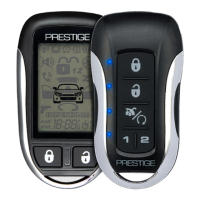
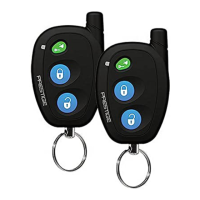
To arm the system, exit the vehicle, close all doors, then press the button. The parking lights will flash one (1) time.
To disarm the system press the button. The parking lights will flash three (3) times.
To Arm or Disarm the system silently, press then or buttons. The parking lights will flash.
Press and hold the button for 2 seconds to activate the personal protection alarm.
Press the button to locate your vehicle. The system will flash the parking lights and beep ten (10) times.
Pressing and holding the button for 3 seconds will open the vehicle's trunk or hatch.
Pressing the and buttons simultaneously will activate an optional feature.
To arm the system and shock sensor press the button. The system will beep and the lights will flash one (1) time.
To enter or exit valet mode press the then press the button within two (2) seconds.
Your system can be disarmed without the use of the remote control.
This system has two (2) options for Anti-Hijack operation, Mode 1 (default) or Mode 2.
Provides information on LED flash, siren/horn chirp, and parking light flash indications.
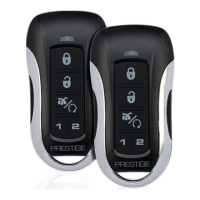
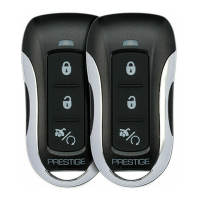
Instructions on how to replace the CR2032 battery inside the 4 Button Remote Control.
Details the warranty terms for Prestige Series Control Modules, Sirens, Sensors, and Relays.
States compliance with FCC Part 15 and Industry Canada RSS-210 rules.
 General
| Brand | Prestige |
|---|---|
| Model | APS48Z |
| Category | Remote Starter |
| Language | English |


 To Next Page