EN - 11
Music Playback
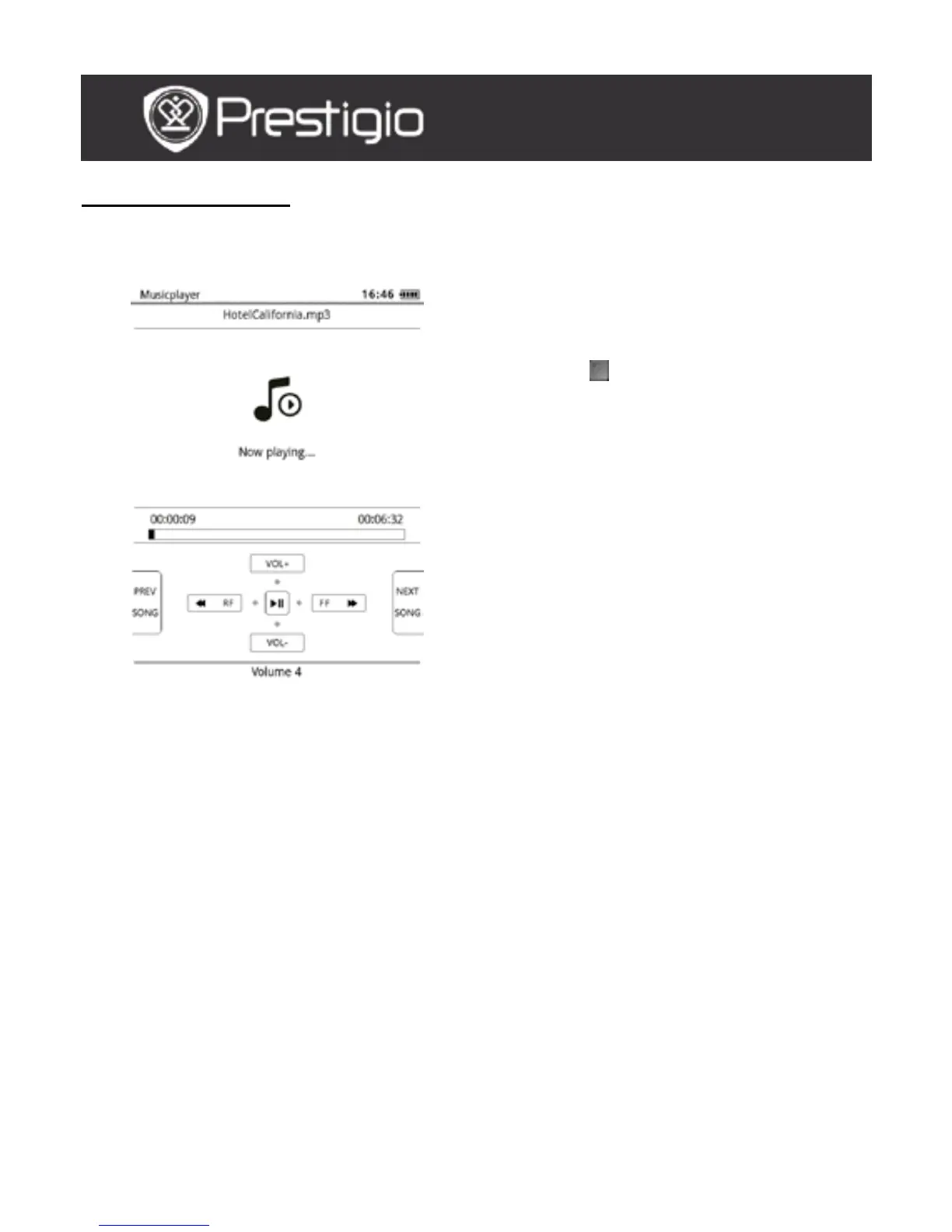
Press the function button to play the desired track. On the playback
screen the following operations can be performed.
1. Press the Navigation Button
upward / downward to adjust
the volume level.
2. Press to play/pause the
track. Press the PREV/NEXT
Page Buttons to skip to
previous/next track.
3. Press and hold the Navigation
Button leftward/rightward to
rewind/go forward.
4. Press the Back Button to exit
the playback screen. Select
Quit the application to quit
the music mode and highlight
OK to confirm.
Background Music Mode
During music playback, press the Back Button to enter the
Background Music Mode, in which you can use the device with playing
music. Select Play background and hightlight OK to confirm the
option.
To exit the mode, press the function button to enter the music playback
screen, and then press the Back Button to select Quit the application.
Hightlight OK and press the Navigation Button to confirm.
USER MANUAL
Prestigio Libretto
PER5162BEN



 To Next Page