EN – 22
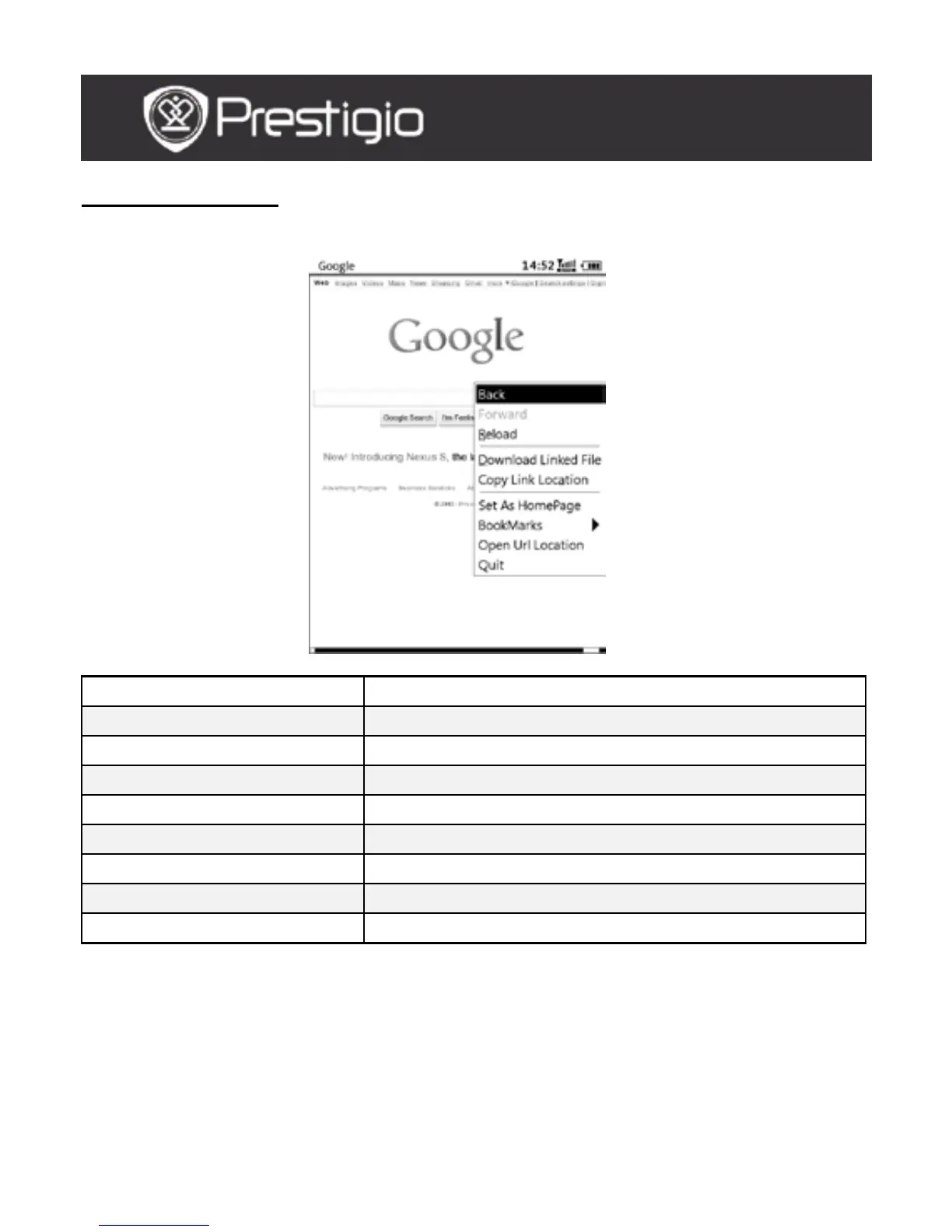
Browser Menu
Press the Menu Button to browse a web page detailed as follows:
Return to the previous webpage.
Forward Skip to the next webpage.
Reload Reload the current webpage.
Download Download the current linked file.
Copy the current link address.
Set Homepage Set the current page as the homepage.
Open URL Enter a new URL for browsing.
Quit Exit the menu.
NOTE:
Please create a new folder named downloads in root directory of the
memory card. The linked files are downloaded in downloads folder
by default.
When browsing a web page, press the BACK Button to return to
home page.
USER MANUAL
Prestigio Libretto
PER5162BEN



 To Next Page