WI-FI
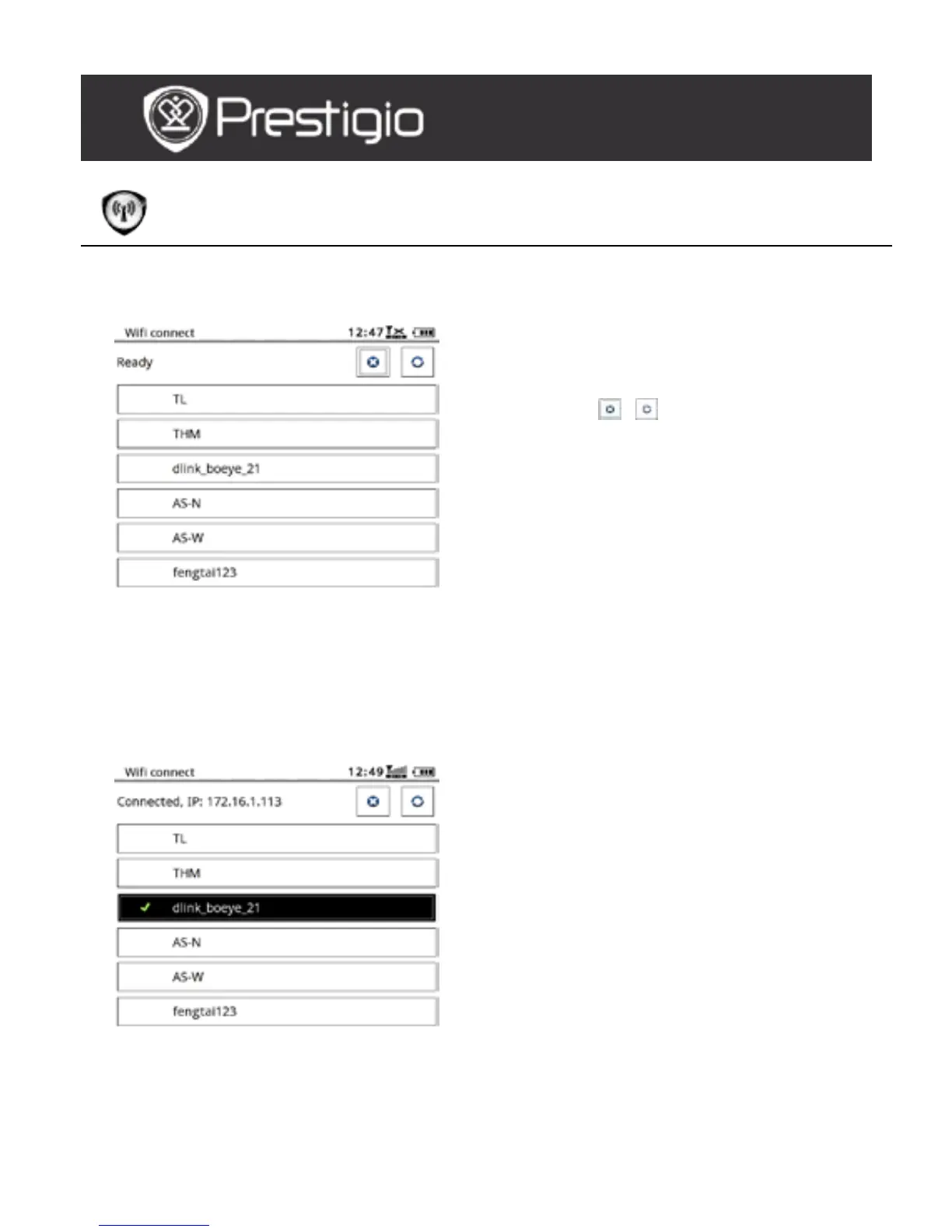
At the WI-FI interface, follow the steps below to enable the function.
Select / and press the
Navigation Button to
disable/refresh the Wi-Fi
function.
The device will search for the
available Wi-Fi automatically.
The available Wi-Fi connection
will be displayed in the list.
Select a wireless network with
the Navigation Button and
press it to connect to Wi-Fi.
Enter the password if the
network is encrypted.
Connection will be established
automatically.
The IP address is displayed
after the successful
connection.
USER MANUAL
Prestigio Libretto
PER5162BEN



 To Next Page