Dictionary
StarDict-compatible programs are available for the device. It supports
dictionary format in StarDict.
Installing Dictionaries
Create a new folder named dict in root directory of the memory card.
Download the desired dictionary files in dict folder and restart the device.
The dictionary will be installed automatically.
NOTE:
There’s no dictionary pre-installed on the device.
Consult the Dictionary
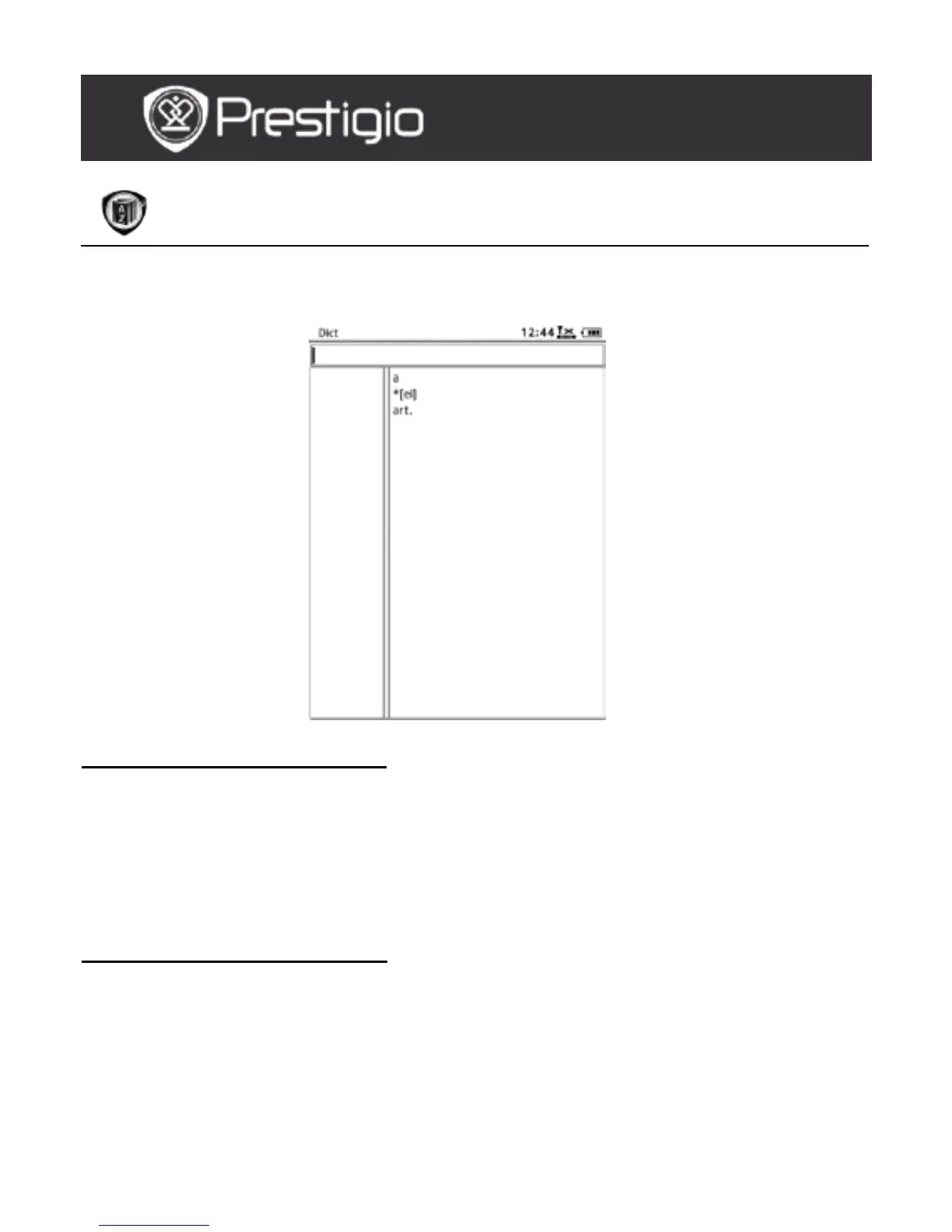
Input the keyword in the text box. Press the Navigation Button
upward/downward to select the desired word in the list. Press the
Navigation Button rightward/leftward to move the cursor.
Press the MENU Button to select the desired dictionaries. Press the
Navigation Button to confirm the option and press the BACK Button
to exit.
USER MANUAL
Prestigio Libretto
PER5162BEN



 To Next Page